The phrases 'Press F11' and 'Step into' are used interchangeably. They are both used to express making the debugger move to the next line of code in the sequence.
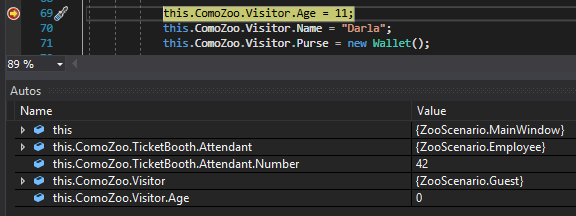
F11 and F10 both execute single lines of code in the same way. For instance, if I set a breakpoint on the line of code that assigns the Visitor's Age...
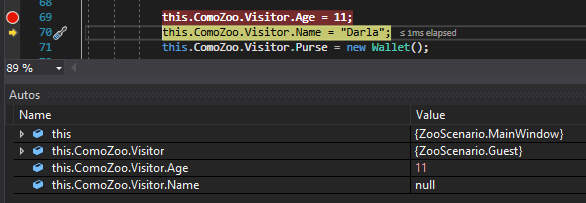
...run the application and press F11, that line will execute and move to the next line. If I pressed F10 instead of F11 it would do the same thing.
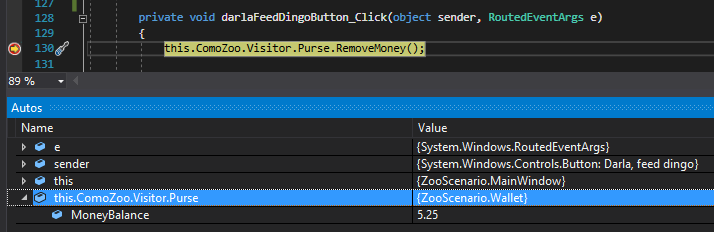
Pressing F11, however, makes the debugger move into the next line of code in the sequence, which means it will step into any methods, constructors, properties, etc. that are called. For instance, if I set a breakpoint on the line of code that calls RemoveMoney...
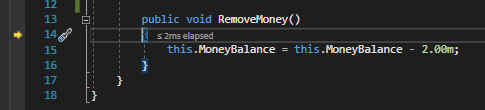
...and press F11, the debugger will step into the RemoveMoney method's opening curly brace. From there I can continue to press F11 to step through the code.