A Button Is a WPF User-Interface Control
A WPF Button gives the user a visible action they can activate.
A simple XAML button can look like:
- New
- Changed
- Removed
A WPF Button gives the user a visible action they can activate.
A simple XAML button can look like:
For:
Content="Show Roster"
the button communicates its action to the user.
Use concise, meaningful wording.
The label should help the user predict what activating the button will do.
For:
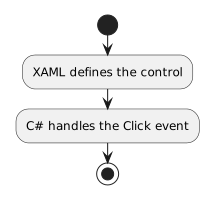
Click="ShowRoster_Click"
WPF uses the named event handler when the user activates the button.
The handler lives in the code-behind for the supplied window or control.
When the course provides a WPF project:
A WPF Button is represented by an object at runtime.
You do not need to study the Button class hierarchy yet.
The useful idea is that user-interface controls are software objects with members and events.
At this stage, use buttons to connect a user action to a small C# event handler.
Complex interface architecture and advanced event behavior belong later.