XAML Can Connect a Button to a Handler
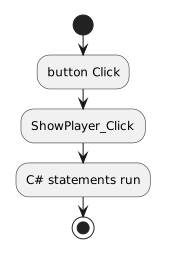
A simplified example is:
- New
- Changed
- Removed
A WPF application can contain a Button.
When the user activates the button, WPF raises a Click event.
The application can connect that event to an event-handler method.
At this stage, treat the event handler as:
Detailed method design begins in the next module.
A simplified example is:
An introductory handler should perform the focused action required by the current application.
Avoid adding complex logic or redesigning the project.
Later method instruction will help you move behavior into focused methods when appropriate.
Some C# runs because the application starts.
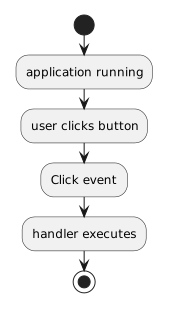
An event handler waits until an event occurs.
Conceptually:
That is the basic WPF interaction you need at this point.