A Swimlane Groups Actions by Responsibility
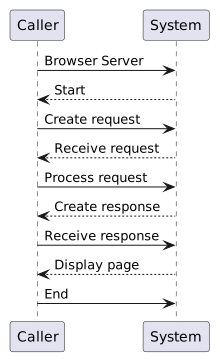
Imagine two vertical lanes:
- New
- Changed
- Removed
The arrows can cross lane boundaries.
That crossing is useful because it shows information or control moving from one responsible participant to another.
A normal UML activity diagram can show:
A web interaction introduces another useful question:
For example:
A UML activity diagram can make those responsibilities visible using activity partitions, often called swimlanes.
Imagine two vertical lanes:
The arrows can cross lane boundaries.
That crossing is useful because it shows information or control moving from one responsible participant to another.
The diagram still represents one overall activity.
The partitions organize responsibility within that activity.
The Browser and Server lanes are not two unrelated diagrams.
They are two participants in one process.
Suppose the action is:
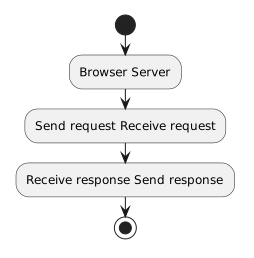
Those crossings are some of the most informative parts of the model.
They show where responsibility moves between systems.
An action might be:
Send requestThe request itself is the information being communicated.
Likewise:
Send responseis an action.
The response is the information being sent.
At this introductory level, the activity diagram focuses primarily on actions and flow rather than trying to model every protocol field inside the message.
A swimlane diagram adds information.
It also adds visual structure.
If every action belongs to the same participant, partitions may not help.
They are especially useful for web interactions because client and server responsibilities are central to the concept.
Imagine a browser visiting a soccer club page.
The Browser lane might contain:
The Server lane might contain:
The same process without lanes can show order.
The lanes add:
When reading a partitioned activity diagram:
Do not read one complete lane top-to-bottom and then move to the next.
Follow the arrows through the process.
A partition can represent a:
In this module, the most useful partitions are:
Later diagrams may use partitions when other responsibility boundaries matter.
An activity diagram already answers:
Partitions add:
That makes them a strong fit for modeling a web request and response.