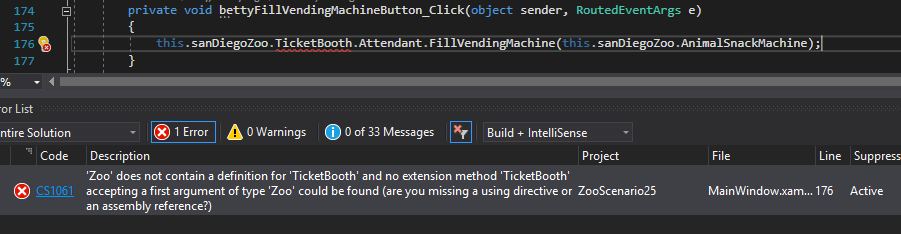
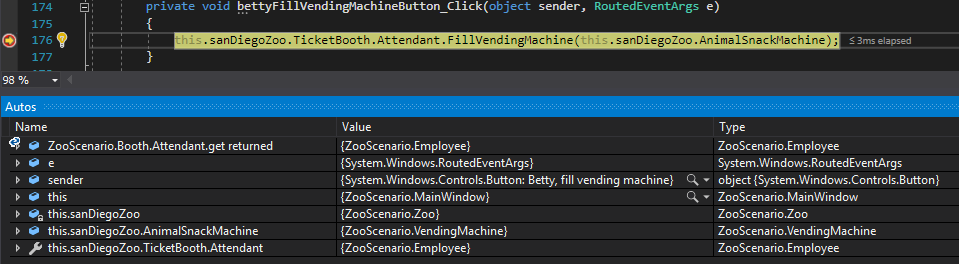
Currently the TicketBooth and Attendant are being called directly from outside of their classes, which violates encapsulation.
Under Construction
This page is currently being built. Please check back soon.
This page is currently being built. Please check back soon.
Work through the user stories in order. Each story states the goal and acceptance criteria; its nested tasks retain the detailed implementation and verification steps.
Check the result against this instruction: Copy your 2.5 ending code, renaming both the folder and the Visual Studio solution file
Check the result against this instruction: Build your solution and ensure it compiles without errors or warnings.
Currently the TicketBooth and Attendant are being called directly from outside of their classes, which violates encapsulation.
You will make public fields that are used during the Fill Vending Machine sequence private.
This focused design shows the members or flow relevant to this feature. Keep unchanged members from your preceding checkpoint; follow the tasks below for the order of intermediate edits.
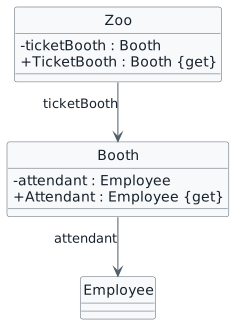
public Booth TicketBooth
{
    get
    {
        return this.ticketBooth;
    }
}public Employee Attendant
{
get
{
return this.attendant;
}
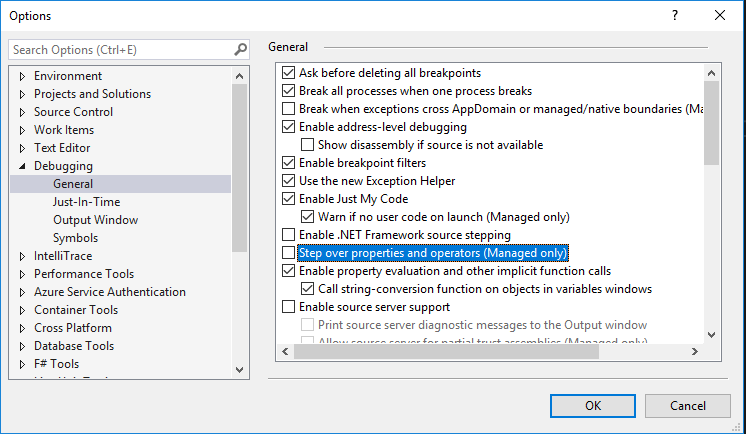
}
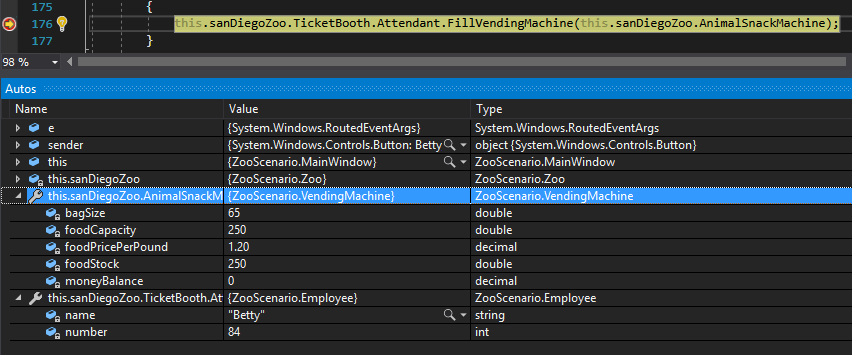
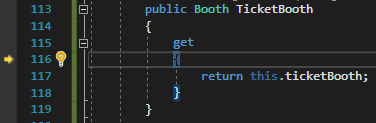
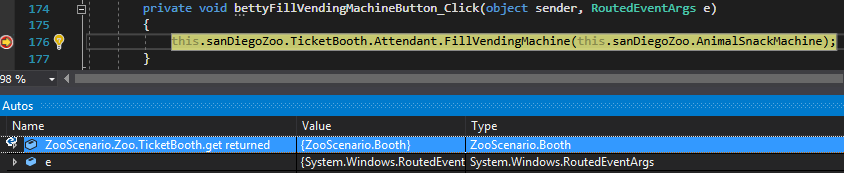
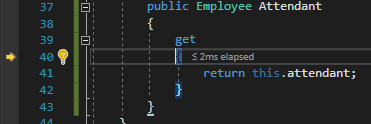
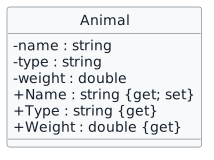
The Animal class has fields that are still public that can be altered from outside the class.
You will change the visibility of fields and add properties in the Animal class.
This focused design shows the members or flow relevant to this feature. Keep unchanged members from your preceding checkpoint; follow the tasks below for the order of intermediate edits.
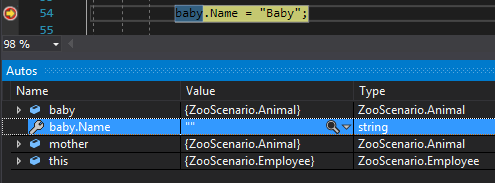
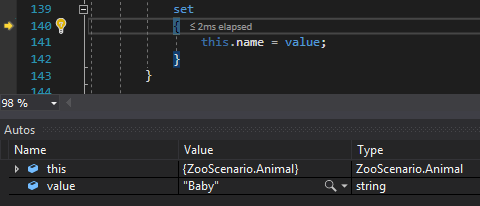
public string Name
{
    get
    {
        return this.name;
    }
    set
    {
        this.name = value;
    }
}
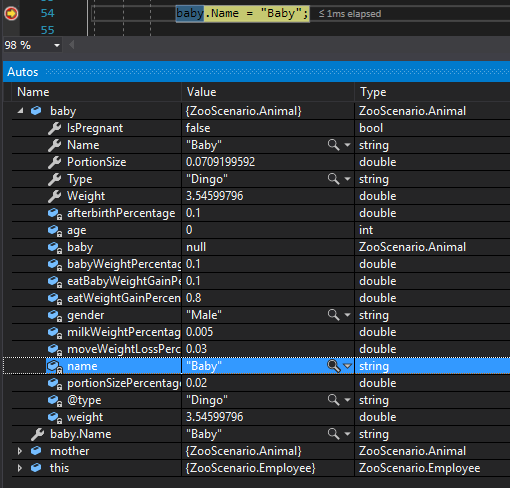
Currently we are using methods to retrieve data on the animals in the zoo. While this is acceptable, using properties for this is less cumbersome.
You will refactor the methods that get zoo information into properties.
This focused design shows the members or flow relevant to this feature. Keep unchanged members from your preceding checkpoint; follow the tasks below for the order of intermediate edits.

public int AnimalCount
{
    get
    {
        return this.animals.Count;
    }
}You will need to change the call to CalculateTotalAnimalWeight in the AverageAnimalWeight property to target the TotalAnimalWeight property
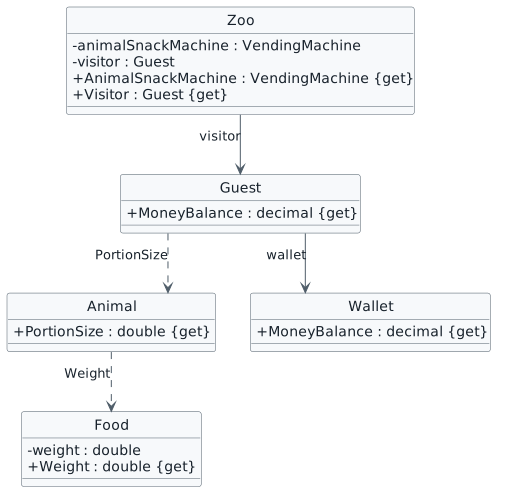
The sequence for feeding animals is still accessing public fields that should be private.
You will make remaining public fields private for the feeding animals.
This focused design shows the members or flow relevant to this feature. Keep unchanged members from your preceding checkpoint; follow the tasks below for the order of intermediate edits.
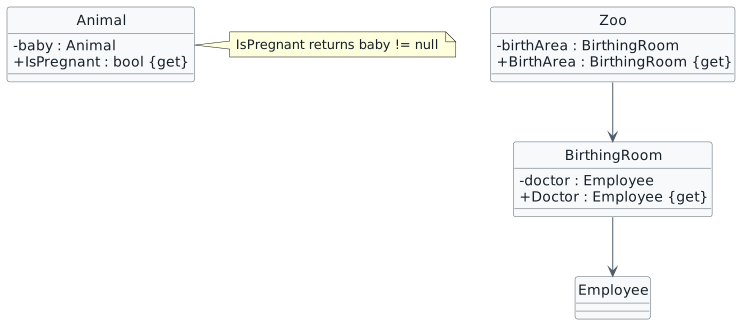
The sequence for birthing animals is still accessing public fields that should be private.
You will make remaining public fields private for the birthing animals.
This focused design shows the members or flow relevant to this feature. Keep unchanged members from your preceding checkpoint; follow the tasks below for the order of intermediate edits.
Check the result against this instruction: Make changes to the class structure using this story’s design reference.
Check the result against this instruction: In the Animal class, use a property to determine the pregnancy status of the animal rather than a method.
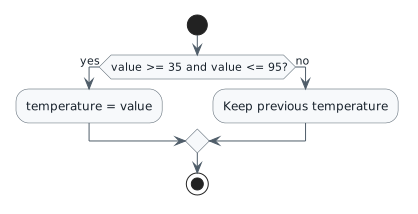
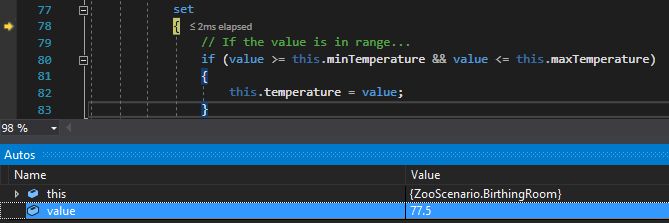
Currently if the Zoo keeps birthing animals over and over the temperature of the room could get out of control.
You will define a property with logic inside of it to control the temperature range.
This focused design shows the members or flow relevant to this feature. Keep unchanged members from your preceding checkpoint; follow the tasks below for the order of intermediate edits.
| Value assigned | Expected result |
|---|---|
| 35.0 | Accept lower boundary |
| 95.0 | Accept upper boundary |
| 34.9 | Keep previous temperature |
| 95.1 | Keep previous temperature |
if (value >= this.minTemperature && value <= this.maxTemperature)
{
    this.temperature = value;
}
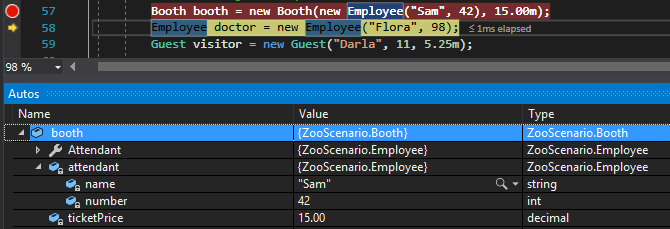
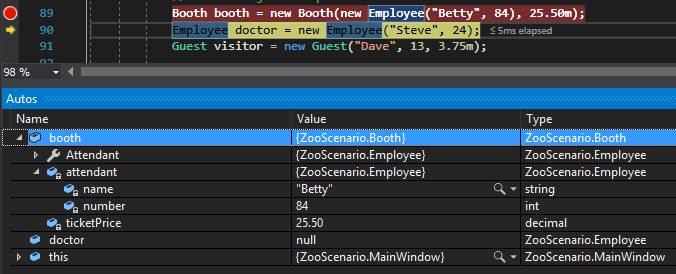
Currently there are several places in the MainWindow where code can be shortened for readability.
You will refactor parts of the code so that lines are combined.
This focused design shows the members or flow relevant to this feature. Keep unchanged members from your preceding checkpoint; follow the tasks below for the order of intermediate edits.
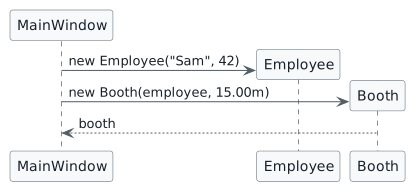
Booth booth = new Booth(new Employee("Sam", 42), 15.00m);Check the result against this instruction: In the newComoZooButton_Click, in the instantiation of the Booth, replace the attendant variable with an instance of the Employee class using the values on the line above.
Check the result against this instruction: Delete the line of code that assigns the attendant variable.
Check the result against this instruction: In the newSanDiegoZooButton_Click, in the instantiation of the Booth, replace the attendant variable with an instance of the Employee class using the values on the line above.
Check the result against this instruction: Delete the line of code that assigns the attendant variable.
this.comoZoo.Visitor.FeedAnimal(this.comoZoo.FindAnimal("Dingo"), this.comoZoo.AnimalSnackMachine);Check the result against this instruction: In the darlaFeedDingoButton_Click, in the call to FeedAnimal, replace the animal variable with t call to FindAnimal
Check the result against this instruction: In the daveFeedPlatypusButton_Click, in the call to FeedAnimal, replace the animal variable with the call to FindAnimal
Currently there is an if/else statement that determines how an animal eats and those can get very difficult to maintain/read.
You will refactor the if/else statement into a switch statement.
This focused design shows the members or flow relevant to this feature. Keep unchanged members from your preceding checkpoint; follow the tasks below for the order of intermediate edits.
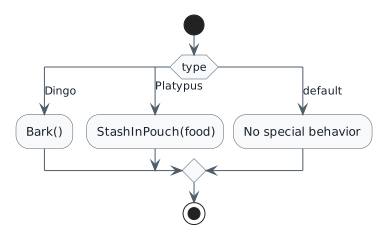
switch (this.type)
{
    case "Dingo":
        this.Bark();
        break;
    case "Platypus":
        this.StashInPouch(food);
        break;
    default:
        // All other animals do nothing special.
        break;
}Check the result against this instruction: In the Eat method in the Animal class, replace the entire if/else statement with the switch statement code below.
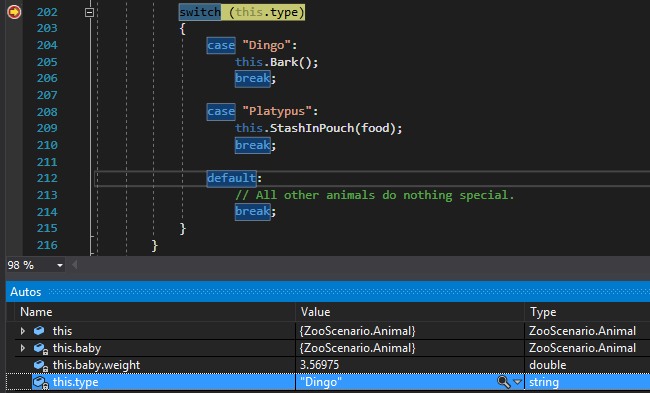
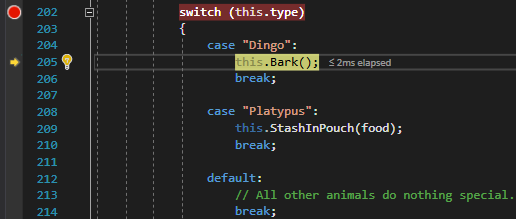
Check the result against this instruction: Now that everything is private, the suppression message that kept warnings from occurring due to violating encapsulation is no longer necessary.
Check the result against this instruction: Ensure that all code is StyleCop compliant.
Check the result against this instruction: Zip the solution and submit to the Feedback System.
Check the result against this instruction: Submit the Feedback System url to the correct assignment in Canvas.
Return to each user story and confirm that you can demonstrate its acceptance criteria. Use the task checkboxes to track completion; a checked box is not a substitute for testing or inspecting the required evidence.
Read the booth and attendant through properties Expose controlled animal information Read calculated zoo statistics Feed animals through encapsulated values Read pregnancy and delivery dependencies through properties Keep birthing-room temperature within bounds Simplify window construction and feeding calls Choose special eating behavior with a switchRemove temporary lines used only to demonstrate compile-time errors. Build without errors or warnings, check StyleCop compliance, and rerun the required scenario paths.
Use the submission or attendance instructions in this page. For a Feedback System submission, upload the requested ZIP, review and resolve the feedback, and submit the resulting URL to the matching Canvas activity. For a Canvas quiz, enter only the requested answers; for an oral final, complete the scheduling and attendance steps.