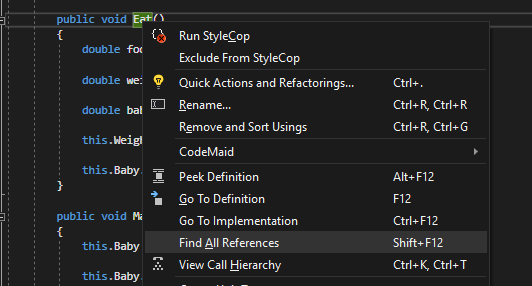
To find all references, right click on the 'thing' you want to know about and select 'Find All References' or press SHFT+F12.
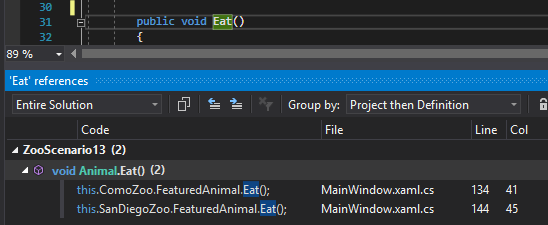
A References window will now show all instances in the code where the method is used/called. If you click on any of the references it will bring you to that particular place in the code.
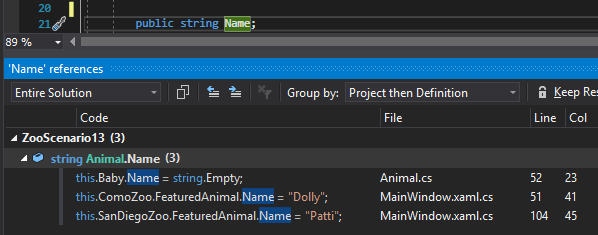
For fields it works the same way, if we 'find all references' on the Name field, it will show me all instances in the code where that field is assigned a value.