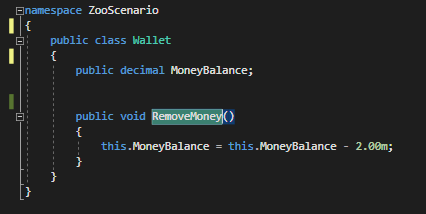
To use F12 properly you need to first click on the 'thing' that you would like to find....

...and then press F12. This is where that particular 'thing' is defined. In this case, the RemoveMoney method is defined in the Wallet class.
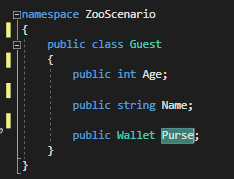
In another example, say I wanted to find the definition for the Purse field, I would put the cursor on the Purse...

...and press F12 which will bring me to the Guest class where it is defined.