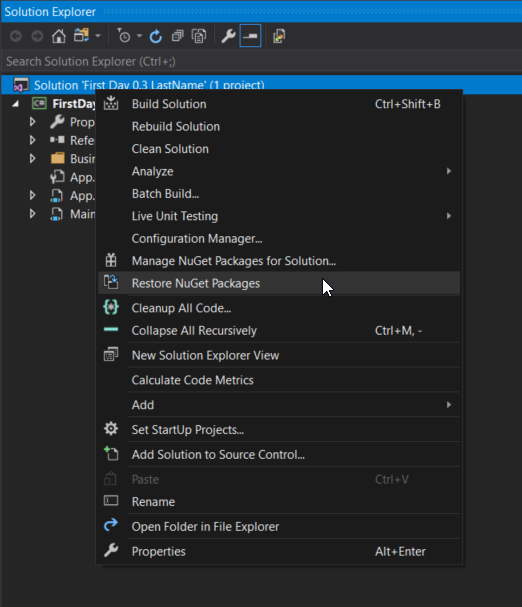
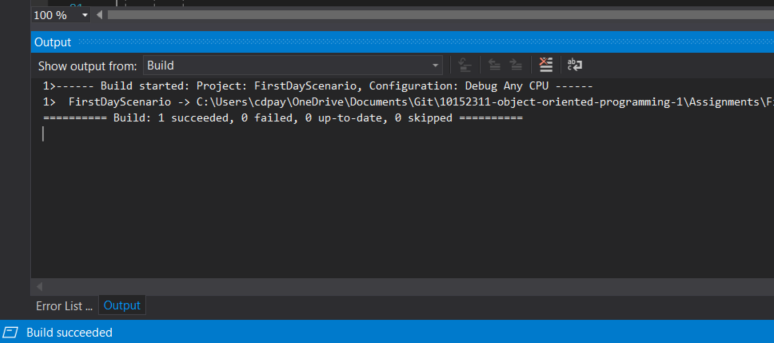
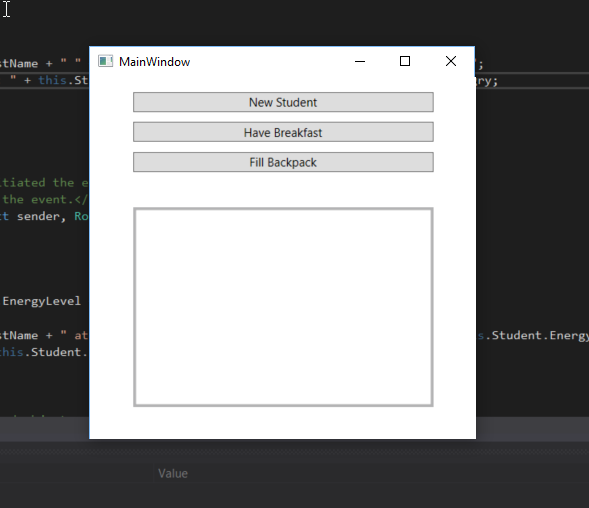
Your Output window should look like the image below.
Build Output
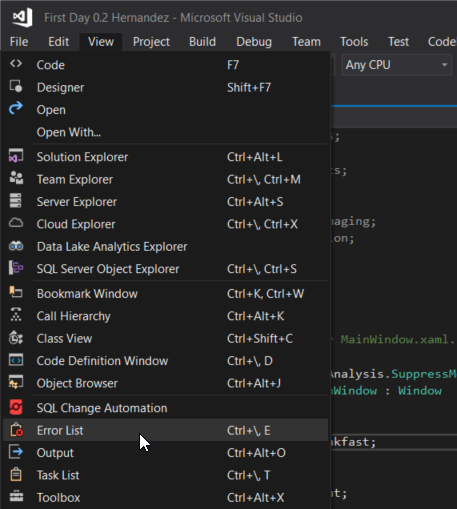
Snip - Show Error List
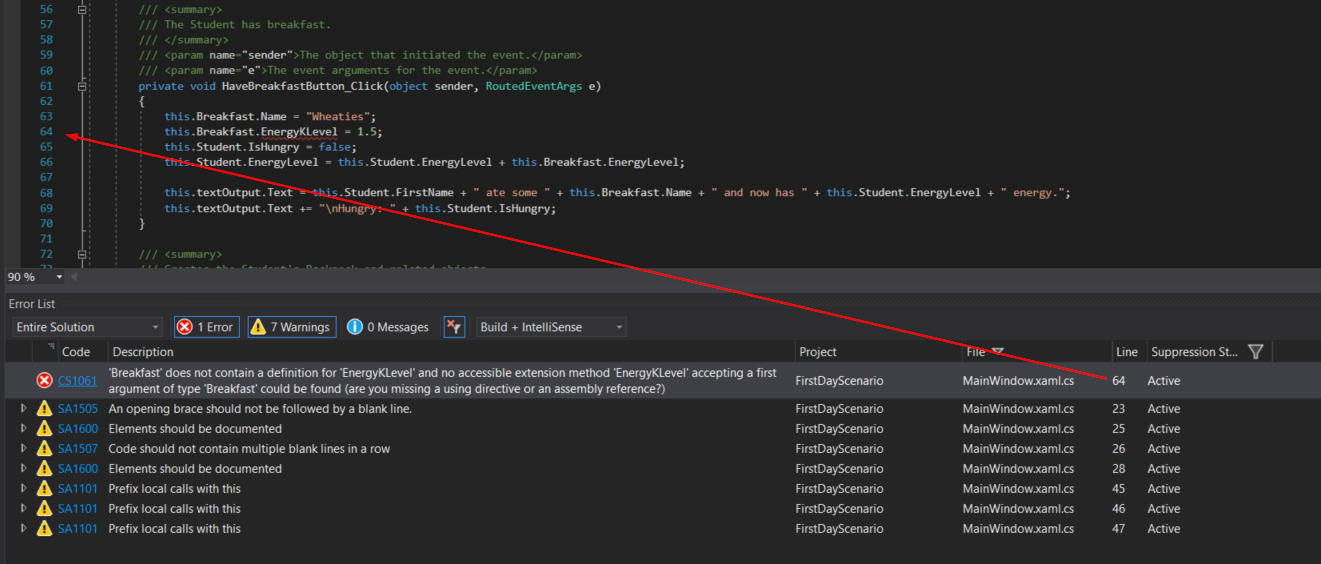
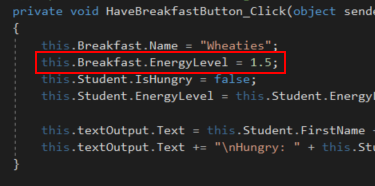
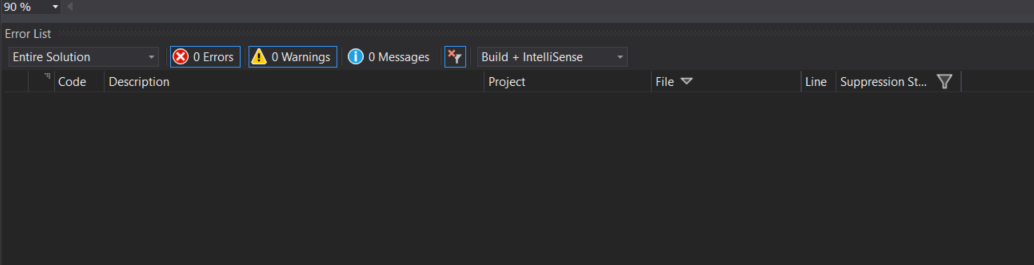
This will bring up a window that shows you issues with the code. These issues are known as compiler errors. Visual Studio has a built in compiler that checks for errors as you write code.
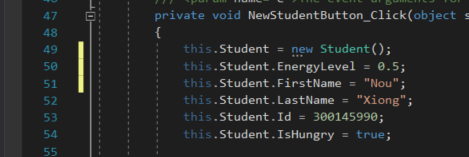
Snip - Error Line
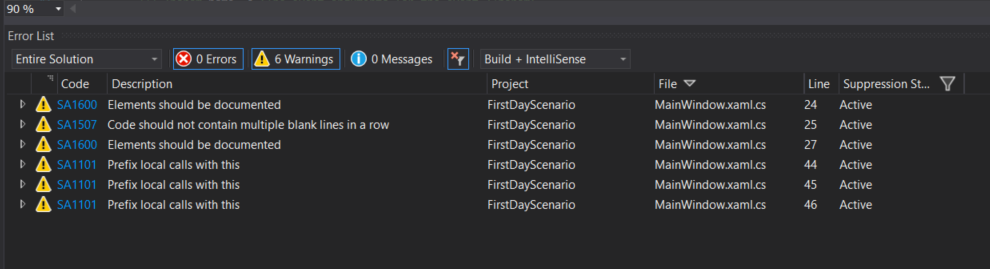
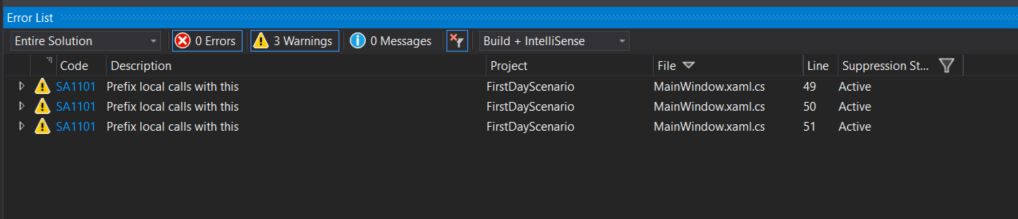
There are several other 'Warnings' listed. These are StyleCop issues that we will handle in the next step. For now, don't worry about them.
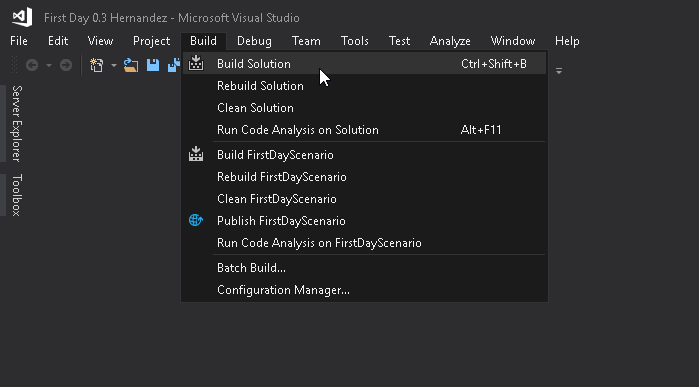
Snip - Build
Because we have an error in our code the application will not build properly, meaning that Visual Studio recognizes that something isn't right and the application is not usable. It will show that the build has failed in the status bar on the bottom.
Build Failed
Every time we start the application, the application saves and then builds first.
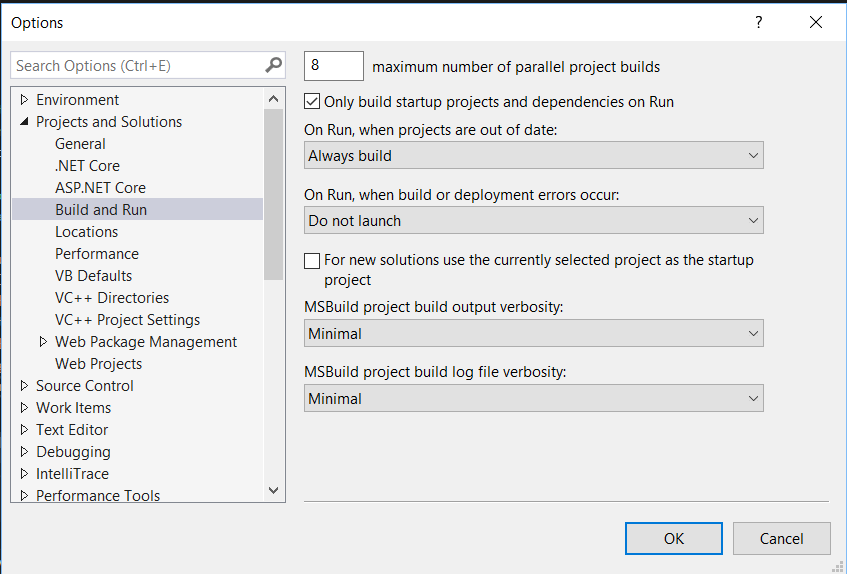
If you get a prompt instead, select 'No' and make sure your Build Settings are correct. If you don't get a prompt but the application still runs it means your settings are incorrect and you will need to fix them.
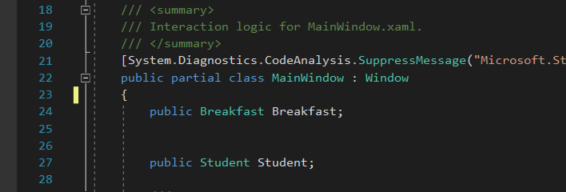
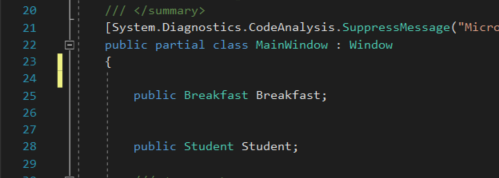
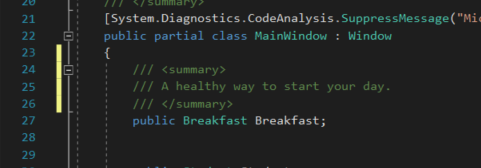
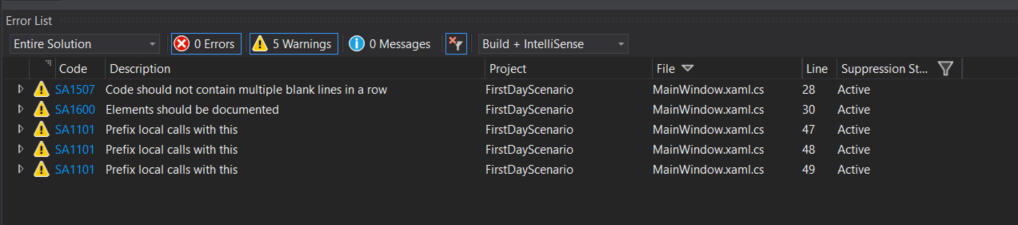
StyleCop Warnings are generated when code does not meet proper documentation standards. These warnings appear in the Error List window and are also shown with green lines by the issue.
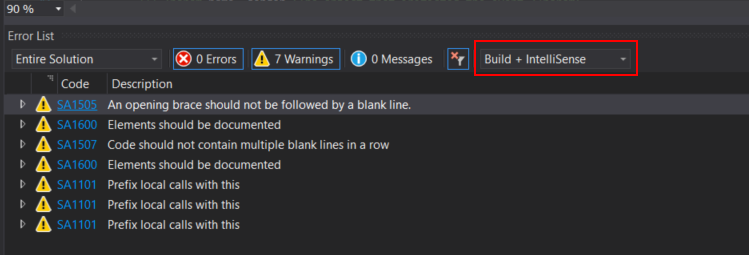
Select Build + IntelliSense
If your Error Window includes warning(s) CS8034 "Unable to load Analyzer Assembly..." Please see the instructions in the "Fix Style Cop Guide" link below.
Snip - Fix Line
Snip - StyleCop Warnings
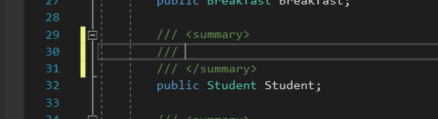
Snip - Blank Line
/// <summary>
/// A healthy way to start your day.
/// </summary>