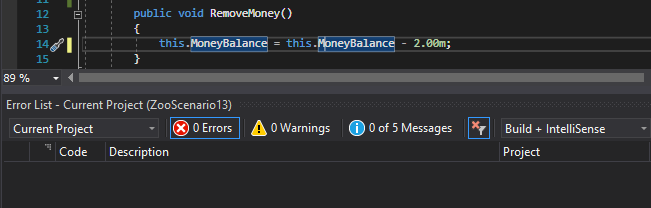
To enable the Error List, click View --> Error List
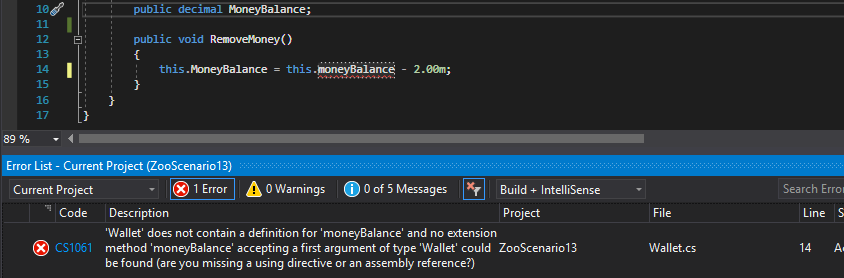
The Error List will give a description of the issue, the file it's located in and the line number. You can also toggle Errors and Warnings off by clicking on their names in the Window. The Errors only relate to issues that would prevent the application from building and Warnings only relate to style issues or noteworthy issues that won't break the code. The Messages option can be ignored in this course.
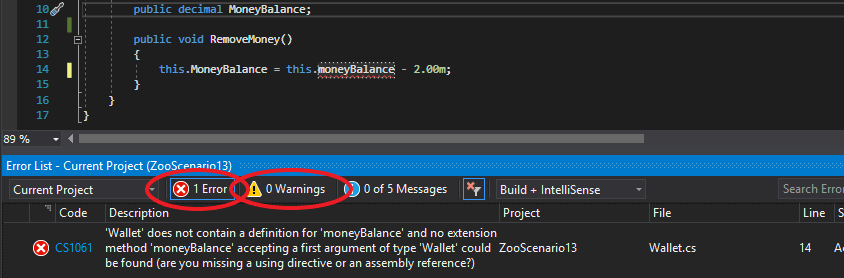
How you resolve errors is up to you, but the Error List will help with navigate to particular errors. To navigate to an error, simply double click the error and it will bring you to the particular error.
When you fix an error, the message will automatically be removed, but always build your solution again to ensure all errors are taken care of.