When you "build" an application you are turning the human-written code into machine code that computers can understand. This build process creates an executable file that can be used independent of the application in Visual Studio.
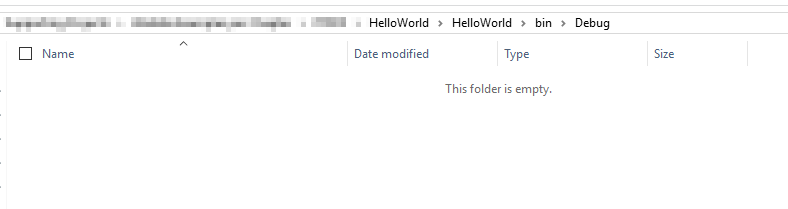
For this example we've created a simple Console application (you will learn about these types of applications later) and we haven't built it. In the project's bin --> Debug folder nothing exists yet.
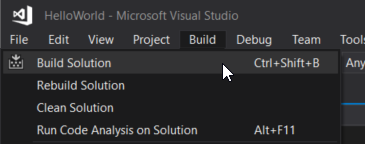
So back in Visual Studio we will select Build --> Build Solution.
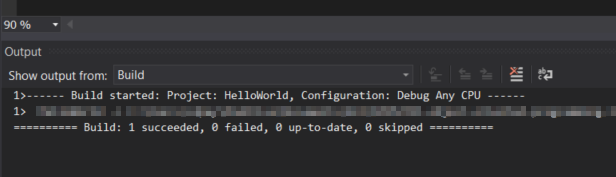
When the build is done it will show in the Output window. You can show the Output window by going to Debug --> Windows --> Output.
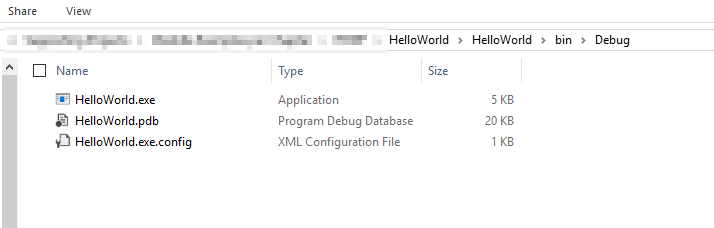
Now in the Debug folder there are what are called "build artifacts". Here there an exe that you can run without ever opening Visual Studio.
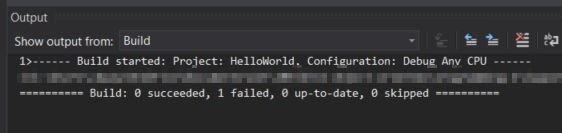
When there is an error somewhere in our code and we try to build the output window will show that the build failed.
A couple notes on building: