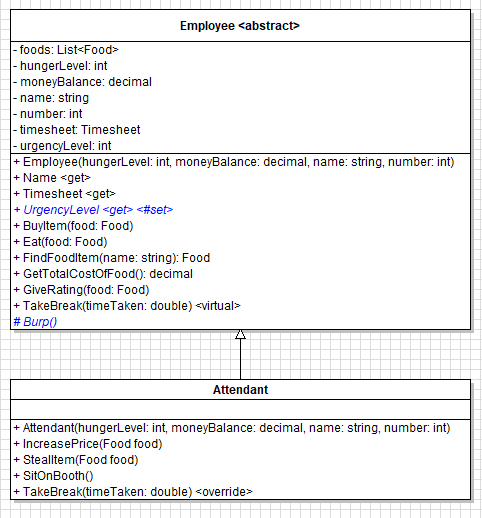
Adding the protected visibility to a class member means that the member is only accessible to the class it is in and and any derived classes. It is "public" to anything that inherits it and "private" to anything that doesn't.
Let's take a look at the UrgencyLevel property in the Employee class.
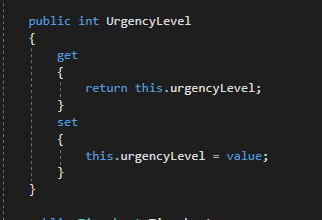
This property can both "get" the value of the private urgencyLevel field and can "set" the value of the urgencyLevel field. This also means that anything that has an Employee type object has access to this property and its getter and setter. So from the MainWindow we can do this (get the value):
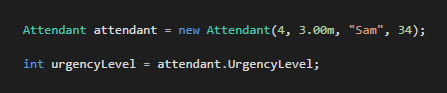
And this (assign the value):

And we can get or set the urgencyLevel from any descendant class as well:
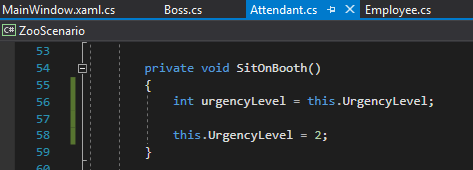
But we have a problem. We don't want the MainWindow, or anything else that has an Employee to be able to mess with the value of the Employee's urgencyLevel. So let's get rid of the setter in the property so that the urgencyLevel is private and not accessible outside of the Employee class.
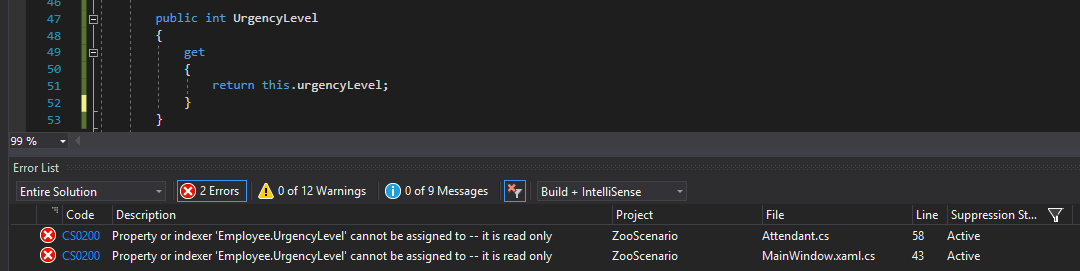
This has done its job in terms of not allowing the MainWindow to assign the private field a value, but has also limited the Attendant from being able to as well. The is a new issue, though, because Attendants "are" Employees and should be able to change their own private urgencyLevel field.
To solve this, we will make the setter of the UrgencyLevel property protected. Protected means that only the descendant classes can have access to this thing. So let's add a protected setter.
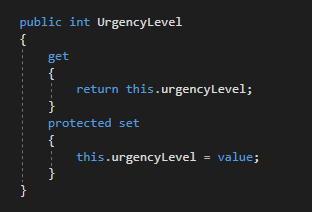
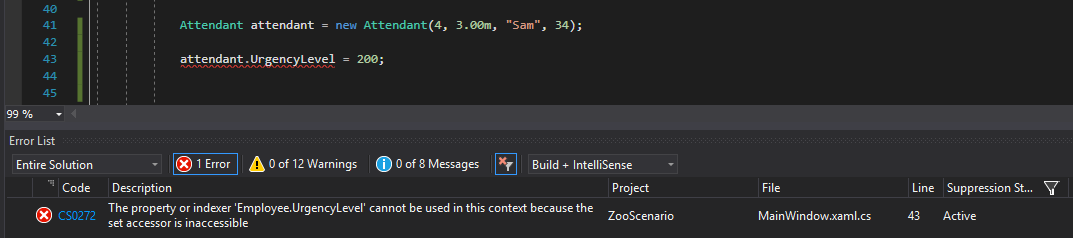
Now we still can't assign urgencyLevel a value from the MainWindow...
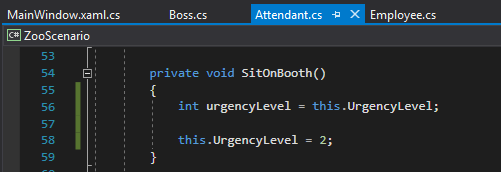
But the call to the property in the Attendant class is just fine.
The same thing is true for methods. In the Employee class we have a private Burp method that is only accessible from the Employee class.
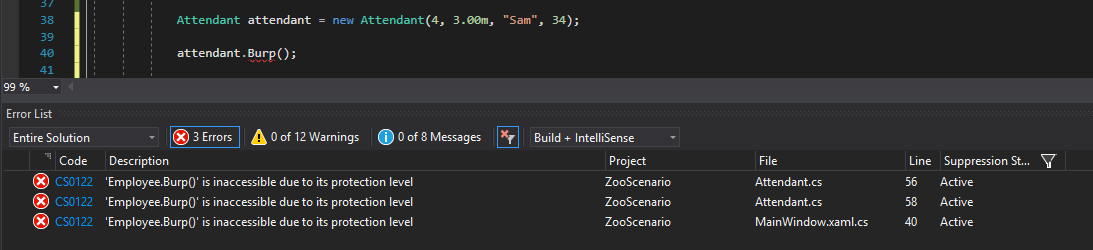
That's fine for the MainWindow, but our Attendant is on break and needs to Burp really bad but can't.
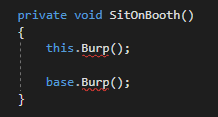
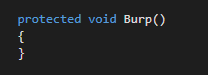
To give our Attendant some relief, we will make the Burp method accessible to them by making it protected.
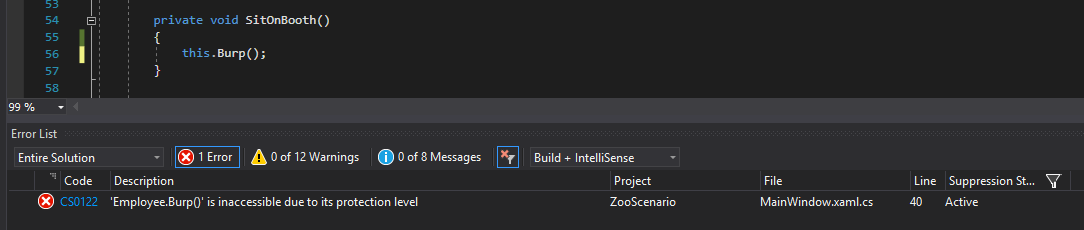
Now the Attendant can Burp, but the MainWindow still can't call it.
Protected members are always shown with a # in a class diagram vs - for private and + for public.