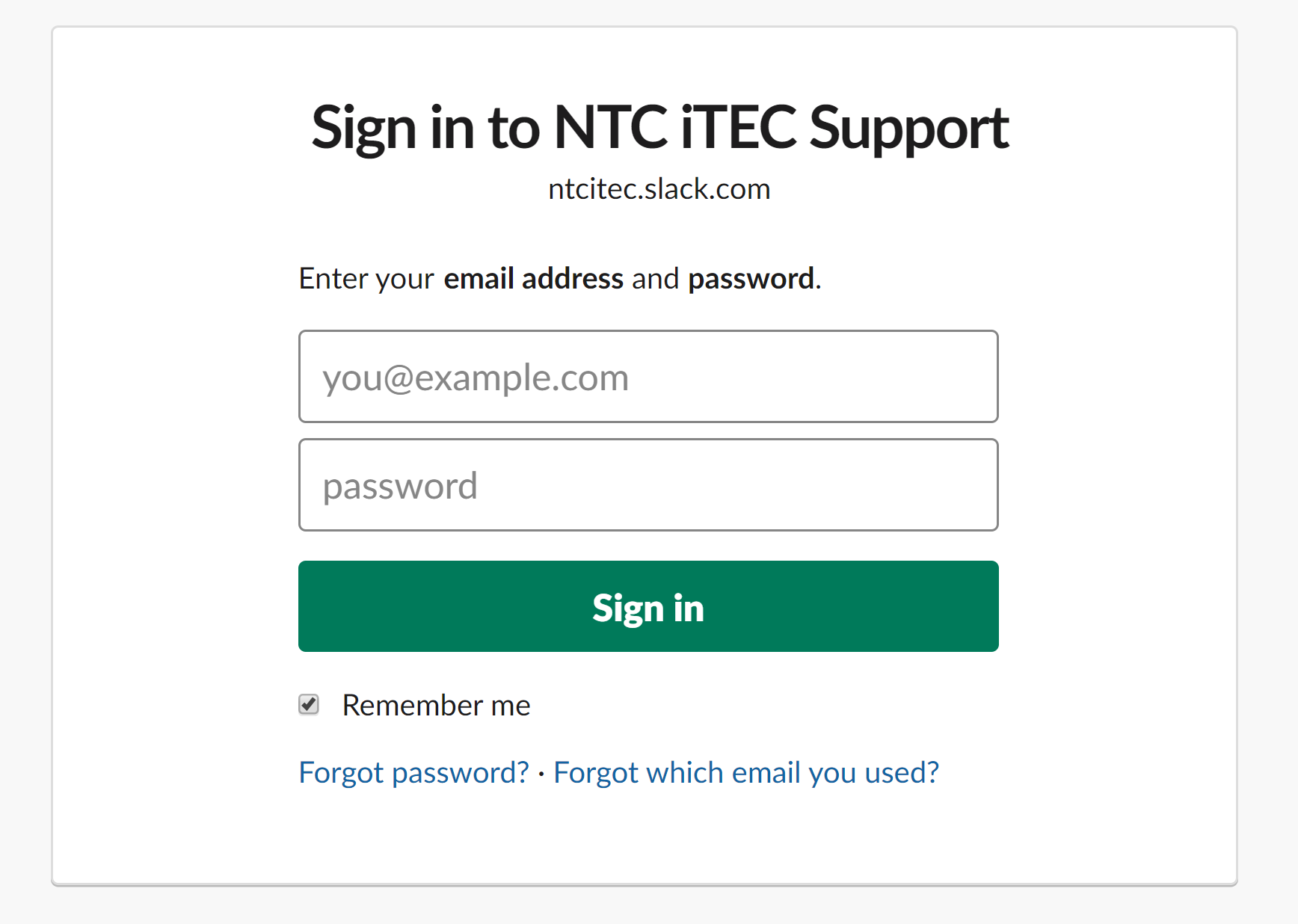
Unlike other sign-ins such as Canvas, Outlook, and Azure, Slack does not use NTC's single sign-on portal. Instead, you have to sign in to it like you would any other application.
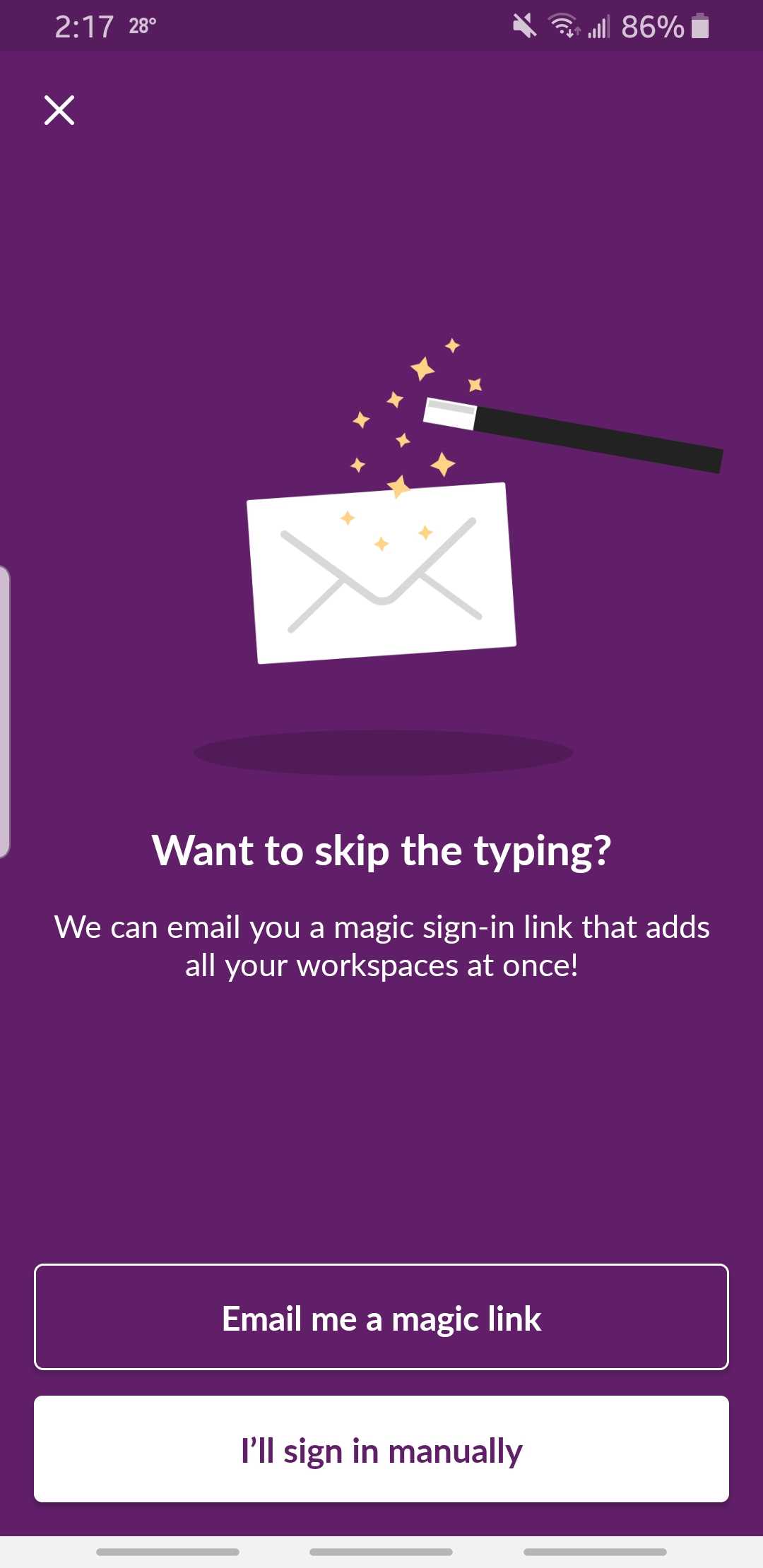
However, on the mobile app, Slack offers a magic sign-in link through your email associated with Slack. This also requires you to be logged into your school email on your phone.
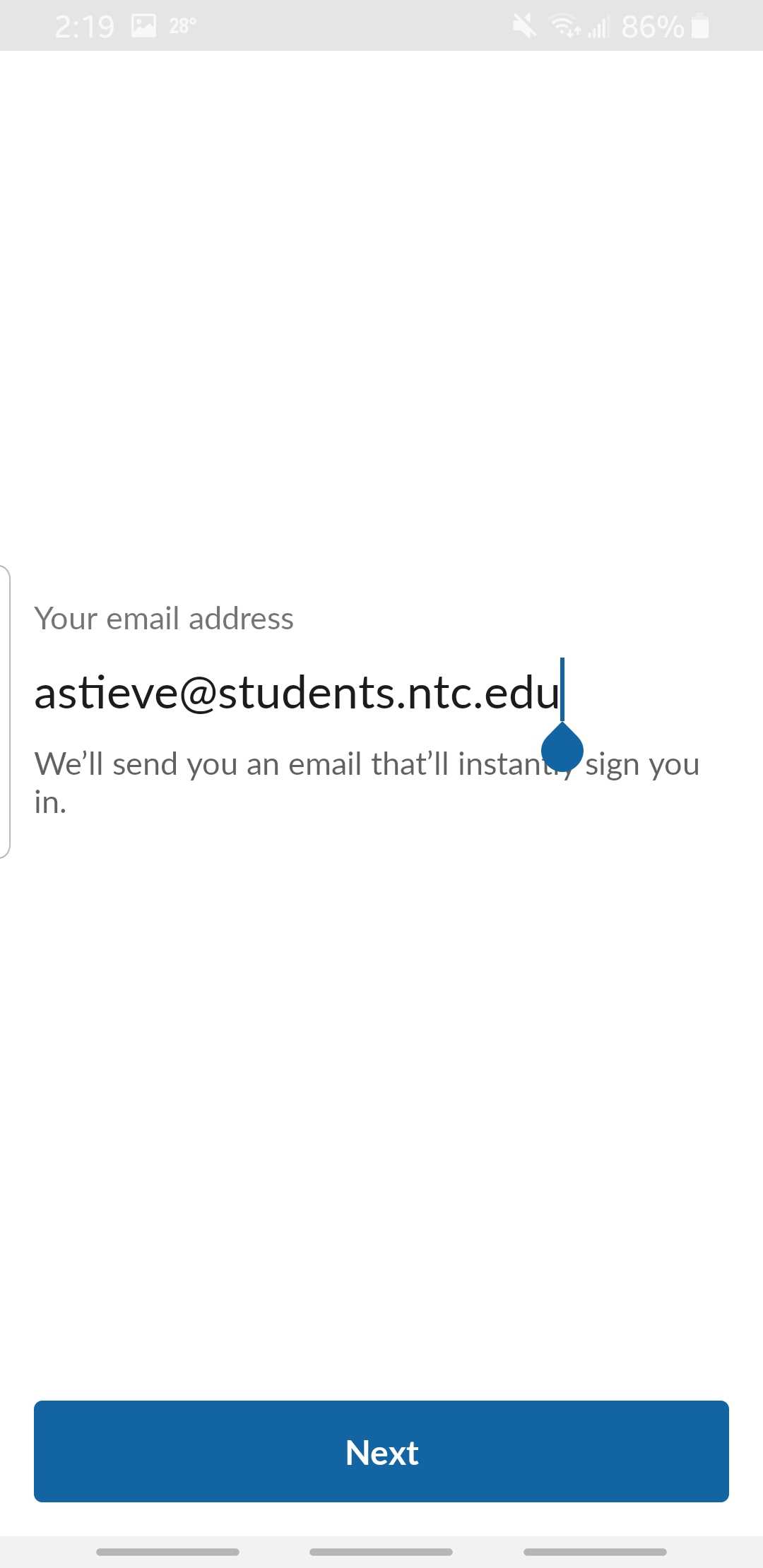
After tapping the "Email me a magic link" button, enter your email address you used to create your Slack account.
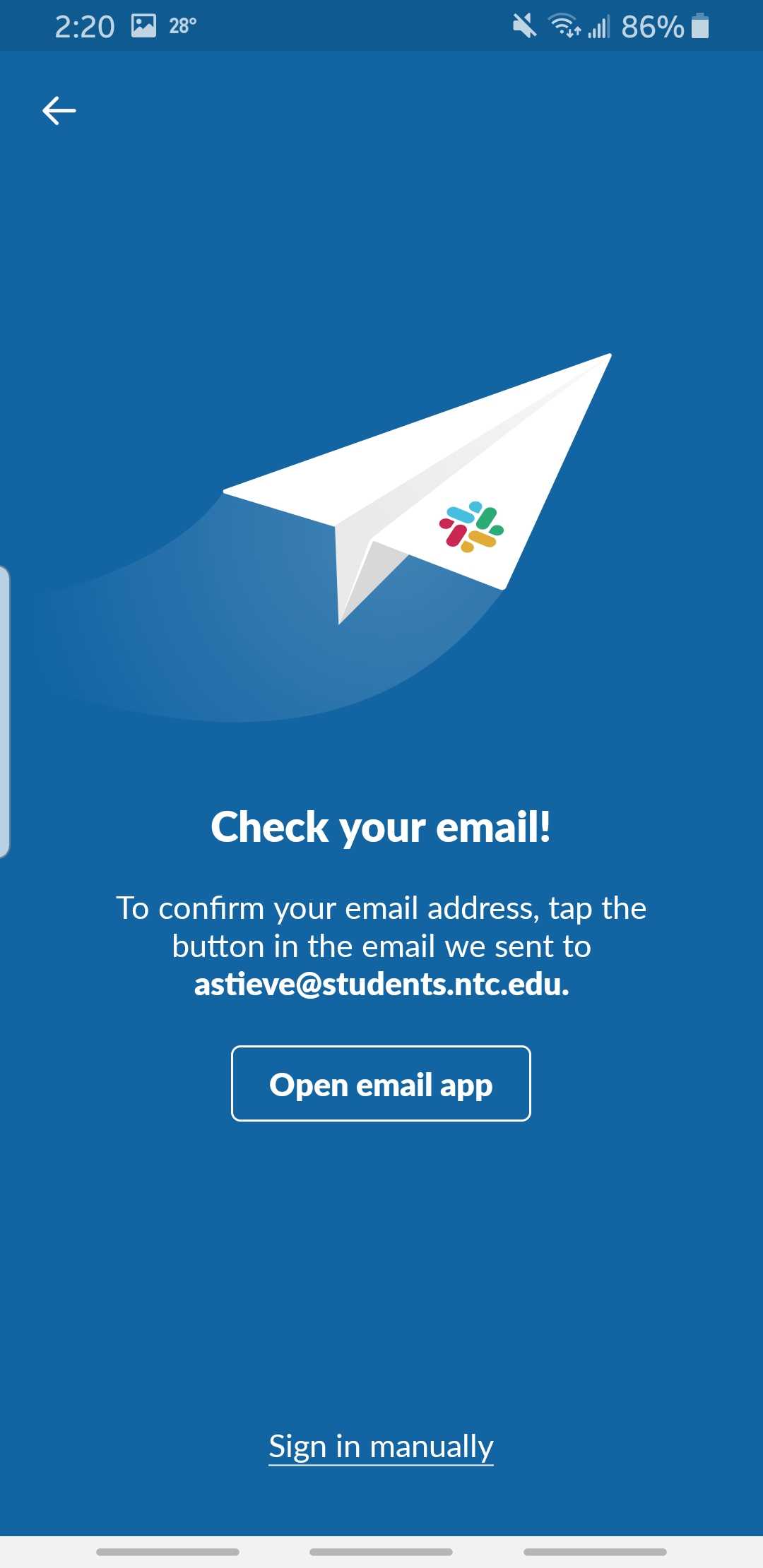
It'll then prompt you to check your email.
On your preffered email app on your mobile device, open the email sent from Slack. It should look like this:
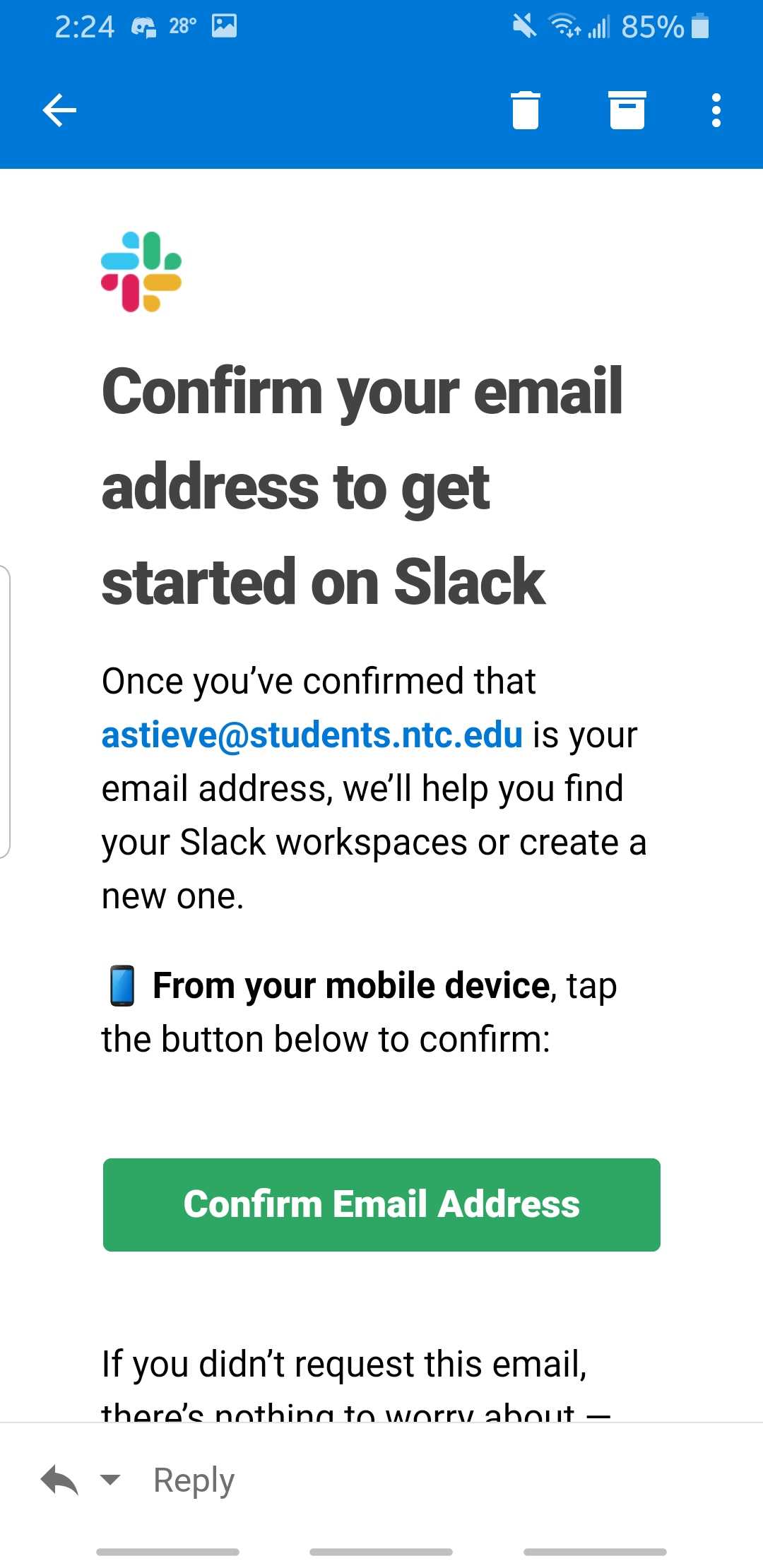
Tap "Confirm Email Address" and open with Slack.
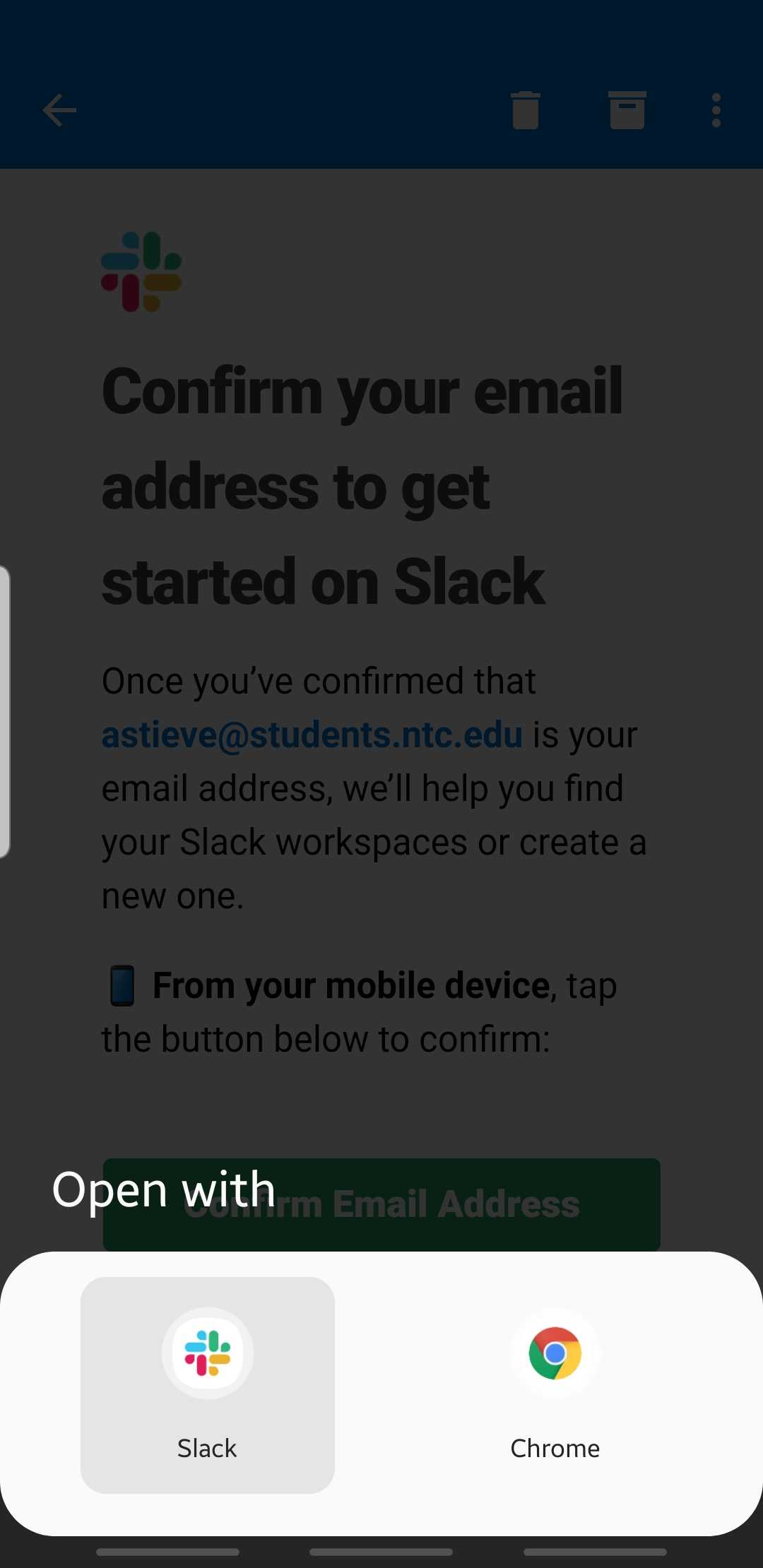
You are now signed into Slack on your mobile device.