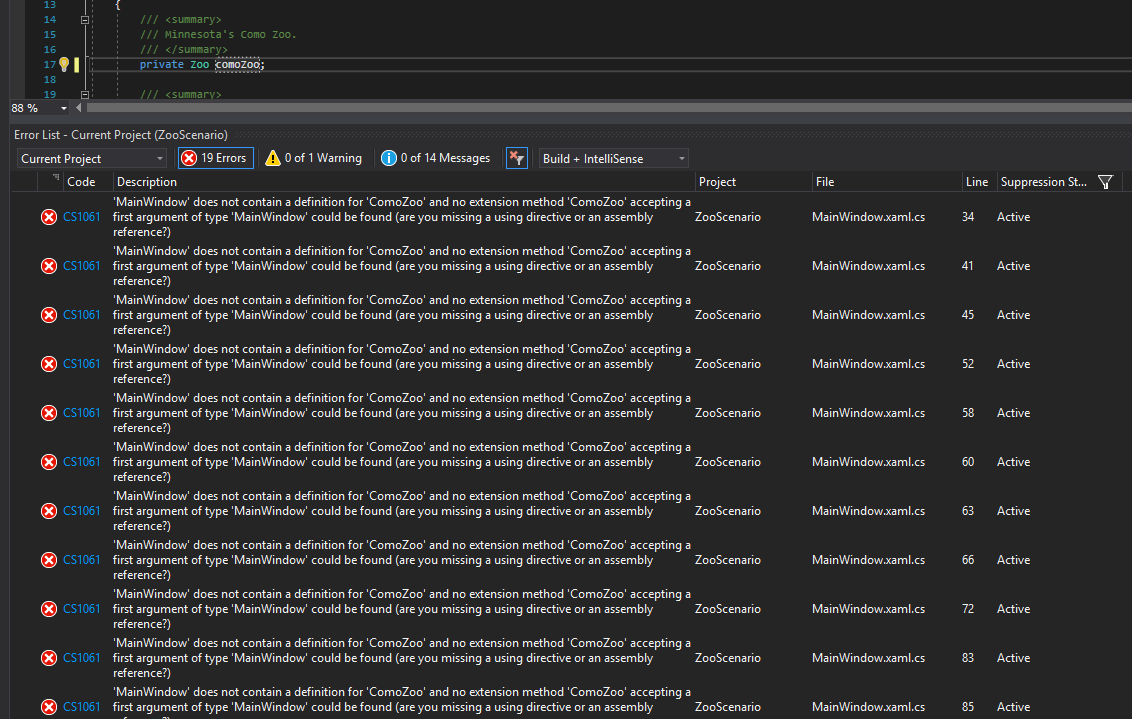
As an example, let's make the ComoZoo field in the MainWindow private and change the casing. It will produce 19 errors because the code that should be referencing the private comoZoo is still referencing the old ComoZoo.
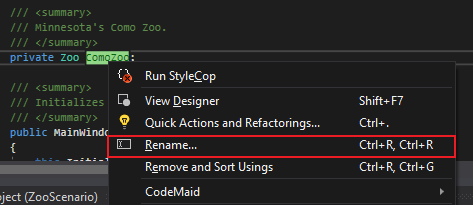
And while we can rename every single reference to ComoZoo to comoZoo we can rename all the references at once by using 'Rename'. To find Rename, either right click on the field name and select 'Rename...' or click on the field name and type CTRL+R+R
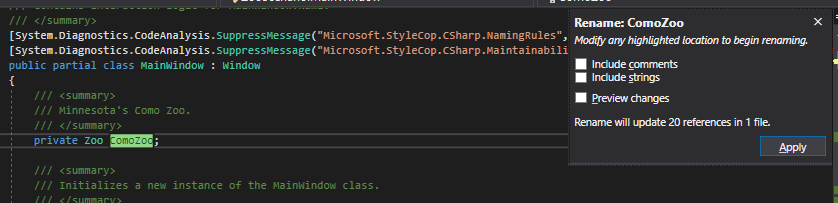
A window will pop up with different options and a notification of how many references will be changed. From here, make your changes to the field name and press Apply.
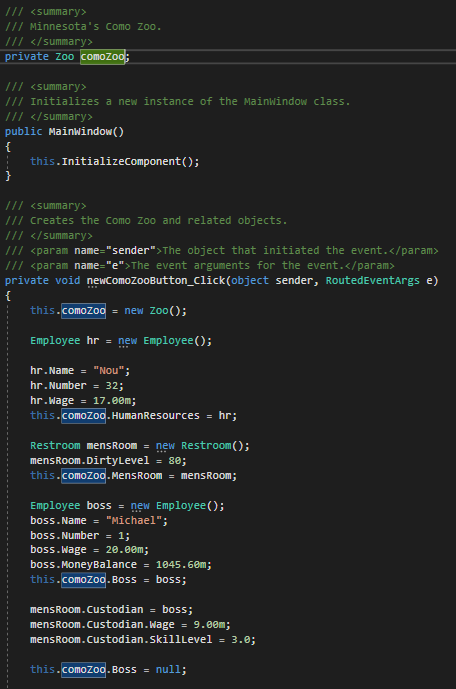
Now we can see that all references that were ComoZoo are now comoZoo.
There is an issue with renaming when properties are introduced where if the field name is changed after a property is created for it the property references will change to referencing the private field.