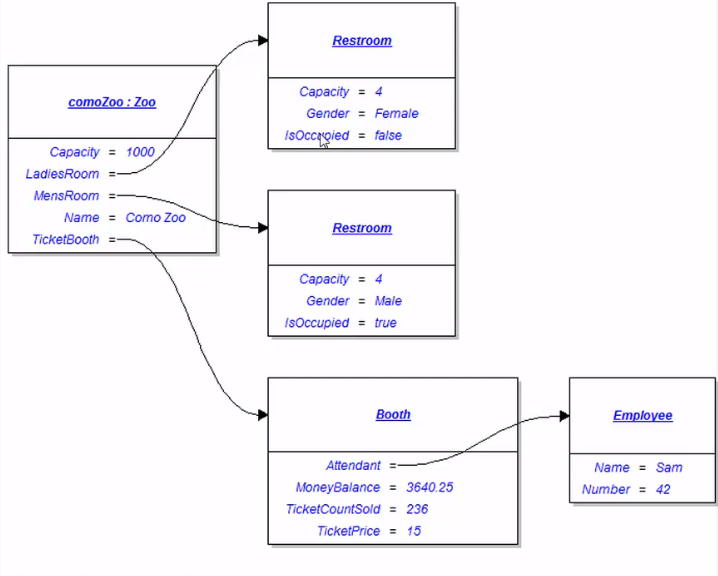
Whenever an object is instantiated using a field, it is shown as a line coming from a field of a class and to another box of the class Type.
For instance, the image below shows the Zoo class's FeaturedAnimal field being instantiated.
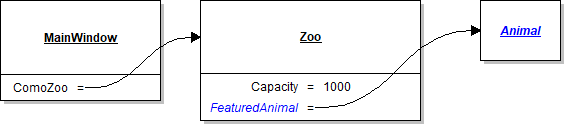
The blue color on the diagram represents something new being made and in this case it is a new instance of the Animal class. In code, this object diagram would be where the debugger is at this specific point in time.
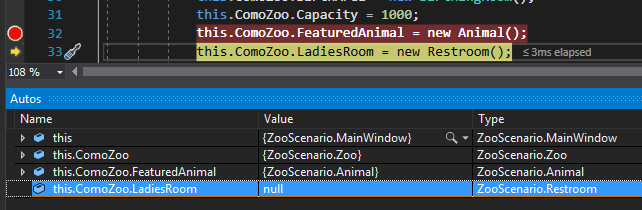
If I step over a few lines of code...
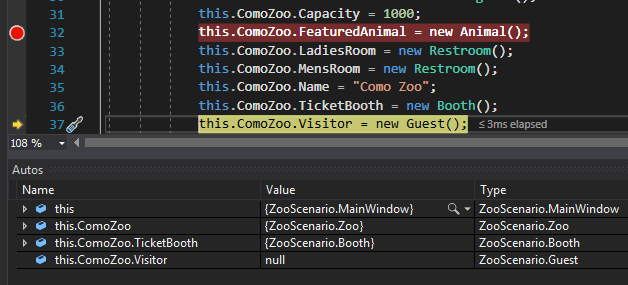
The object diagram would now look like this:
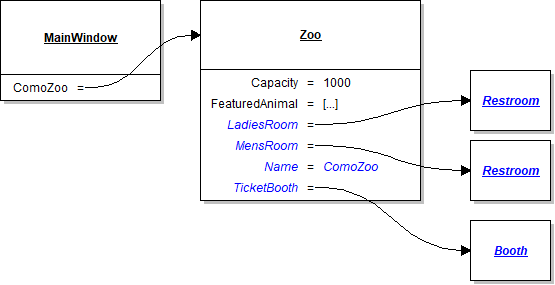
When creating object diagrams an important thing to look for in code is the “new” command, as that is what instantiates objects. In the above diagram there are 5 objects. In the code associated with it the “new” command should be seen 5 times. There will also (likely) be a line of code for each field for each object. The zoo has 5 fields, so the code will likely have 5 lines to assign the fields.