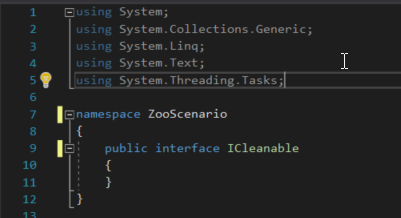
Say we are given the task to add an ICleanable interface. Adding an interface to your project is much like adding a class. We already have a structure that looks like this:
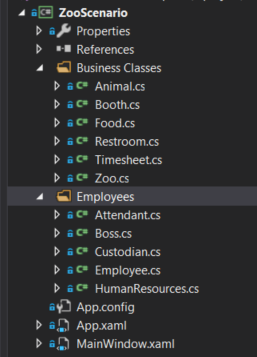
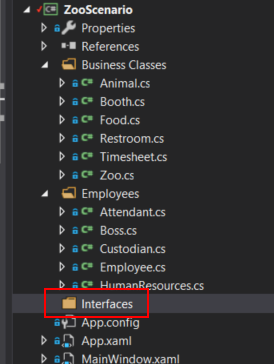
The first thing we will do, which is not absolutely necessary, is add a new folder to the project to hold our interfaces.
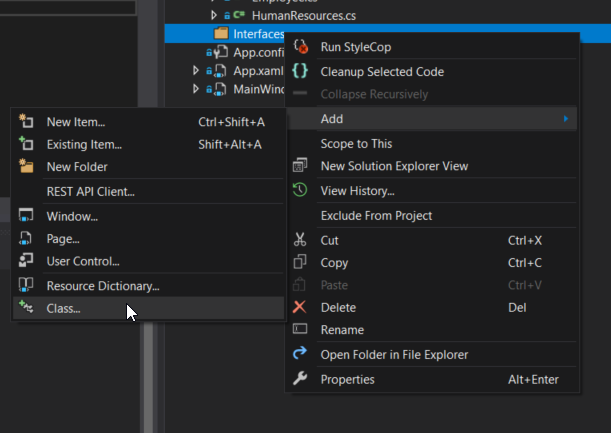
Then right click on the interfaces folder and click Add --> Class...
On the 'Add New Item' window, select Interface, change the name to ICleanable and click Add.
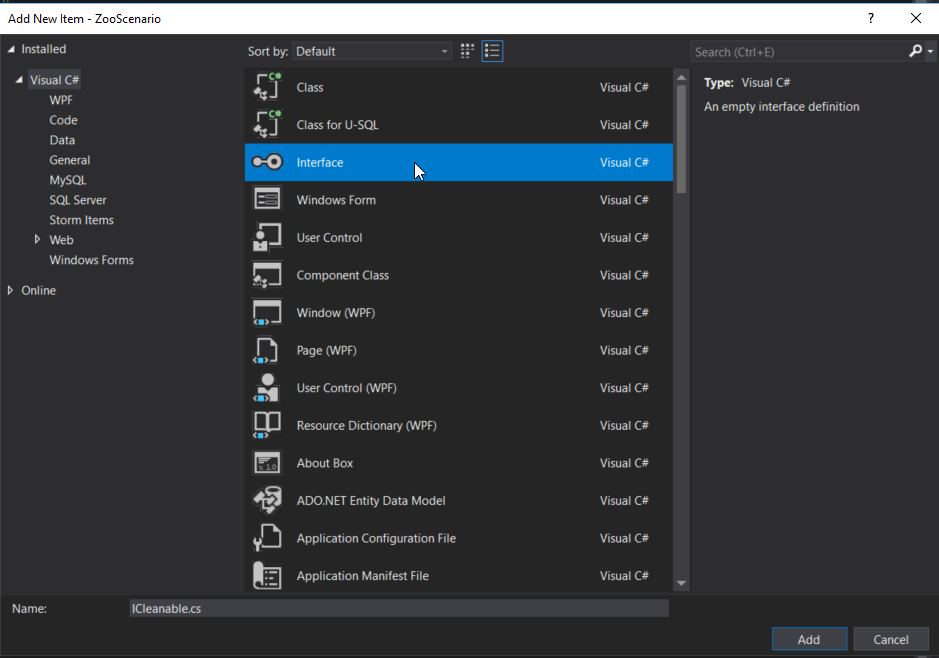
The default 'skeleton' will look like this:
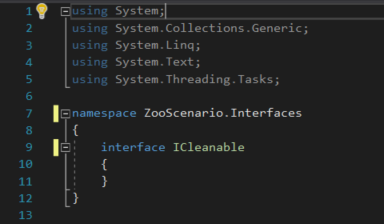
Make sure to make the interface public and if the interface was added from the Interfaces folder, make sure to strip the Interfaces name from the namespace.