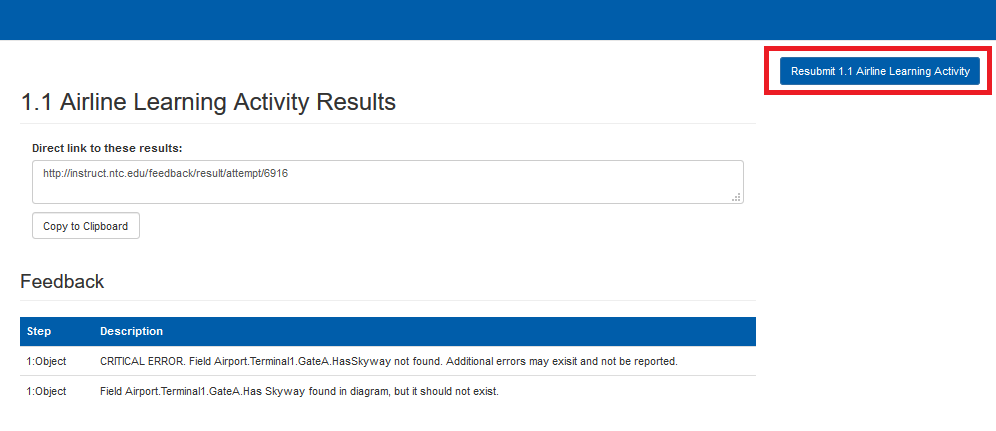
Make sure your diagram files are the right type/named correctly.
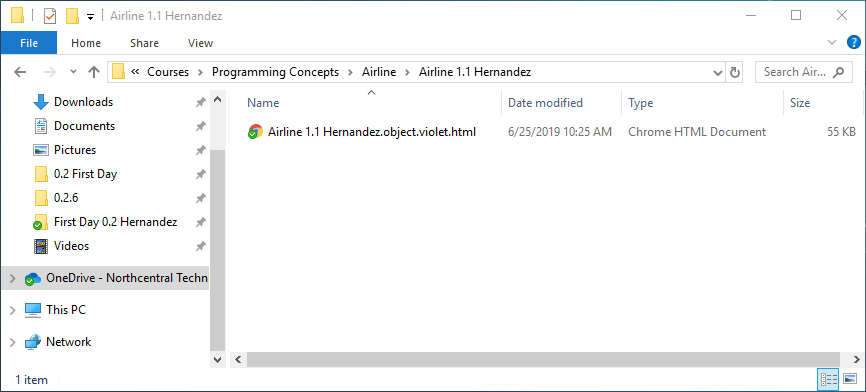
All diagram files should be made using Violet 2.1 and have the file extension: diagramtype.violet.html
Ensure that the name of the file follows the convention: AssignmentName 1.1 LastName
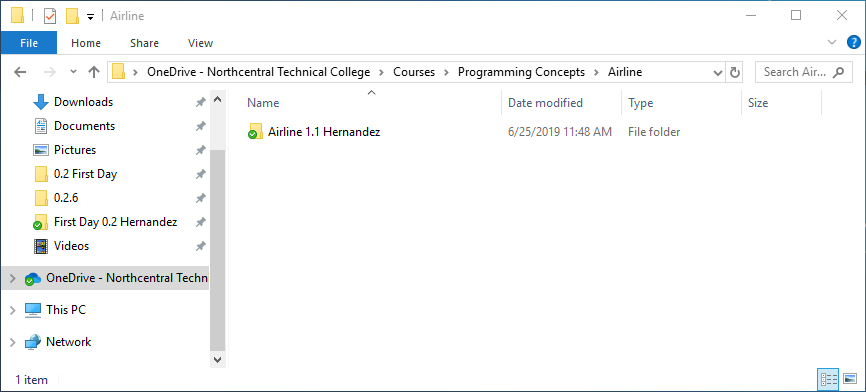
Ensure that the folder containing the diagram(s) follows the convention: AssignmentName 1.1 LastName
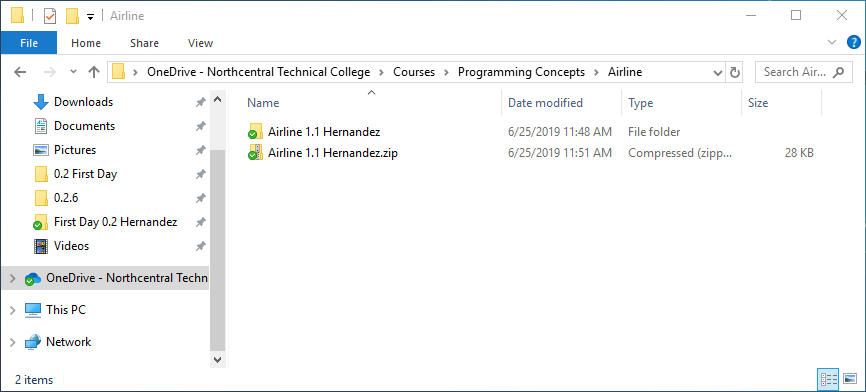
Zip the folder that contains the diagrams.
Go to the Feedback System
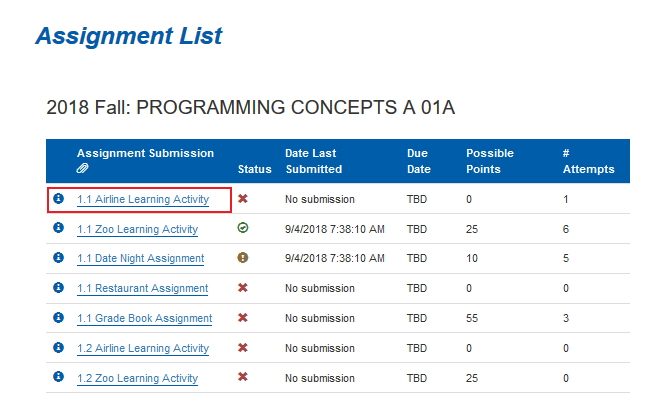
Find the the assignment you wish to upload.
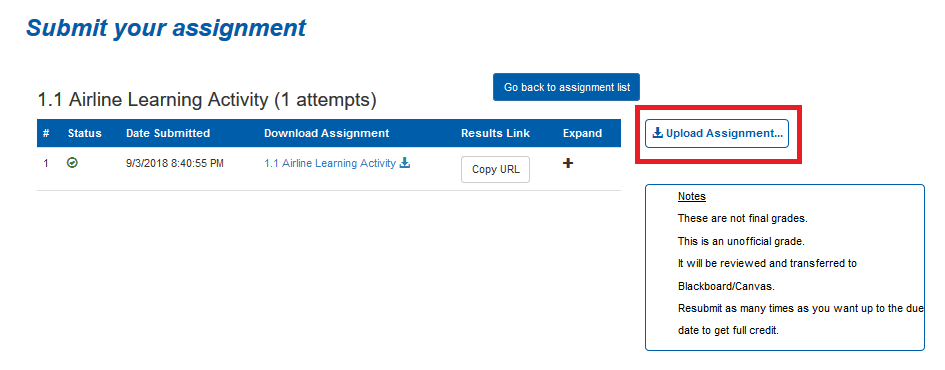
Click the 'Upload Assignment' button.
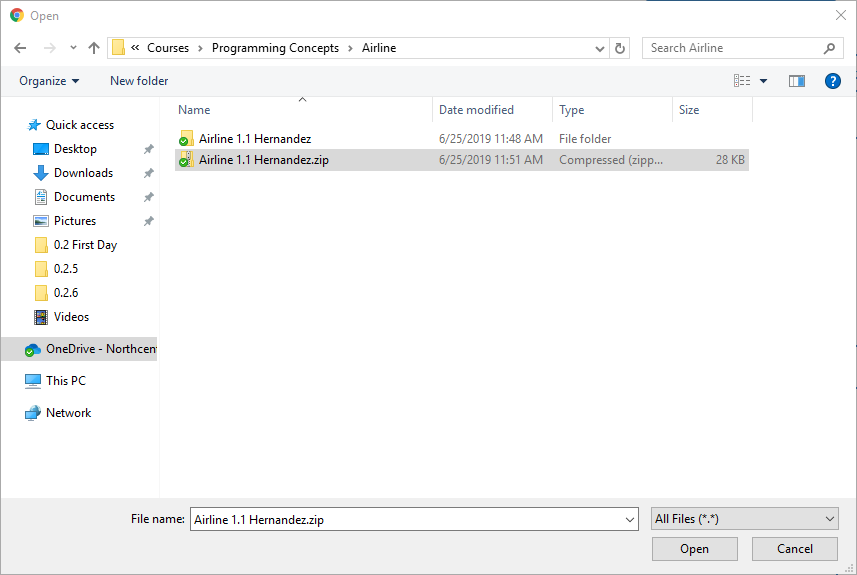
Navigate to your Zip folder and click 'Open'.
If your diagram was correct, it will show 'success' and you can copy the URL and submit it to Canvas.
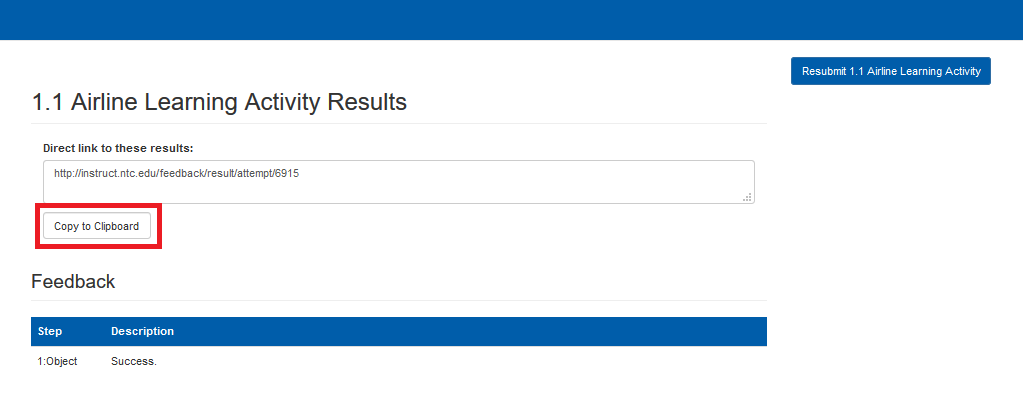
If you get errors, however, you can resubmit using this button.