When debugging a constructor that has a base constructor, the debugger will first go into the base constructor and assign the field of the inherited class first and then return to the type we are instantiating to finish. As an example let's look at the Boss constructor below that has a base constructor but also has a field it needs to assign locally.
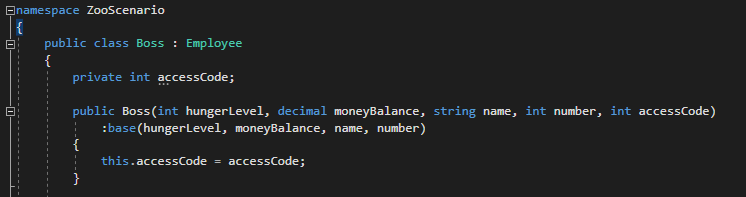
So let's start in the MainWindow on the line that calls the Boss constructor.

And then press F11 and the debugger will hit the line of code that calls the base constructor.

When we hover over the the parameter above base we can see that the values are indeed the values we passed in.

And when we hover over the arguments passed in to base we can see that the values are the same.

Then if we press F11, the debugger will hit the Employee constructor. Note that the accessCode argument was not passed in so the value will not be reflected in this class constructor.
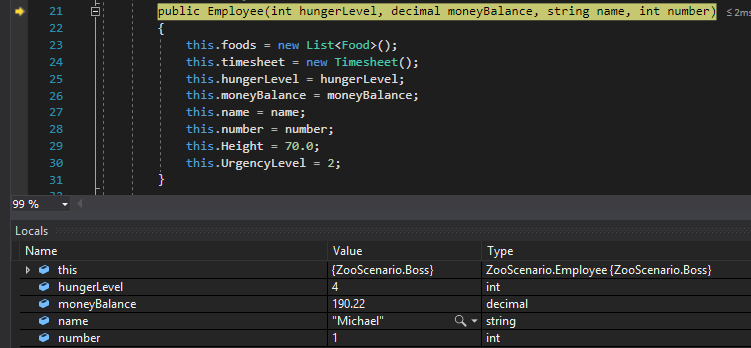
After we step through the Employee constructor, the debugger will return to the Boss constructor and we can now step through the body of the Boss constructor.

Let's revisit the inheritance between the Attendant and Employee classes. We call the TakeBreak method from the MainWindow on an Attendant object that then calls the TakeBreak method in the Employee class.
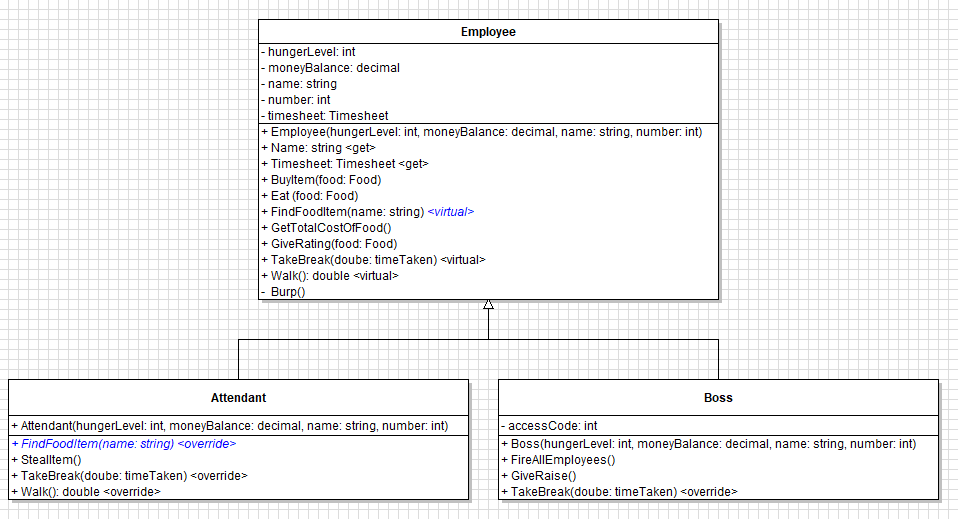
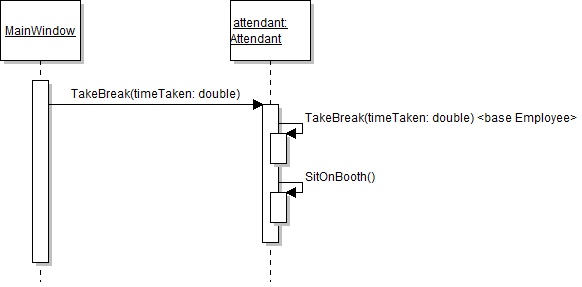
To start, let's put a breakpoint on the line that calls TakeBreak and then start the application.
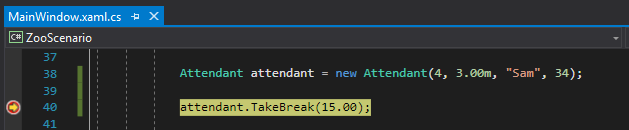
When we press F11...
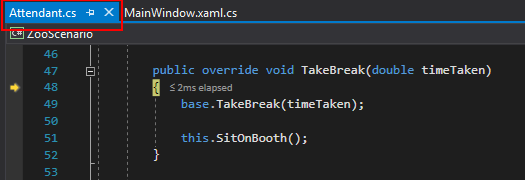
The debugger "finds" the TakeBreak method in the Attendant class and steps into it. Now when we step into the call to base.TakeBreak, the debugger will step into the Employee class.
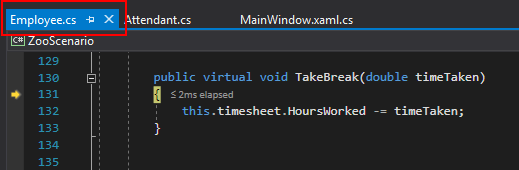
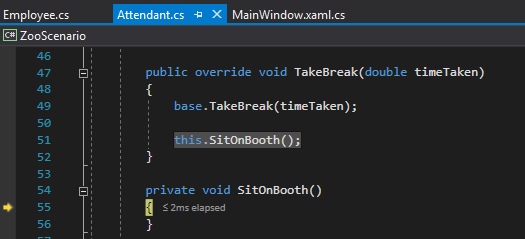
Once we step through the TakeBreak method in the Employee class, the debugger will return to the TakeBreak method in the Attendant class and we can step through the rest of the rest of the method that steps into the SitOnBooth method.
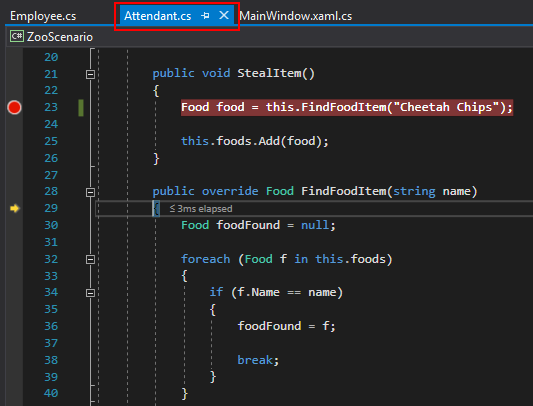
One thing to watch out for is the difference between _this_ and _base_. In the example below we have a call to FindFoodItem with a FindFoodItem method existing in both the Boss class and the Employee class. When we put a breakpoint on the call...
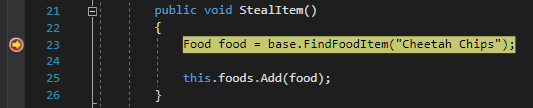
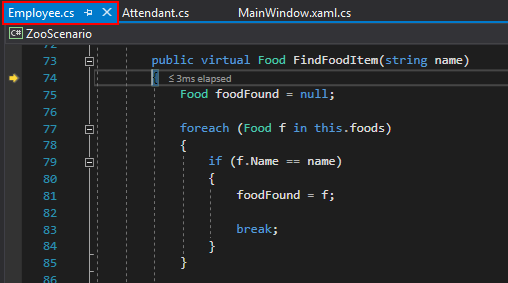
...and press F11, the debugger will go into the FindFoodMethod in the Employee class.
But if we change the call to _this_...
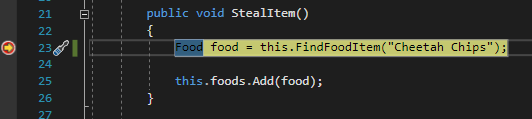
...and press F11, the debugger will go into the FindFoodItem in the Attendant class.