Any time a new method is defined in a class it needs to be added to the class diagram.
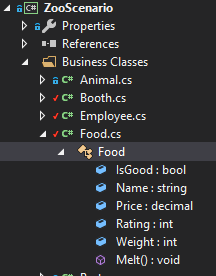
An easy way to see what methods a class has is to expand the class in the Solution Explorer and they are represented as a purple cube.
When adding methods to a class diagram you will need to double click on the class node and a Properties window will appear.
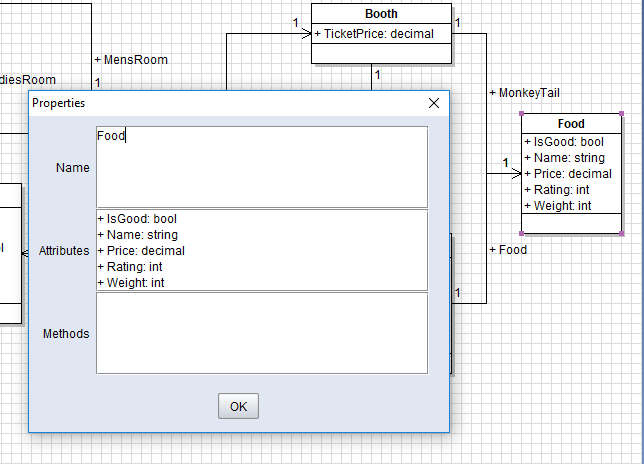
Then add methods in the Method portion of the window and click OK.
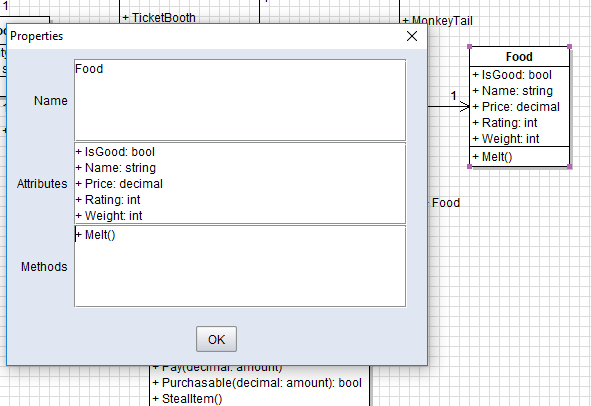
Note that even though methods have the : void attached to them in Visual Studio we do not add that in class diagrams.