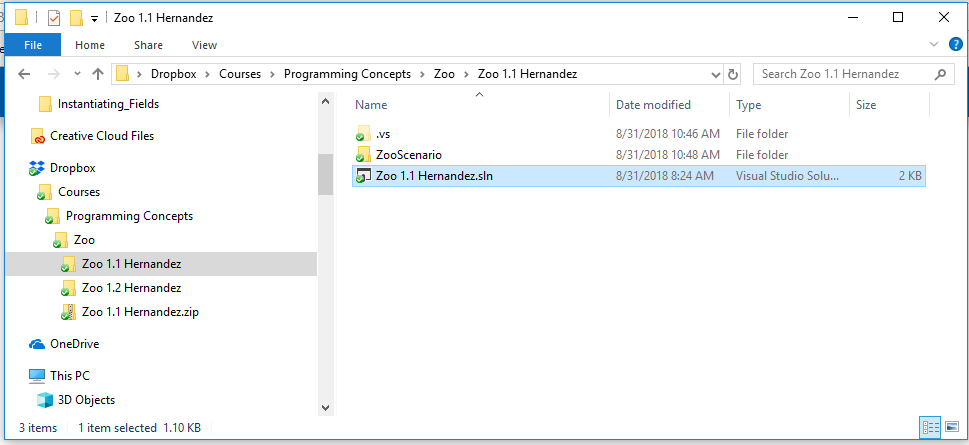
To open a Visual Studio project, double click on the .sln file located in your assignment folder.
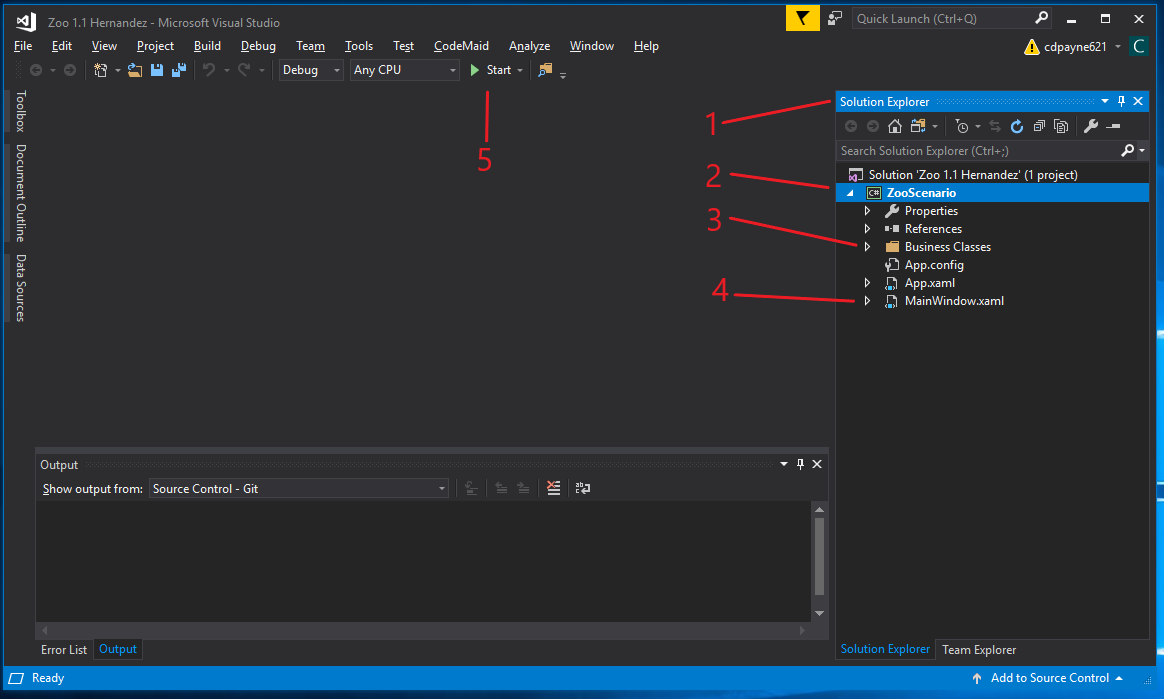
That will open this landing screen.
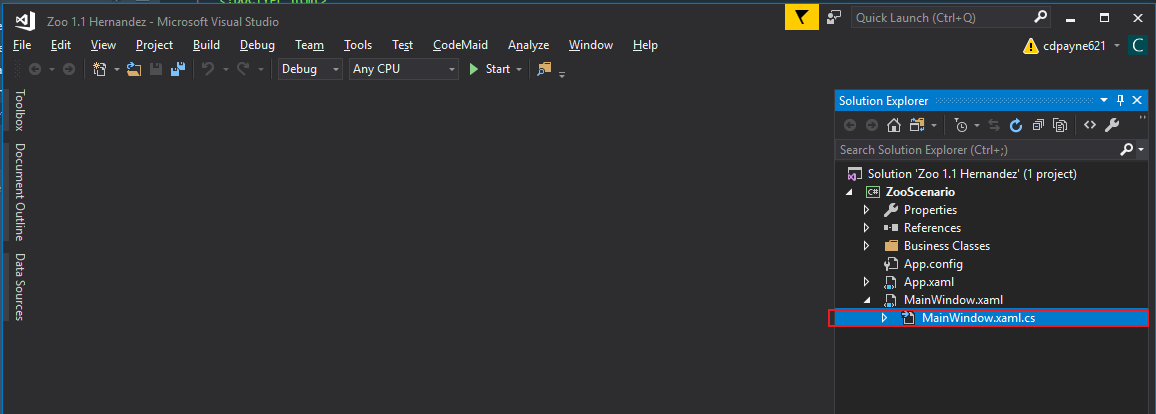
We want to write code in the MainWindow.xaml.cs (cs stands for C-sharp). The MainWindow.xaml.cs is a class that controls things that happen in the MainWindow.xaml. We will cover this more later. For now, to open the MainWindow.xaml.cs, expand the MainWindow.xaml in the Solution Explorer and double click the MainWindow.xaml.cs file.
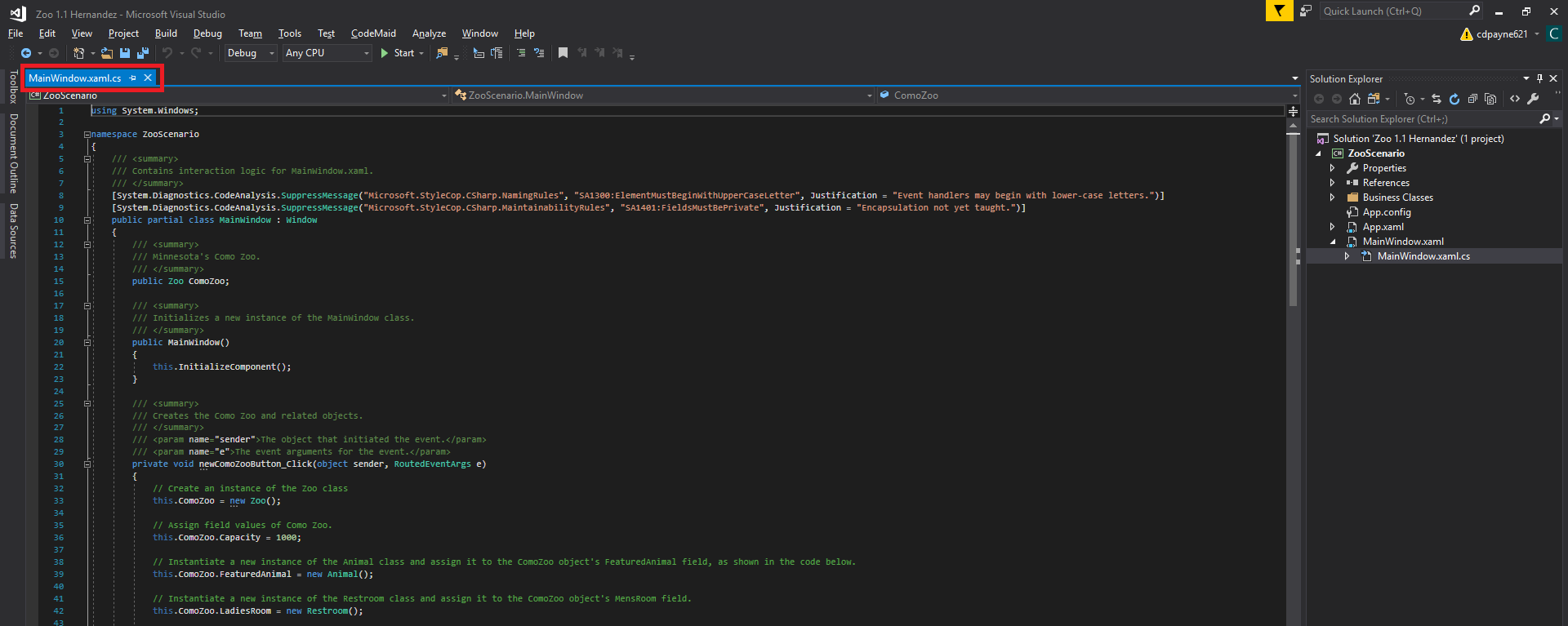
Doing this will open the MainWindow.xaml.cs file so that it's editable.