To add a button to your XAML, choose the Button tool from the Toolbox window. If you cannot see the Toolbox window go to View | Toolbox.
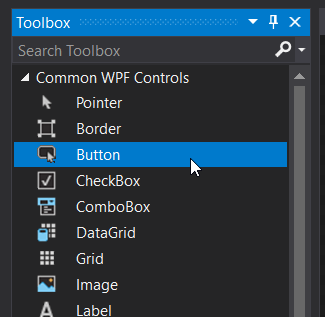
Click and drag on the xaml window to create a button.
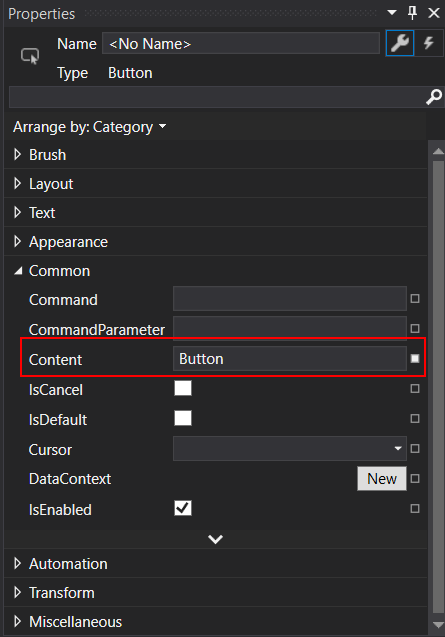
With the button selected, change the Content of the button by editing it in the Properties window. If you do not see the Properties window go to View | Properties Window.
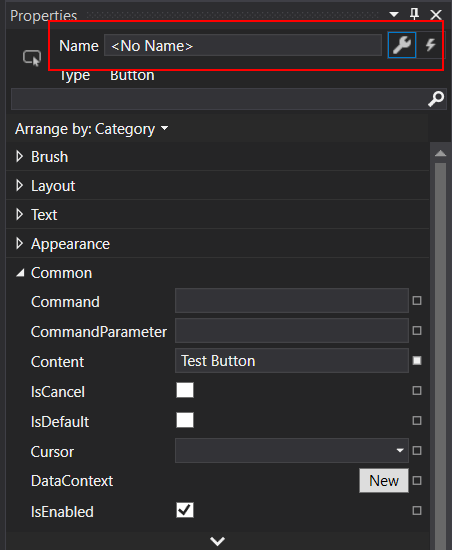
Then change the name of the button by editing the text in the field below:
Next, click the lightning bolt next to the wrench to access the Events list. In the list, type the name of your event in the event you want to control (in our case it's almost always going to be Click).
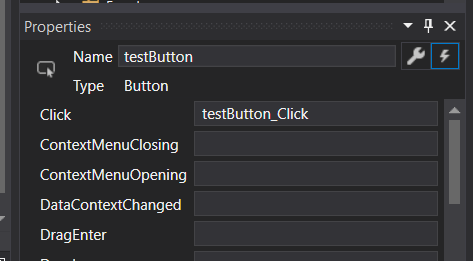
Double click the event box to create the event handler in the MainWindow.