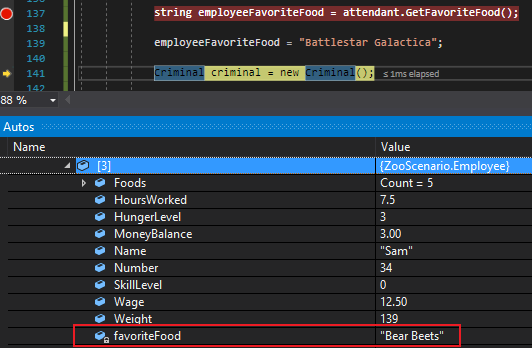
Let's say the Employee has a public field named FavoriteFood that holds the string value "Bear Beets" that is assigned in the MainWindow.
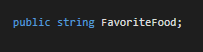

We can easily get or assign the value of FavoriteFood from the MainWindow.
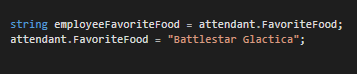
This is super invasive. Not only is "Battlestar Galactica" not a food, but the Employee should be the only one that gets to decide what their favorite food is. Additionally, the MainWindow shouldn't be able to know anything about the Employee's favorite food without their permission. So let's make the FavoriteFood field private.

Immediately the references to FavoriteFood break.
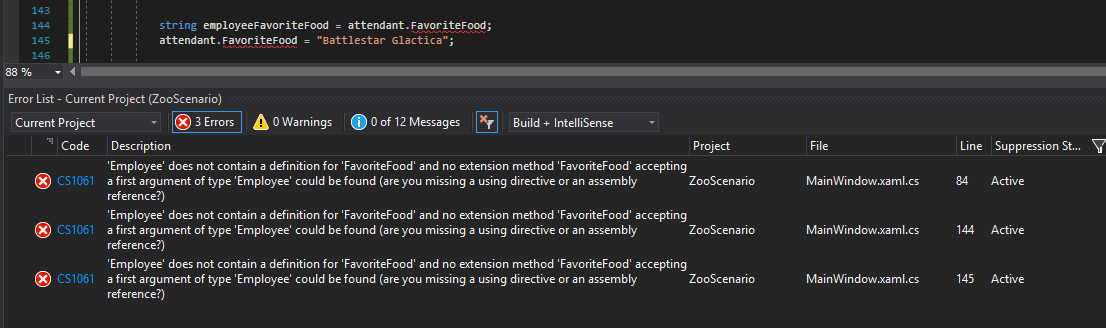

Even when we change the references to lower case there is still not access to the field.

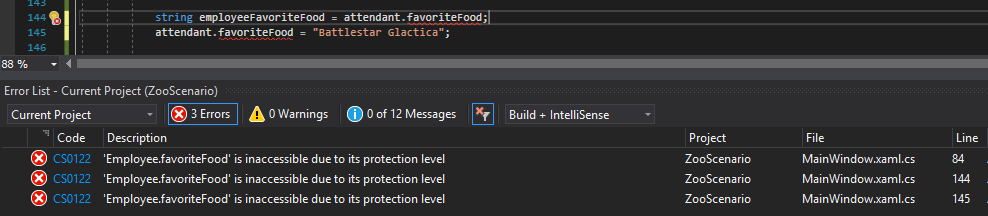
We can't get the Employee's favorite food or modify it from outside the Employee class now.
In order to assign the Employee's favorite food, then, we need to do so within the Employee class. Notice how in the Burp method we can assign the private favoriteFood field a value because it is within the same class.
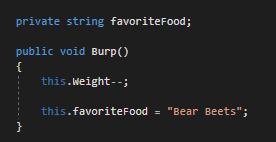
Additionally, if the MainWindow really needed access to the private field, we can define a method in the Employee class that returns the favoriteFood field. The public on the method allows objects things outside of the class to access it, but it is still returning something private.
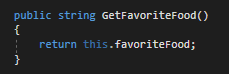

Notice how we can get the value from the private field from the MainWindow....
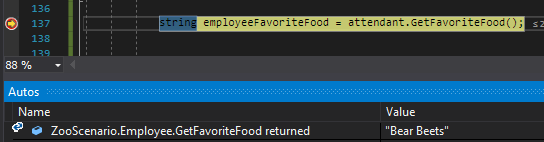
...but it is still impossible to alter.