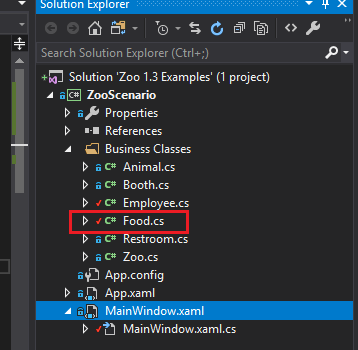
To define a field in a class, first navigate to the class you want to put the field in. In this example we will add a Price to the Food class.
When defining a field, ensure it is the first thing in a class.
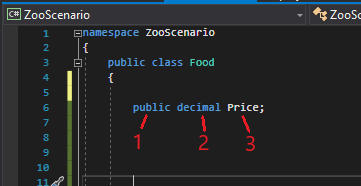
In the image above:
Capitalization is important when defining fields. For right now, note that primitive fields type should be lowercase, custom types should be uppercase and the names of your fields should be uppercase.
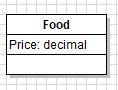
In a class diagram, the newly defined field would look like:
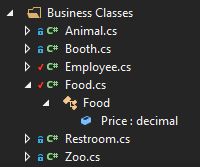
In the Solution Explorer, the newly defined field would look like: