Go to the Feedback System website: FeedbackSystem.
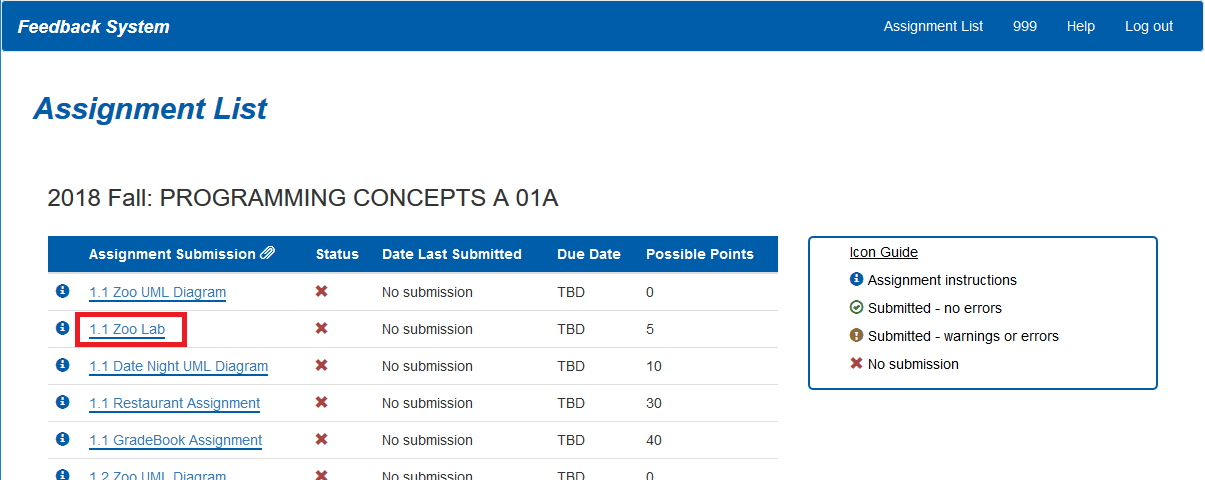
Find the assignment you wish to submit to from the Assignment List
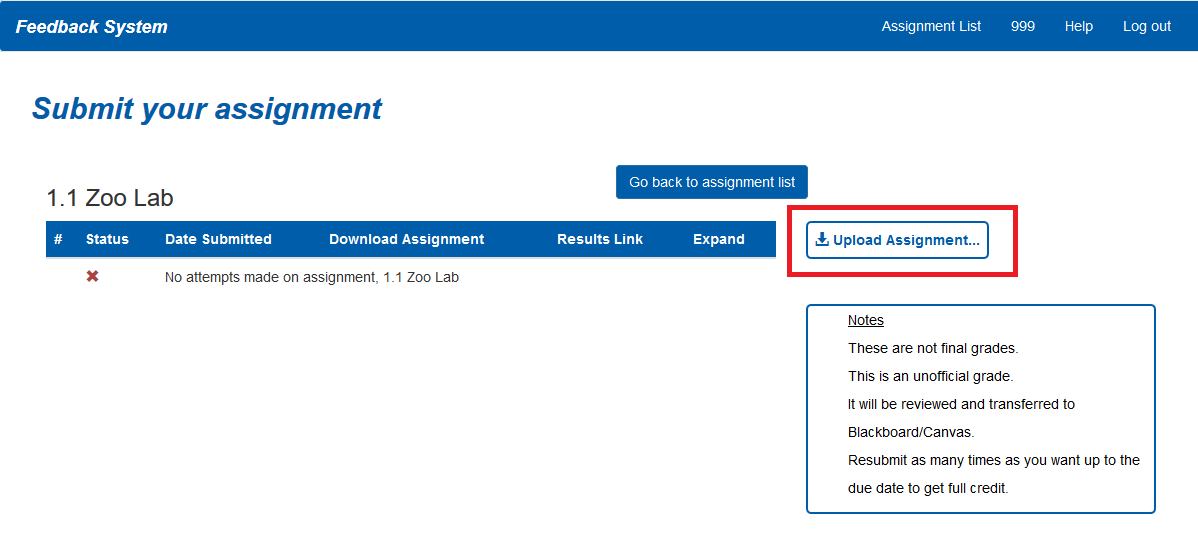
Click the Upload Assignment button
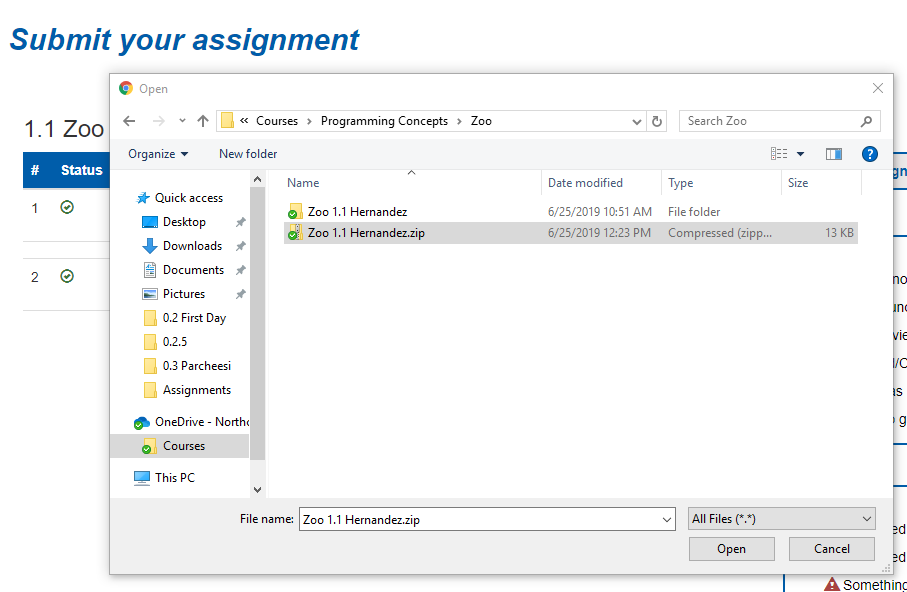
Make sure the zip file you are uploading has both the Secnario folder and the .sln file in it.
Make sure the zip file you are submitting has the correct naming conventions.
Submit your zip file to the Feedback System and view your results. When your code runs it will either output a 'Success' or an error description. A fully successful assignment looks like:
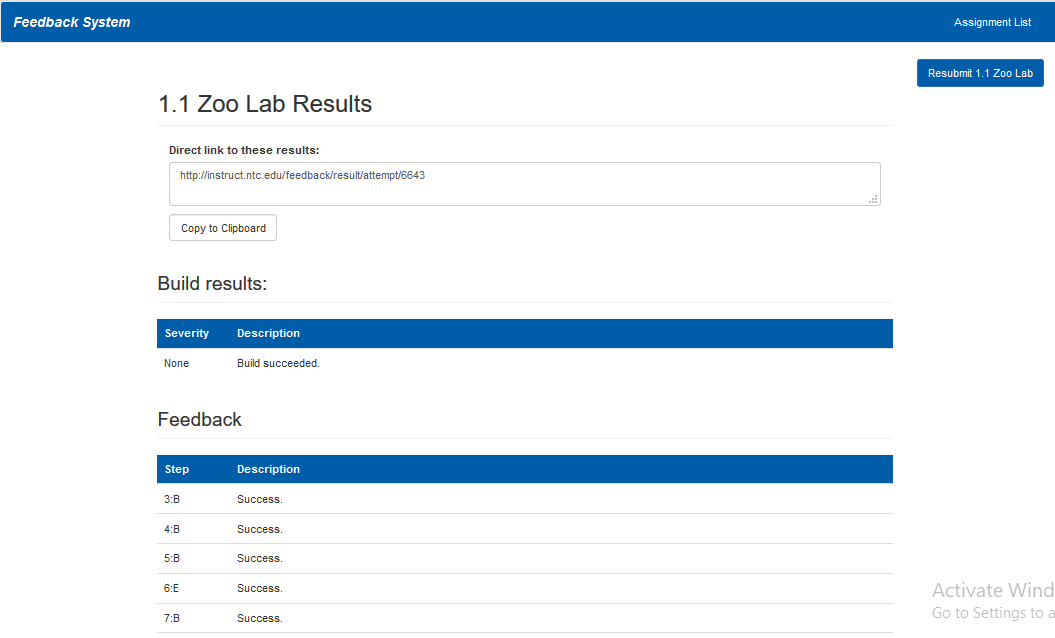
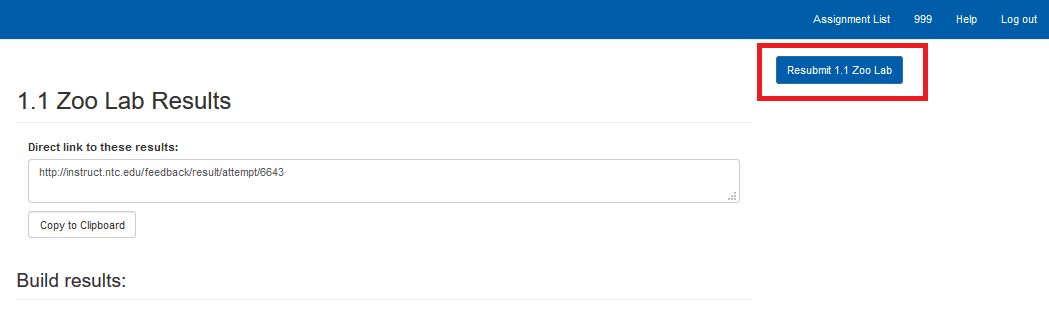
If they are not all successes you can (and should) edit your code and resubmit. See more information on resubmitting:
If you got all 'Success', copy the link to your Feedback results.
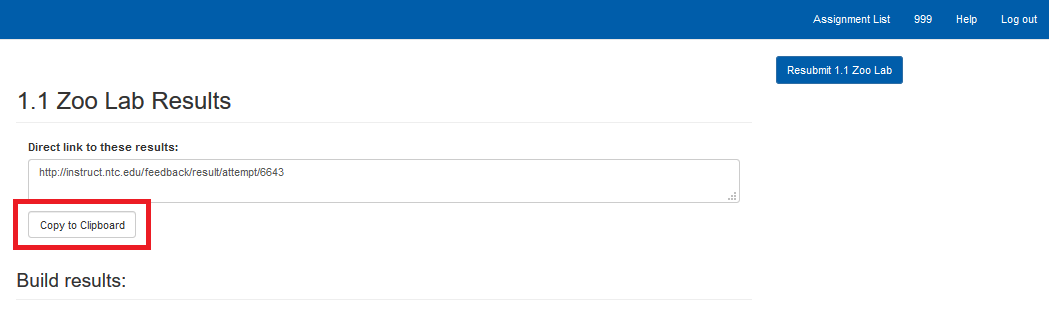
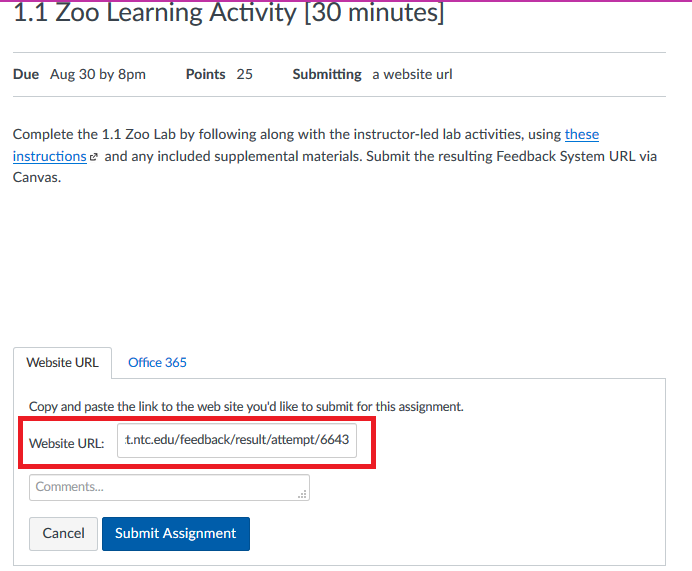
When you are finished uploading your assignment, you need to submit to Canvas by posting the copied URL into the corresponding assignment's page. This is what your grade for the assignment will be based on.