By default, Visual Studio does not allow us to step into properties. To change this, go to Tools > Options.. and then expand the Debugging section, click General and make sure that Step over properties and operators (Managed only) is unchecked.
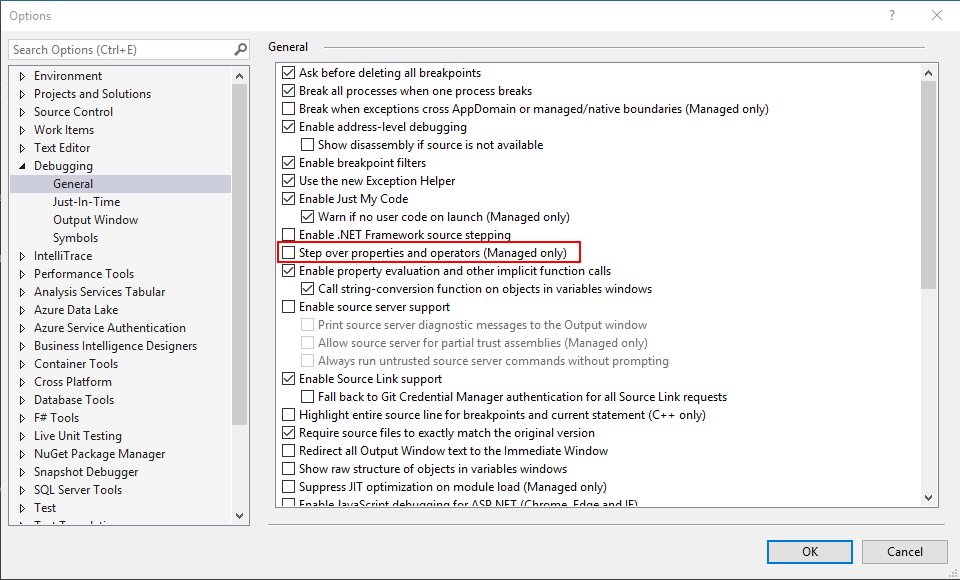
For this example we will be looking at the code below. The BuyItem method has a call to the Price property that has a getter.
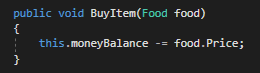
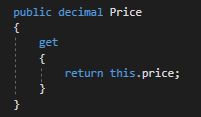
So let's put a breakpoint on the line that calls Price...

...start the application and press F11.
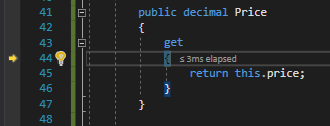
The debugger will go to the opening curly brace of the get syntax. We can then step through the property and back to the Employee class and press F11.
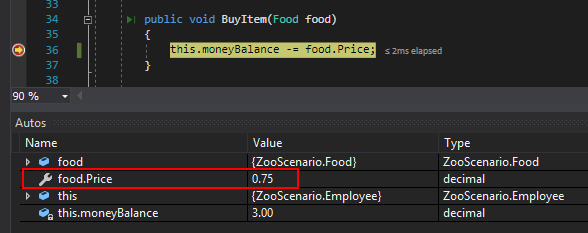
We can see that the food object's Price property is 0.75. Then if we press F11 again...
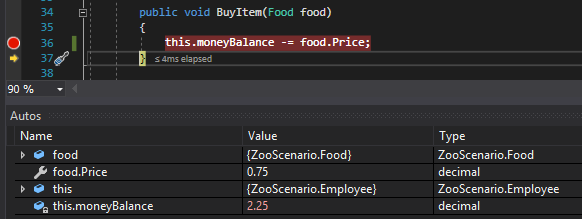
...we can see that the moneyBalance field was indeed reduced by the value returned from the property.
For this example we will be looking at the code below. The GiveRating method has a call to the Rating property that has a getter and setter.
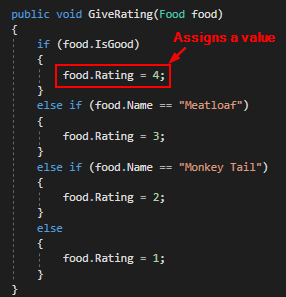
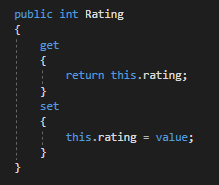
So when we start the application with a breakpoint on the line that calls the Rating property...
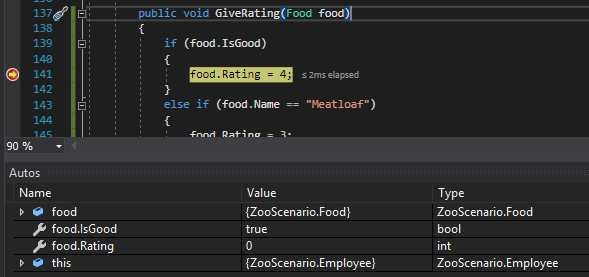
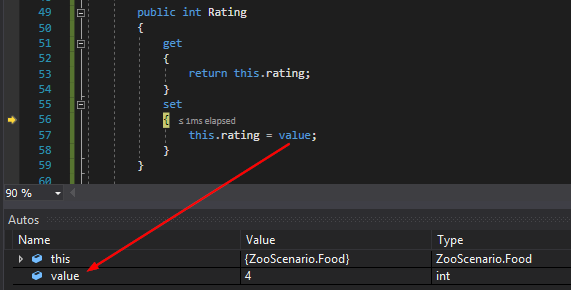
...and press F11, the debugger will go to the opening curly brace of the set syntax. Note that the value in the setter is shown in the Autos window.
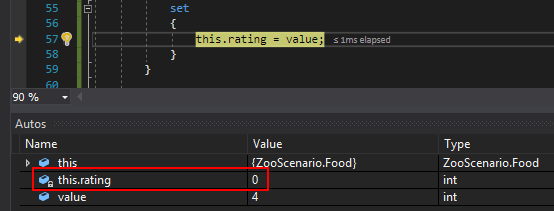
Then if we press F11 we can see that the private rating field is 0.
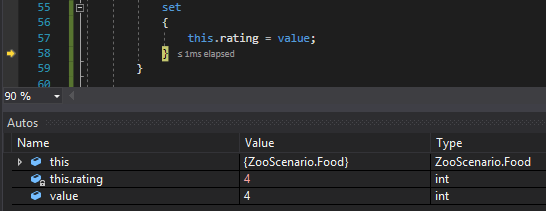
When we press F11 again we can see that the private rating field is now 4.
Let's say we have a method that needs increment the value of a field using a property like the AddDailyWage method below.
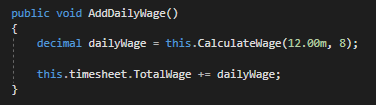
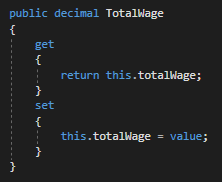
When we put a breakpoint on the line of code that calls TotalWage and run the application, we can see that the dailyWage variable is 96 and the TotalWage property is 40. By the end of this the TotalWage property should be 136.
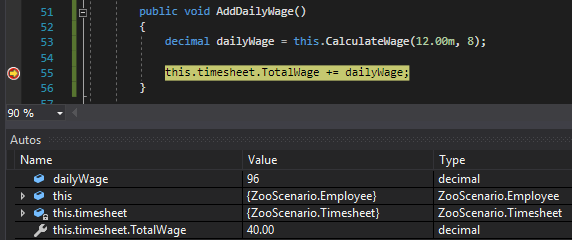
So let's press F11. The first thing that's going to happen is the debugger is going to go into the getter of the TotalWage property.
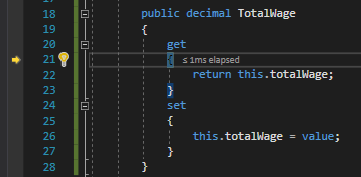
This is because the debugger needs to know what to add first. Remember that the "long" version of this.timesheet.TotalWage = this.timesheet.TotalWage + dailyWage. This long version makes it easier to see that the right side of the statement adds the TotalWage to the dailyWage and in order to do that it needs to know what the TotalWage is. THEN, the left side of the statement executes and assigns the TotalWage to the total.
So if we step through the getter and back to the AddDailyWage method it doesn't look like anything has changed.
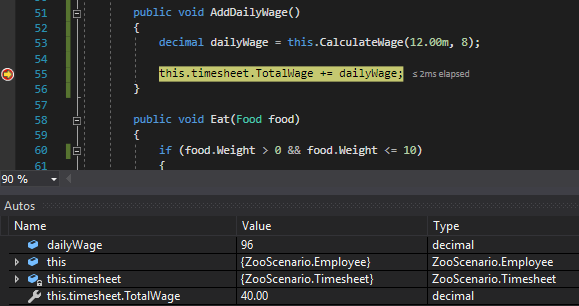
But now if we press F11 again the debugger will go into the setter of the TotalWage property.
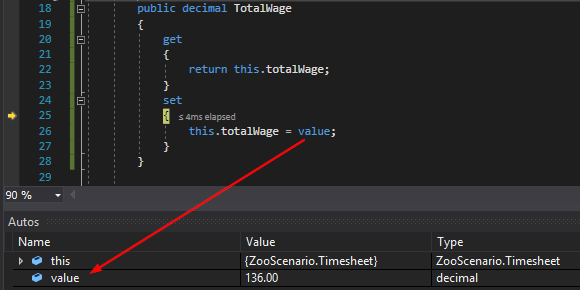
Note that the value is 136, the sum of 40 and 96. So let's step through the rest of the setter and back to the AddDailyWage method and press F11.
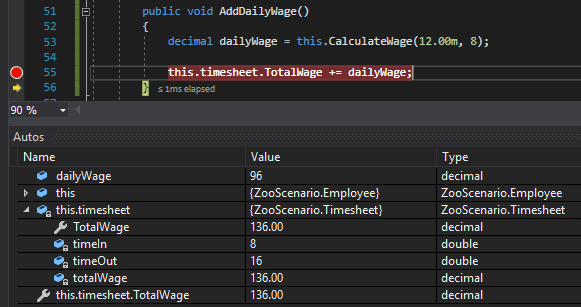
The value of the private totalWage field is now 136.