Putting breakpoints right on conditional statements will help in debugging.
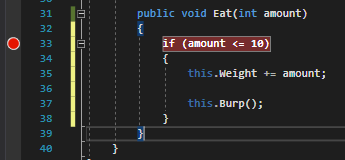
After running the application and hitting the breakpoint it is easy to see that the the amount parameter is 5 and the conditional accepts anything 10 and below so this will evaluate to true.
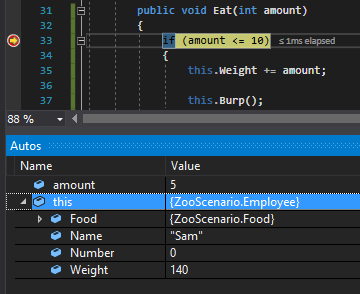
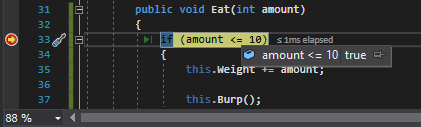
However, you can hover over the conditional and it will show what it evaluates to.
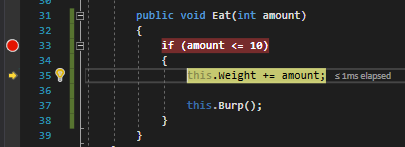
If you press F11 here the debugger will step into the curly braces and execute the lines of code.
Let's say the weight of the food is now massive and we try to run the code.
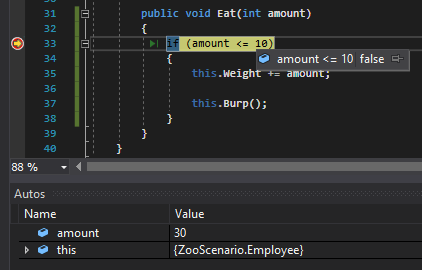
The conditional evaluates to false so lets press F11.
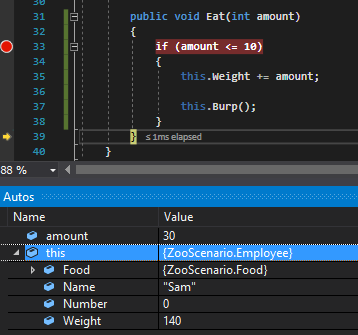
The debugger skips over the code inside the logic check and to the next line. Sam's Weight thankfully never changes to 170lbs.