Let's say we have a situation where we have a method body like the one below and don't really care about the second calls to ThankCashier, Eat or TearReceipt. All we really want to know is the state of things at the beginning of the method and at the end of the method.
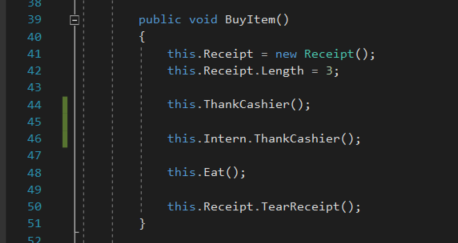
Let's put breakpoints in the method after the Receipt is instantiated and at the end of the method.
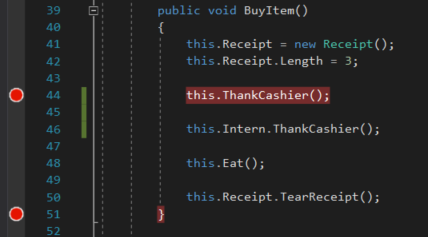
Now we could F11 through the entire method to show the flow and look at the values of objects in depth, but that would take a lot of time. Instead let's use Continue to skip all of that. So let's run the application and click the New Como Zoo button and Attendant Buy Item button.
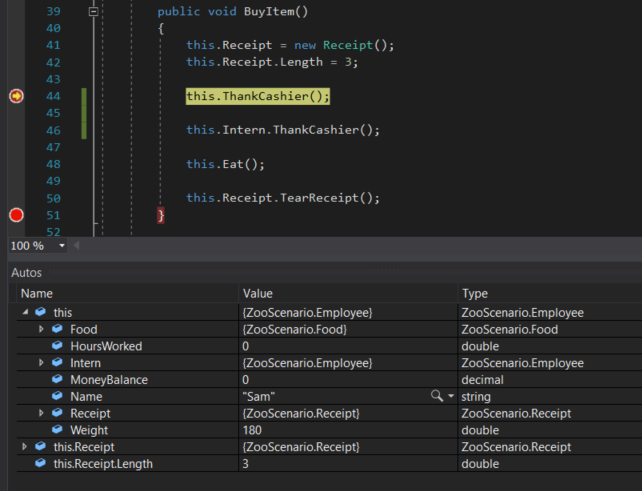
When the application hits the first Breakpoint we can see that the Attendant's Weight is 180 and the Receipt's Length is 3. Now let's push Continue by either clicking the button on the top menu or pressing F5
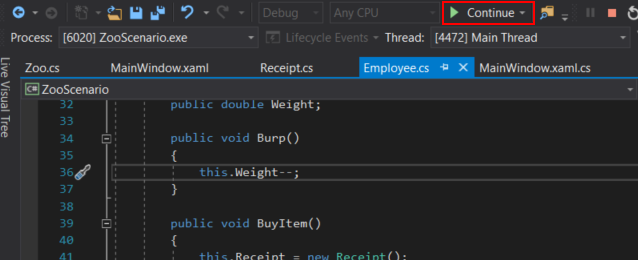
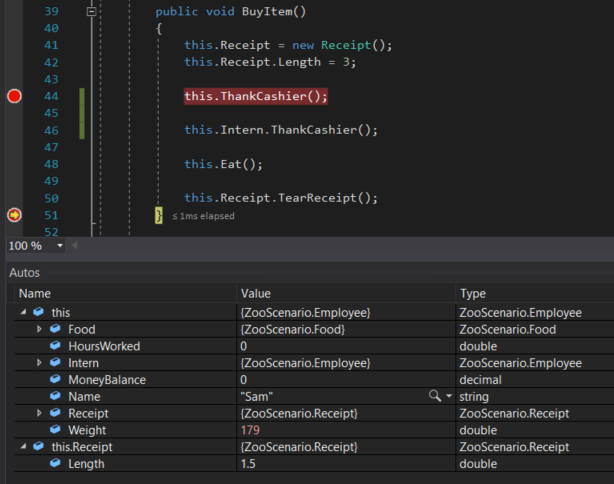
The debugger jumps to the second breakpoint without us needing to push F10 or F11. Note that the values of the Attendant's Weight and the Receipt's Length have changed in the Autos window because of the code between the breakpoints executing.
Many times when we have you do Check Your Work steps we have you test a method and then move on to another step and stop and start the application all over again. We do this to make sure values are reset. However, if the application is running we can bring back the appication interface and we can run a button click over and over again without quitting the application.
For example, let's say we want to test the functionality of the Eat method to see what happens when we continually have an Employee eat. Let's put a breakpoint at the end of the Eat method.
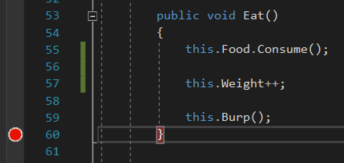
And then we will start the application and click the New Como Zoo button and the Attendant Buy Item button and the breakpoint will be hit. The Consume method reduces the Food's Weight by 1, the Attendant's Weight is increased by 1, and the Burp method decreases the Employee's Weight by 0.5. At the end of the method the Employee gains .5 lbs and the Food loses a pound.
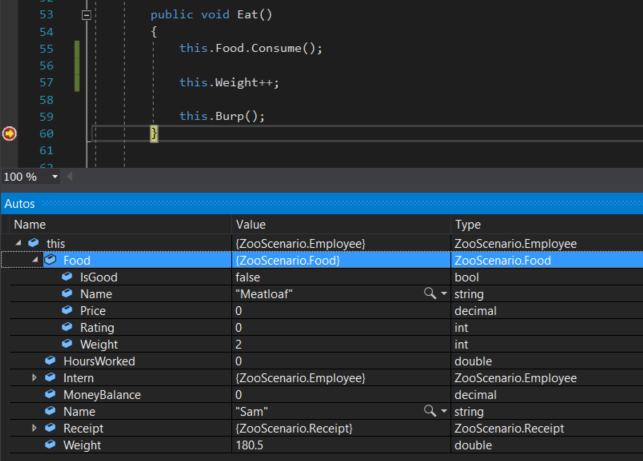
Now let's click the Continue button or press F5. There are no other breakpoints so the sequence for the button click is done and the user interface comes back. This does not clear out the values that assigned by clicking the button the first time; all the values of the Food and Attendant are the same.
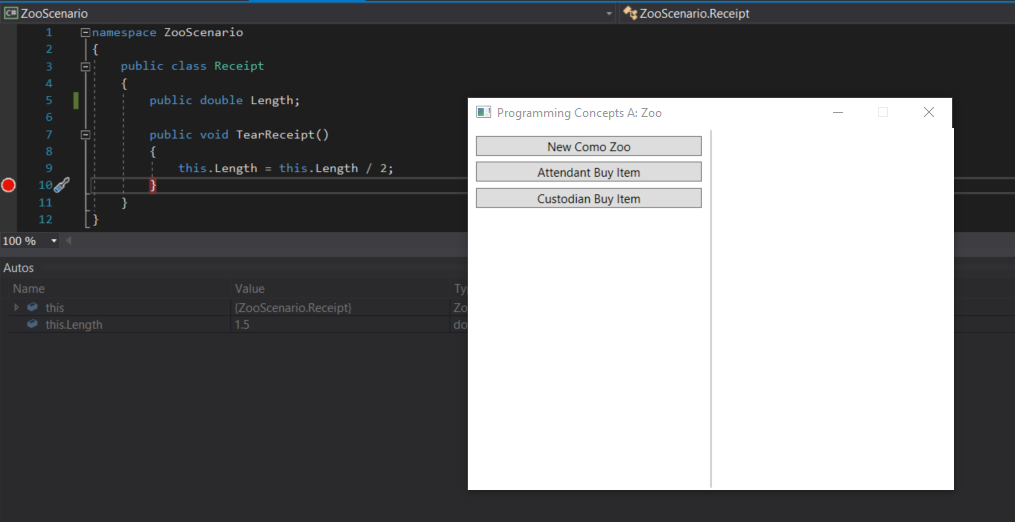
So let's click the Attendant Buy Item button again.
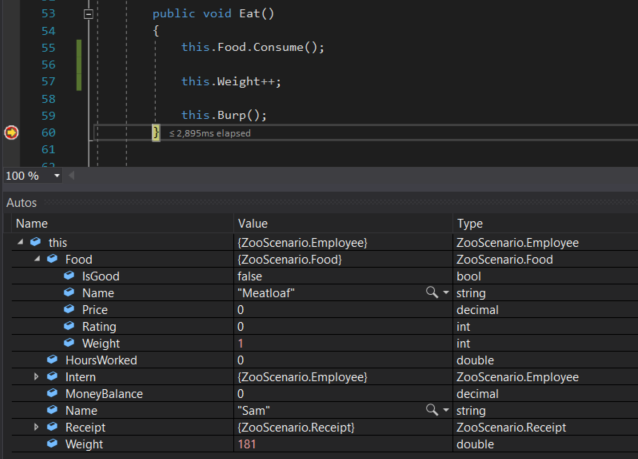
Now the Food's Weight is 1 less and the Attendant has gain another 0.5 pounds.
Using this tool can help us find bugs in our code. Say we do this two more times.
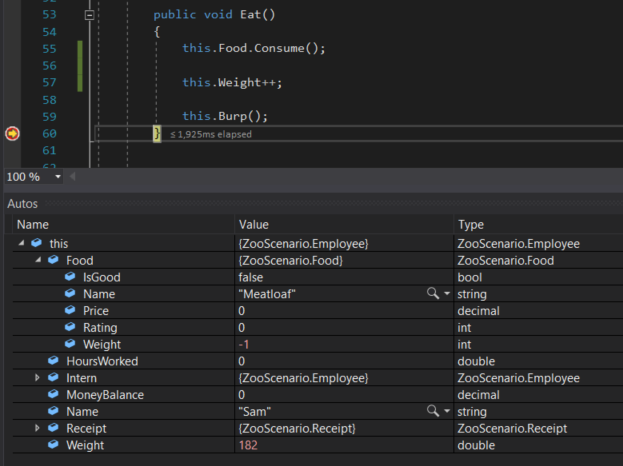
Now the Attendant is eating air and still gaining weight! We will have to implement additional code to make sure this doesn't happen.