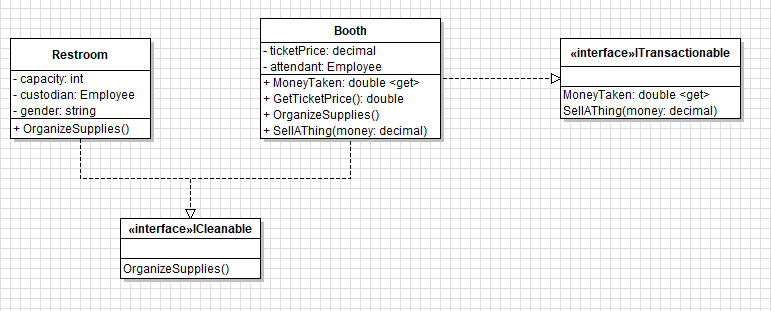
This article will guide you through how to show implementing interfaces in a class diagram.
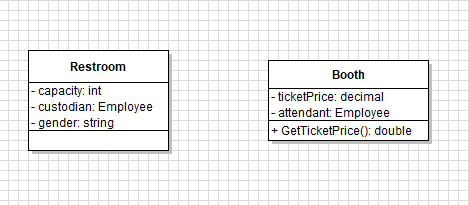
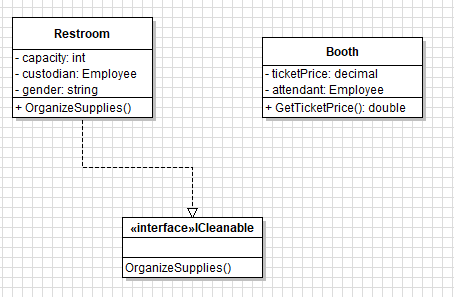
Let's start out with the two classes Restroom and Booth.
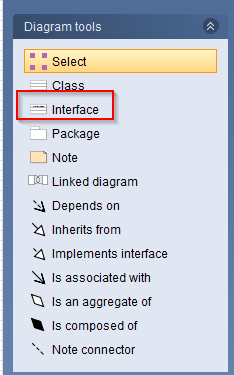
The first thing we are going to do is add a new interface by clicking the interface tool on the sidebar...
...and clicking on the workspace.
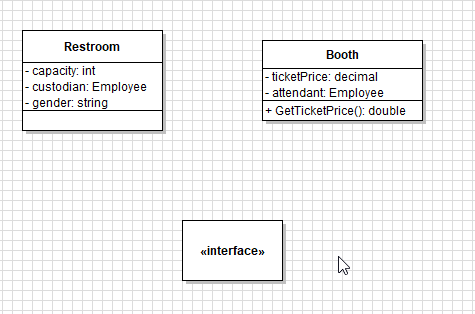
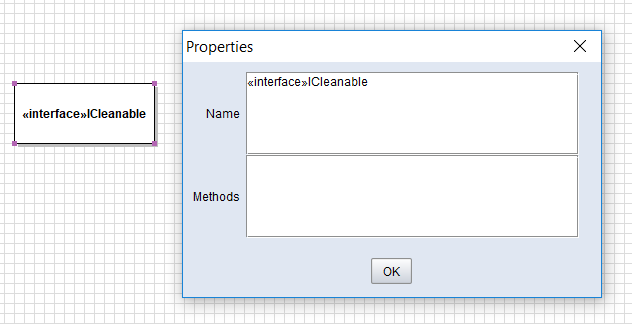
We want this interface to be an ICleanable so we'll double click the interface node and add the name after the interface title.
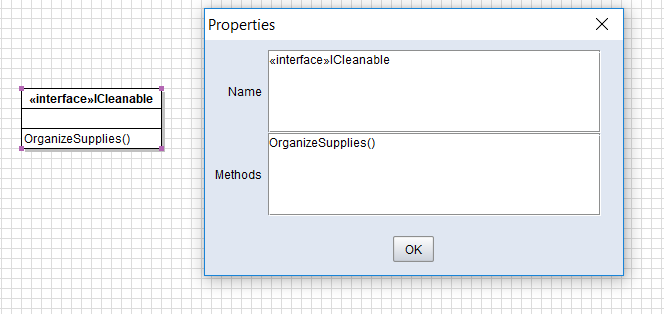
The interface should have members that relate to something that's cleanable so let's add the member OrganizeSupplies(). It is important to note here that an interface cannot declare visibility so there will be no + or - in an interface.
Then we want the Restroom to implement the ICleanable interface. To do this we will select the Implements interface tool...
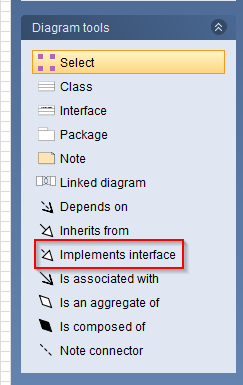
...and click and drag from the Restroom class to the ICleanable interface.
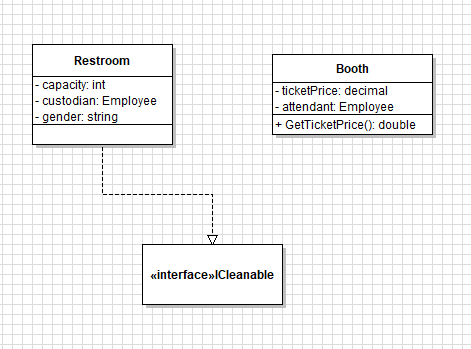
The Restroom now implements the ICleanable interface, but we need to add the member the interface has in the Restroom class.
The Booth is also something that is "cleanable" so we can have that class implement ICleanable as well. This is done the same way with the Implements interface tool.
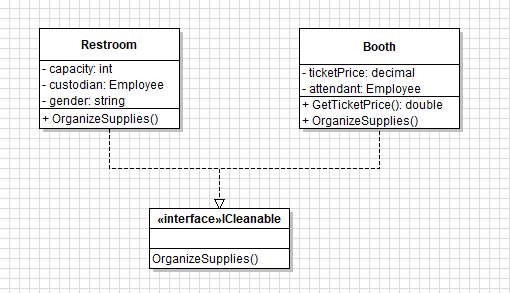
Unlike inheritance, classes can inherit multiple interfaces. Let's say the Booth class implements an interface called ITransactionable. We would add another interface and draw another Implements interface line from Booth to ITransactionable, making sure to represent the interface members.