Install Violet UML Editor
1.Complete the installation guide
Use the course installation guide to download, prepare, and install Violet UML Editor 2.1.0.
2.Run Violet UML Editor
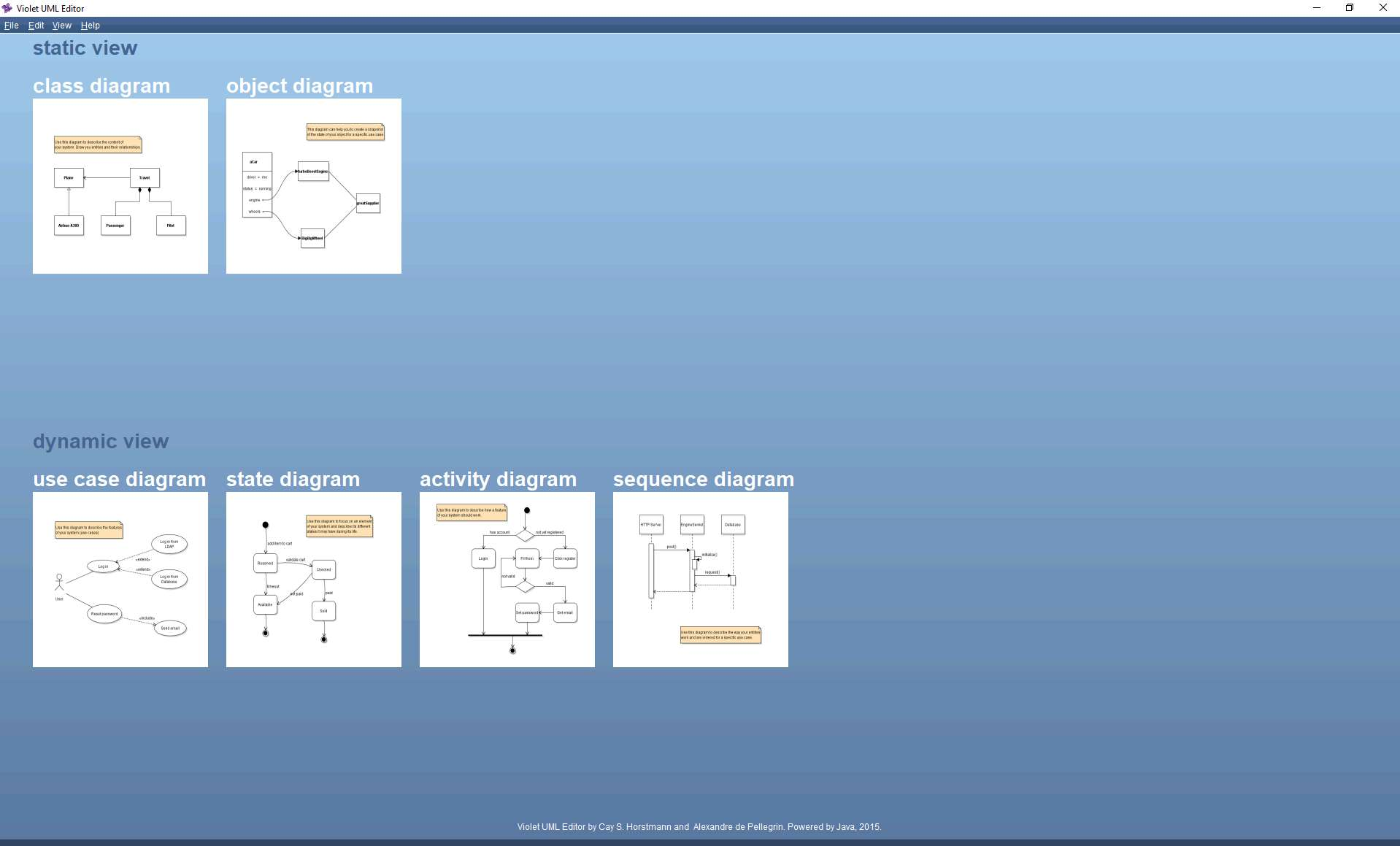
3.Provide evidence of completion
4.Submit your screenshot to Canvas
Submit the PNG screenshot directly to Canvas as directed by your course.
Your screenshot must show
- Violet UML Editor running on your system.
- The Violet start screen or diagram choices clearly visible.
- Enough surrounding context to verify the required evidence.