-
Create a new diagram.
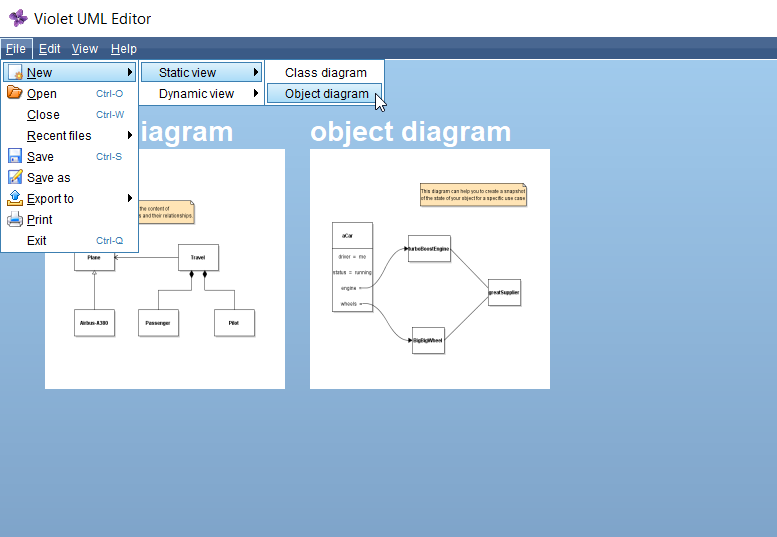
New Object Diagram
Go to top -
Represent the GameBoard
We need a way to represent what a Parcheesi game board entails. Specifically, we need to
represent a game where there are two players and we have a potential to win $100.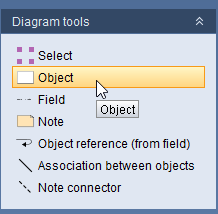
Object Tool
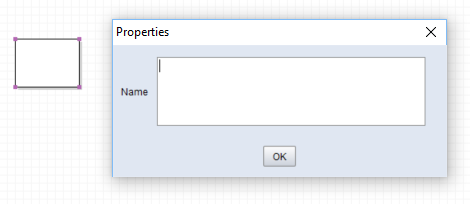
Properties Window
We will be covering classes more in-depth in PCA. For now, just know that classes
are blueprints, much like a new house isn't built until a blueprint is made.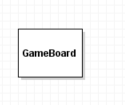
Class Name
Go to top -
Represent a Piece belonging to the GameBoard
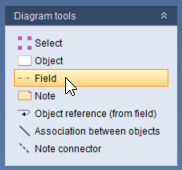
Field Tool
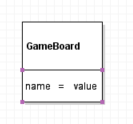
Add Field
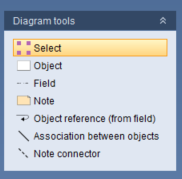
Select Tool
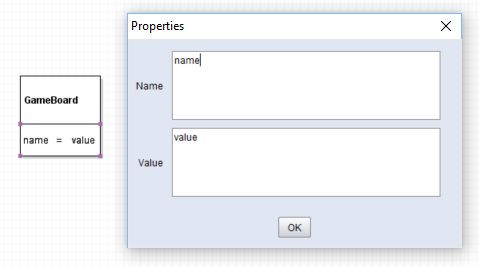
Edit Field
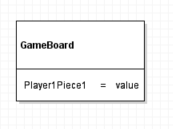
Rename Field
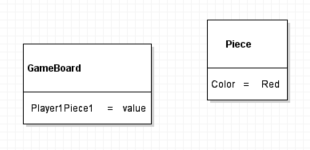
Piece Object
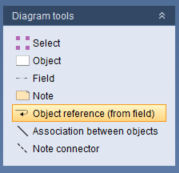
Object Reference Tool
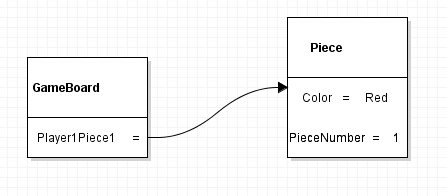
Field Reference
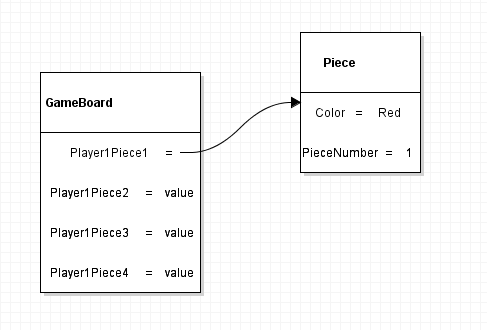
In English this would read as: "The GameBoard object has a Player1Piece1 of type Piece
Go to top
and the Piece object has a Color with the value of Red." -
Give the board 4 pieces for a single player.
Add 3 Pieces
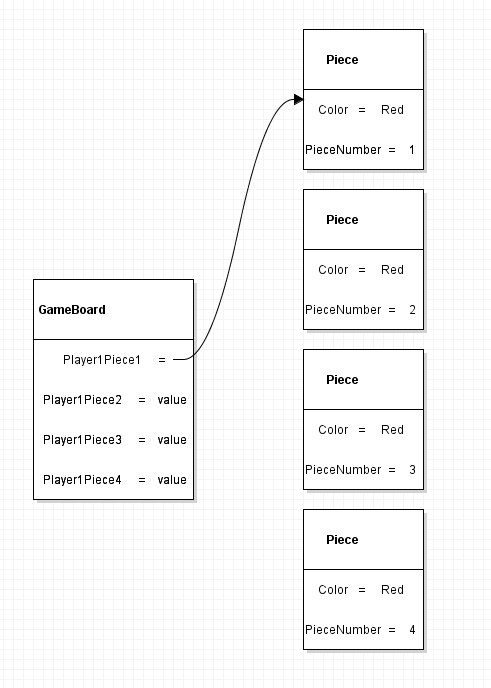
Add 3 Piece Objects
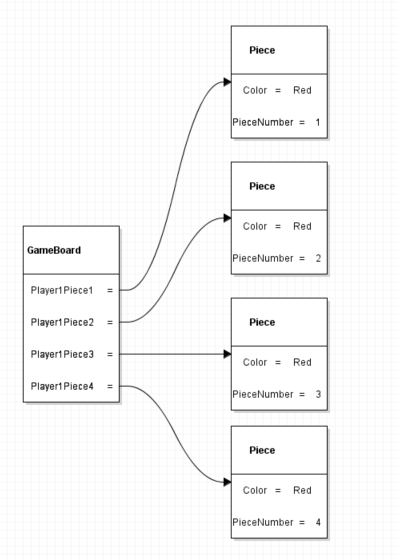
Connect Fields to Objects
We now have a single GameBoard object with 4 fields that reference 4 different Piece
Go to top
objects. In other words, the game board has 4 red game pieces on the board. -
Add another player to the board.
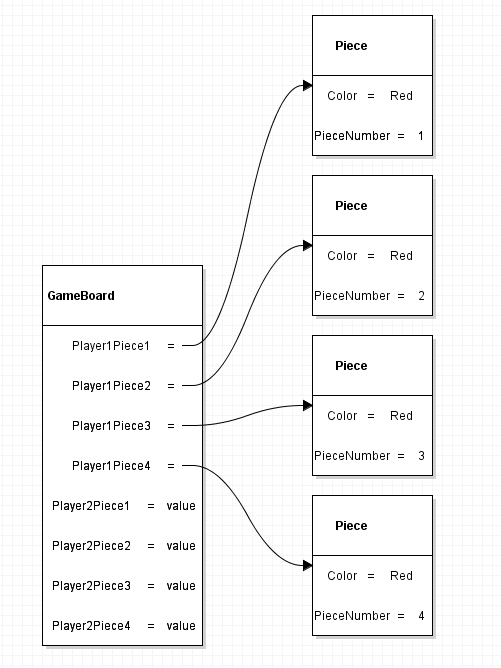
Player 2 Fields
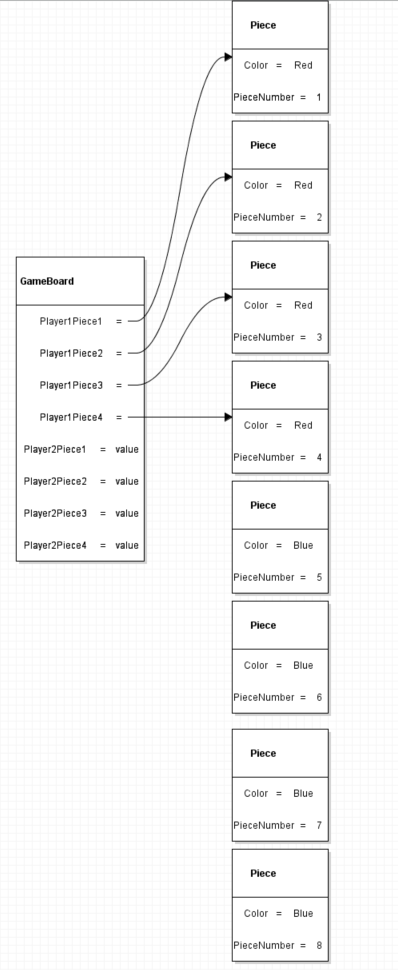
Player 2 Piece Objects
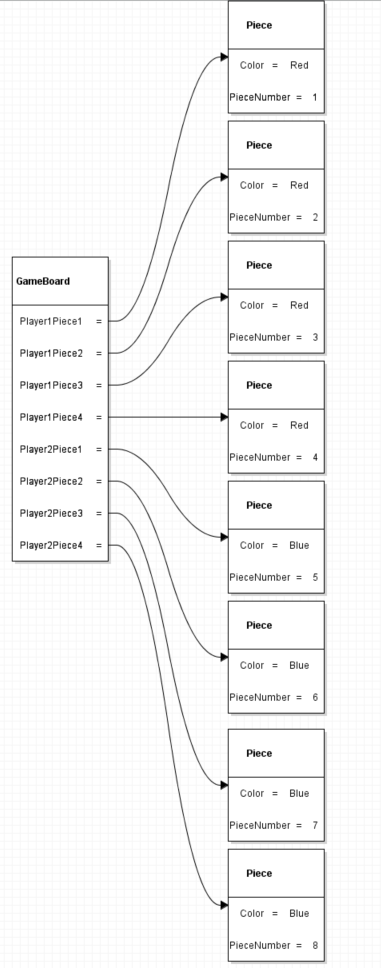
Player 2 Field References
Go to top -
Give the GameBoard some money to win.
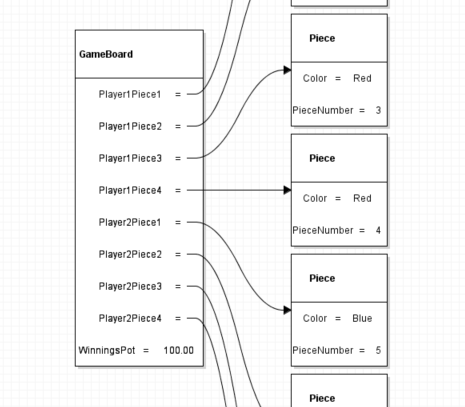
Winnings Field
This object diagram now represents a GameBoard that has 8 total pieces (4 Red and 4
Go to top
Blue) and $100.00 worth of winnings. -
Submit the diagram to the Feedback System.
Parcheesi 0.2 LastName.object.violet.html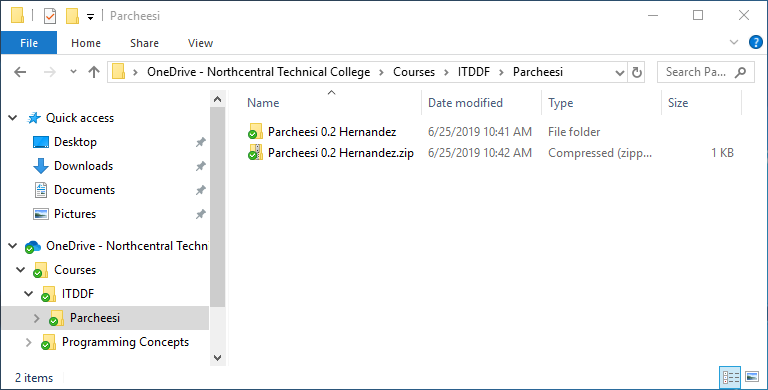
Zip File
Please bookmark this page!
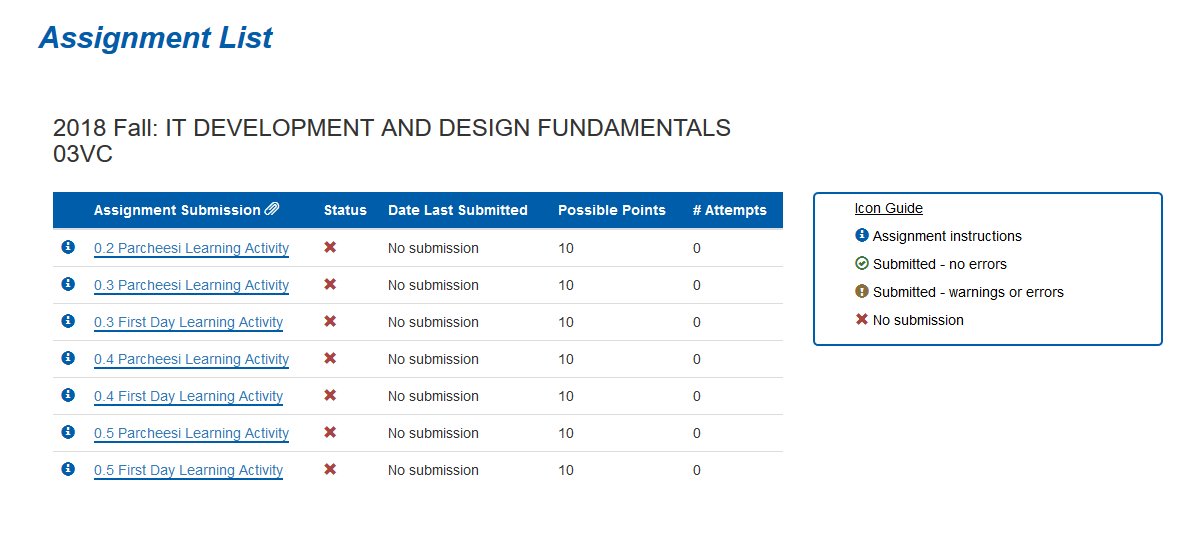
Feedback System
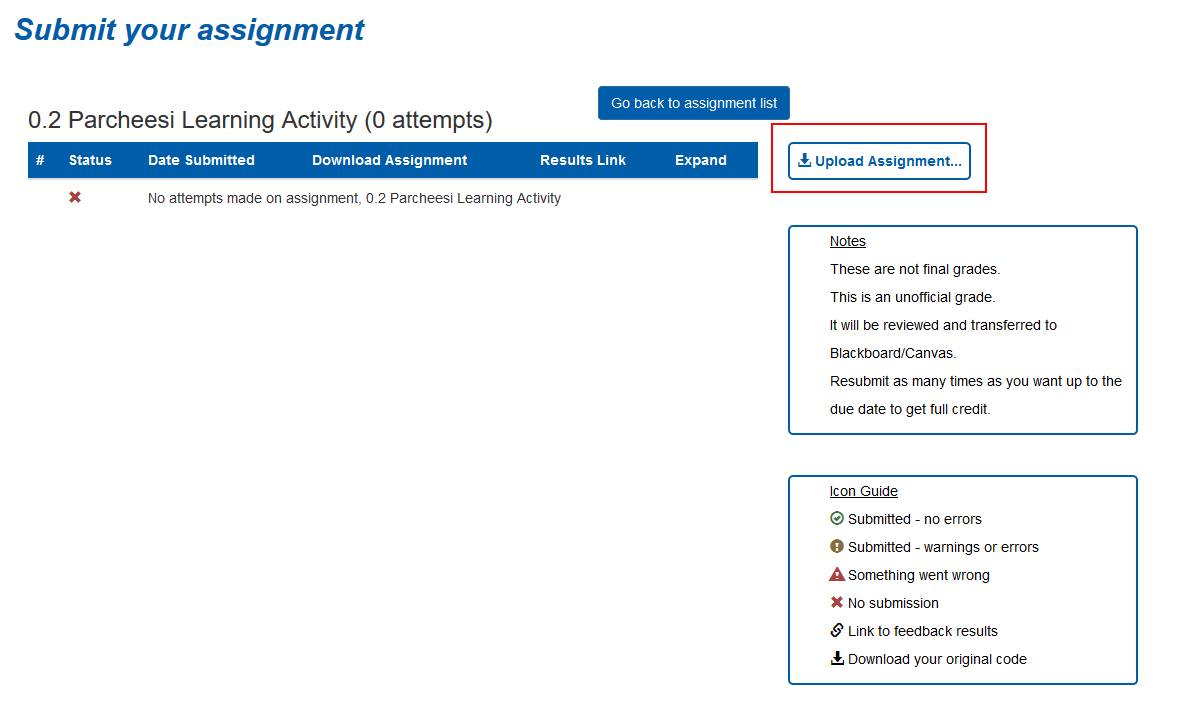
Upload Assignment
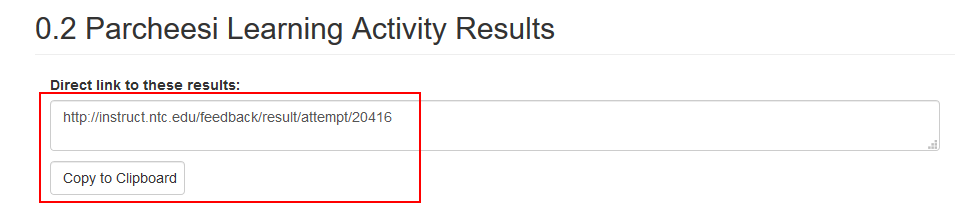
Copy URL
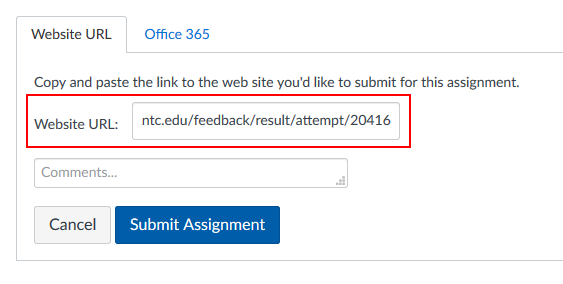
Submit URL
If you are getting a large amount of errors or errors you don't understand please
reach out to in the course Slack channel for assistance or contact your instructor.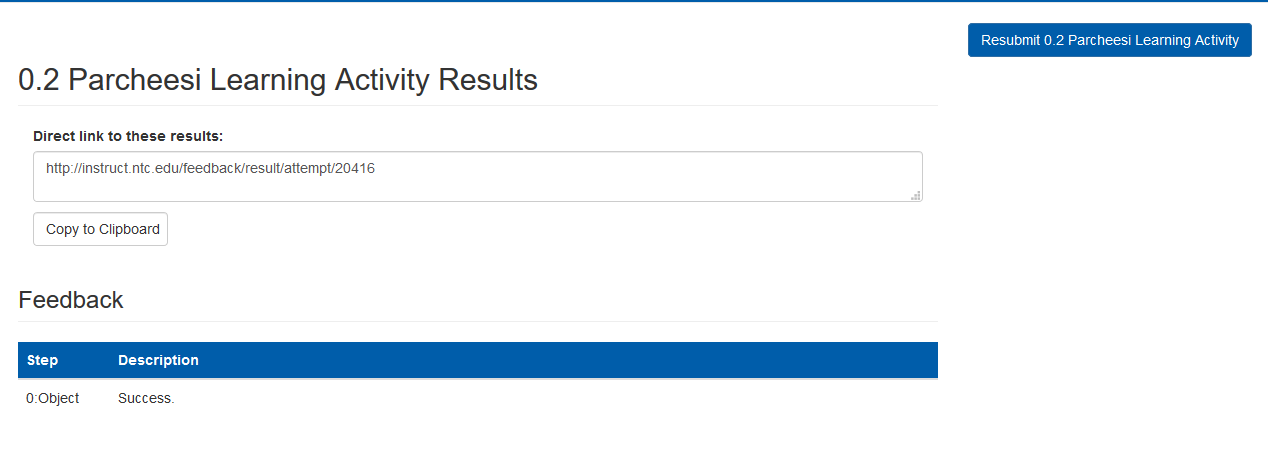
Success Message
Go to top