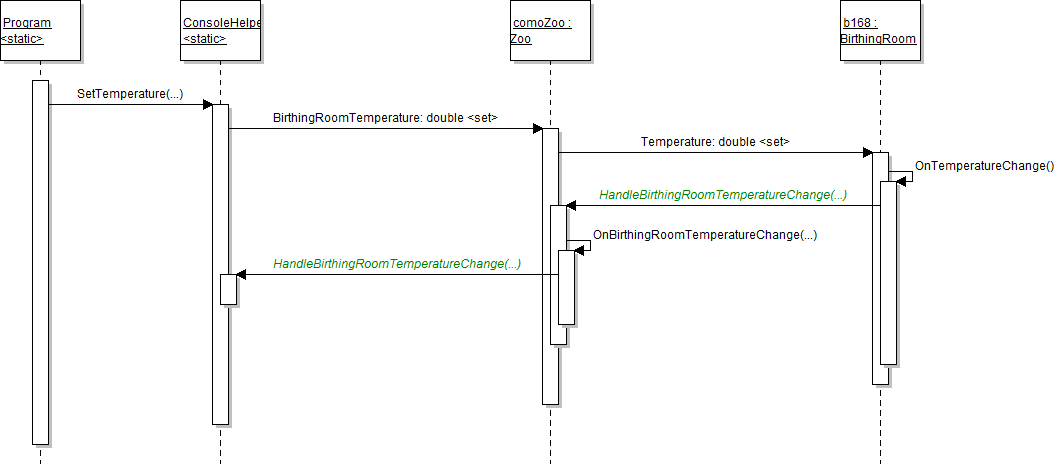
Acceptance criteria
- A temperature-change delegate notifies the console when the birthing room temperature changes.
public Action<double, double> OnTemperatureChange { get; set; }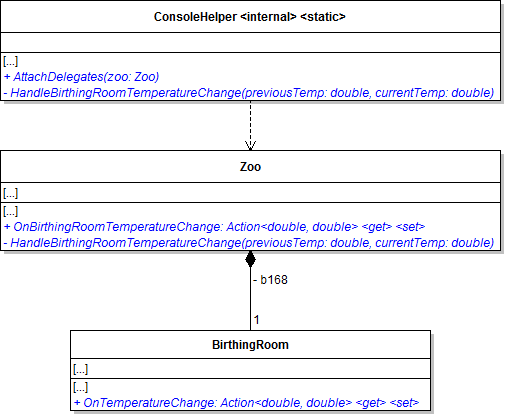
This attaches the method to the delegate so that whenever the delegate (property) is called, the method will run.
this.b168.OnTemperatureChange += this.HandleBirthingRoomTemperatureChange;Pass the previousTemp and currentTemp parameters through.
Console.WriteLine($"Previous temperature: {previousTemp:0.0}.");
Console.WriteLine($"New temperature: {currentTemp:0.0}.");Remove any code that writes temperatures to the console. Replace the code in the try block with the code below.
zoo.BirthingRoomTemperature = double.Parse(temperature);The OnBirthingRoomTemperature change delegate (property) now is the HandleBirthingRoomTemperatureChange method in the ConsoleHelper class.
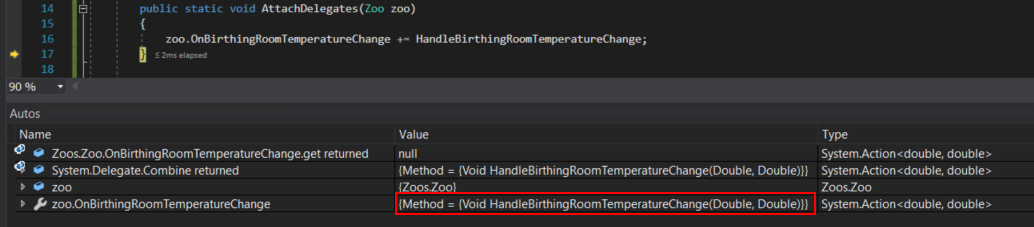
Ensure that the OnTemperatureChange delegate has the method HandleBirthingRoomTemperatureChange plugged into it.
Ensure the OnBirthingRoomTemperatureChange delegate has the
HandleBirthingRoomTemperatureChange method plugged into it.
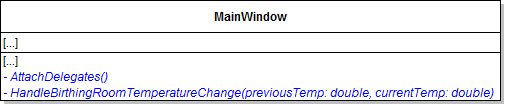
The label, border height, and border background color all should change as the temperature changes.
Mark the private field as NonSerialized.
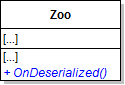
Pass in the birthing room's current temperature for both parameters.
Then close the application. It should close successfully.
The auto-saved zoo should be loaded. The label and border should be updated automatically now to the previously save temperature.
© 2026 Northcentral Technical College