Under Construction
This page is currently being built. Please check back soon.
This page is currently being built. Please check back soon.
Work through the user stories in order. Each story states the goal and acceptance criteria; its nested tasks retain the detailed implementation and verification steps.
Check the result against this instruction: Copy your GradeBook 3.1 Assignment. Rename the folder and .sln to 3.2.
This focused design shows the members or flow relevant to this feature. Keep unchanged members from your preceding checkpoint; follow the tasks below for the order of intermediate edits.
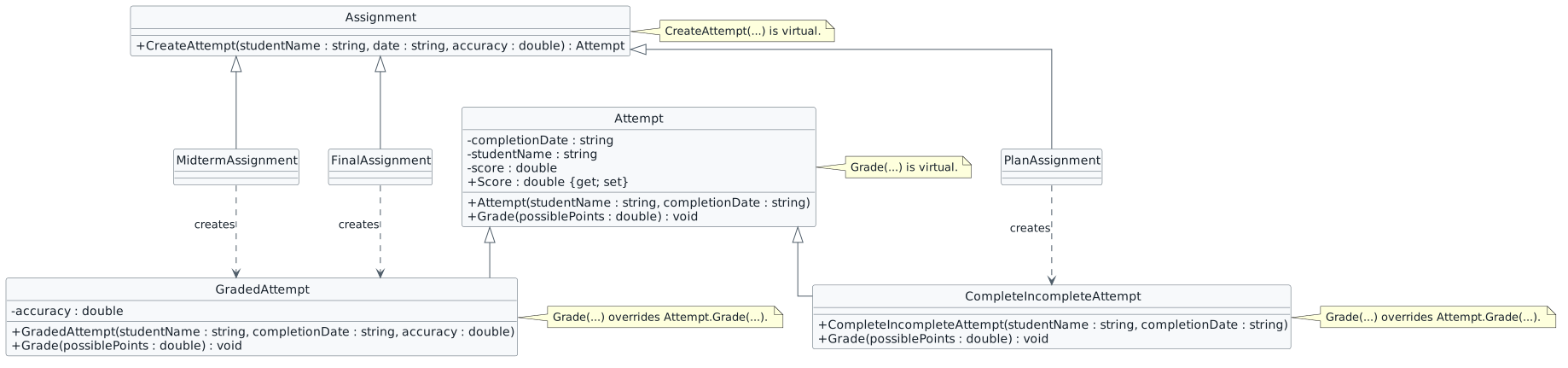
Check the result against this instruction: Add two folders to your project; one named Assignments and one named Attempts.
CompleteIncompleteAttempt object based on the parameters passed in.
course.AddAssignment(new PlanAssignment("Plan", "Start Here", 5.0, 2.1));<Button x:Name="finishPlanButton" Content="Finish plan" Click="finishPlanButton_Click" />
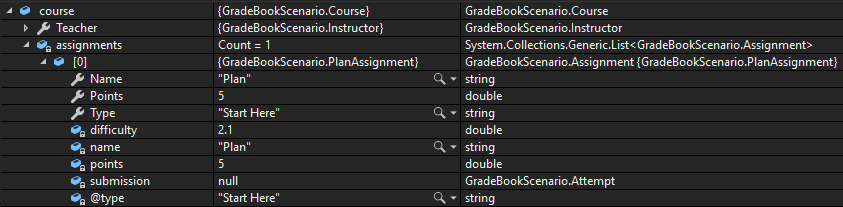
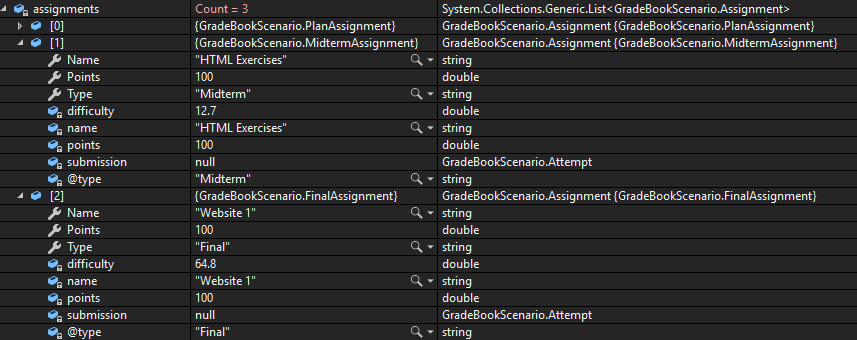

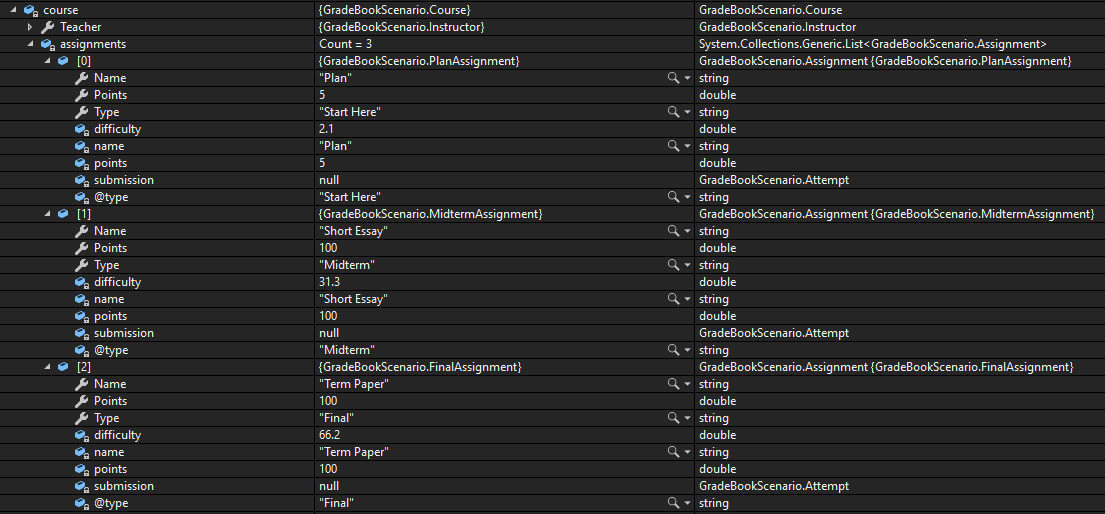

This focused design shows the members or flow relevant to this feature. Keep unchanged members from your preceding checkpoint; follow the tasks below for the order of intermediate edits.

Check the result against this instruction: Remove parameters and arguments using this story’s design reference.
Check the result against this instruction: Modify the TakeAssignment method and the GetAssignmentByType methods have a parameter of type Type instead of string.
Check the result against this instruction: In the GetAssignmentByType method, use GetType to compare the object and parameter.
Check the result against this instruction: In the MainWindow, use typeof in the calls to TakeAssignment to take the correct assignment.

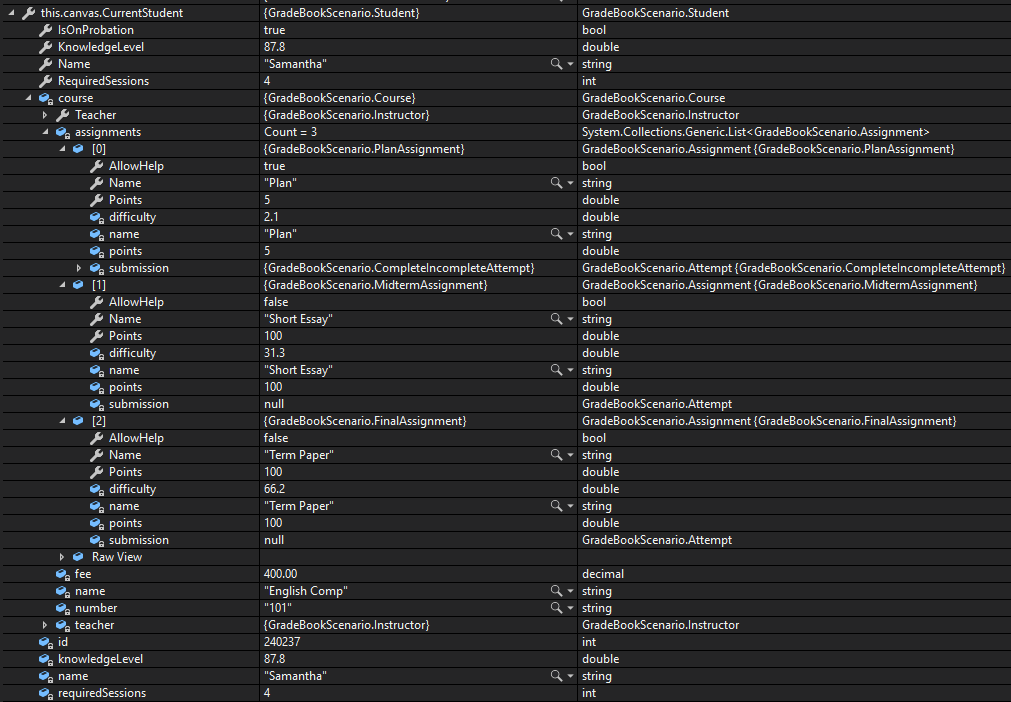
Check the result against this instruction: Ensure your code is StyleCop compliant
Check the result against this instruction: Zip the solution and submit to the Feedback System.
Check the result against this instruction: Submit the Feedback System URL to the correct assignment in Canvas.
Return to each user story and confirm that you can demonstrate its acceptance criteria. Use the task checkboxes to track completion; a checked box is not a substitute for testing or inspecting the required evidence.
Use different assignment and attempt types Select assignments by runtime typeRemove temporary lines used only to demonstrate compile-time errors. Build without errors or warnings, check StyleCop compliance, and rerun the required scenario paths.
Use the submission or attendance instructions in this page. For a Feedback System submission, upload the requested ZIP, review and resolve the feedback, and submit the resulting URL to the matching Canvas activity. For a Canvas quiz, enter only the requested answers; for an oral final, complete the scheduling and attendance steps.