0.3 Parcheesi Assignment

Overview

What Happens After the Roll?

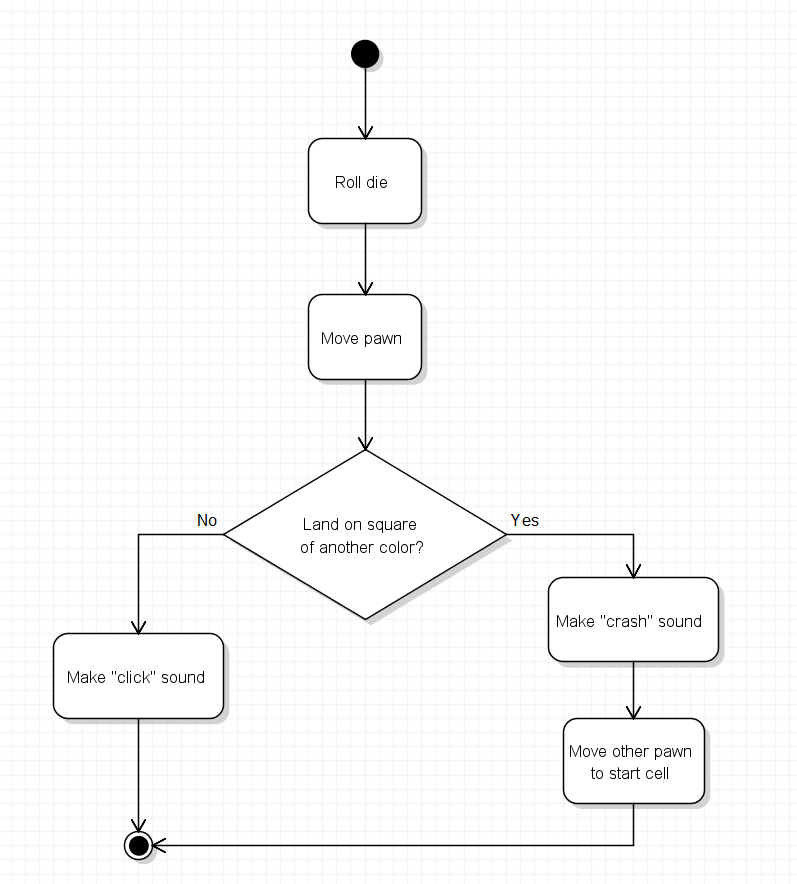
In this assignment, you will use a very small Parcheesi example to explore two different kinds of UML diagrams. Object diagrams will show where the pawns are before and after a die roll. Then you will create an activity diagram in Violet to show what the game should do when a pawn lands on a cell occupied by a pawn of another color.

The example is intentionally tiny: six numbered cells, one red pawn, and one blue pawn. Your goal is not to model the entire game. Your goal is to practice reading state from one kind of diagram and turning a simple rule into another kind of diagram.

User Story

As a Parcheesi player, I want to understand what happens after a die is rolled so that I can see how a game follows a sequence and makes decisions when a pawn lands on a space.

Acceptance Criteria

Task List

  1. Connect a Board Segment to an Object Diagram
  2. Read the Starting Game State
  3. Trace a Roll of 3
  4. Trace a Roll of 4
  5. Learn the Landing Rule
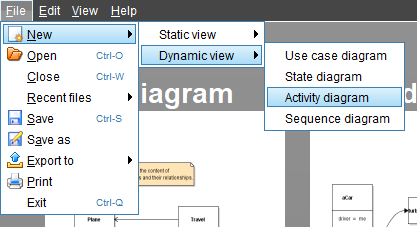
  6. Create the Activity Diagram in Violet
  7. Check Both Paths
  8. Save, Submit, and Revise the Diagram
Two Questions, Two Diagram Types

An object diagram is useful when you want to answer, “What objects exist right now, and how are they related?” An activity diagram is useful when you want to answer, “What happens next, and which path should be followed?”

  1. 1. Connect a Board Segment to an Object Diagram

    Start with the physical idea of the game board before reading the UML model.

    Step 1 — Look at the simplified board segment

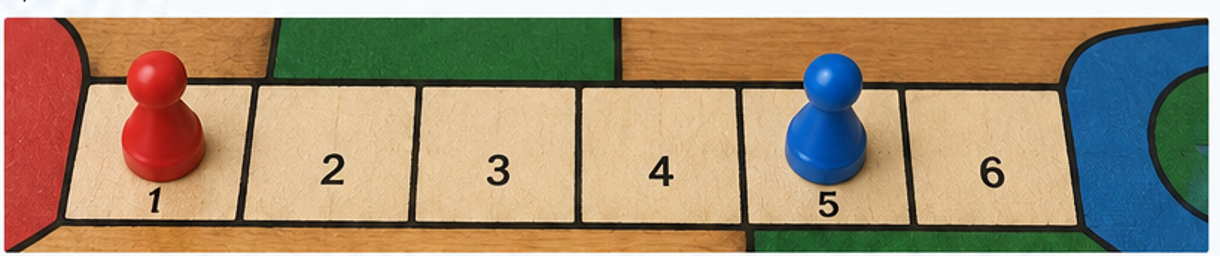
    Sketch of six numbered Parcheesi board cells with a red pawn on cell 1 and a blue pawn on cell 5
    A concrete board segment for the assignment: six cells, Red on Cell 1, and Blue on Cell 5.

    The complete Parcheesi board has many more spaces. For this assignment, pretend this six-cell segment is the only part of the board we need.

    Step 2 — Compare a physical cell with an object-diagram cell

    An object diagram does not try to look like the board. It represents particular objects and their relationships.

    Object diagram showing a red pawn occupying cell 1.
    The object diagram represents the same idea as a pawn sitting on a physical board cell.

    Step 3 — Identify what changed between the two representations

    1. In the board sketch, identify the physical red pawn and Cell 1
    2. In the object diagram, identify redPawn : Pawn and cell1 : Cell
    3. Notice that the arrow labeled occupies represents the relationship shown physically by the pawn sitting on the cell
    Go to top
  2. 2. Read the Starting Game State

    Now read a slightly larger object diagram containing the six cells used in this assignment.

    Step 1 — Read the board object

    Starting object diagram: board contains six cells, redPlayer controls redPawn, redPawn occupies cell 1, and bluePawn occupies cell 5.
    Starting state: Red is on Cell 1 and Blue is on Cell 5.

    Step 2 — Locate each important object

    1. Find board : Board
    2. Find the six Cell objects
    3. Find redPawn : Pawn
    4. Find bluePawn : Pawn
    5. Find the relationship showing that the Red player controls the Red pawn

    Step 3 — State the starting positions

    1. Which cell does the Red pawn occupy?
    2. Which cell does the Blue pawn occupy?
    3. If the Red player rolls next, which pawn will move in our simplified example?
    Read State Before You Predict Behavior

    Before deciding what happens next, make sure you can describe the current state accurately. A wrong starting state produces a wrong prediction.

    Go to top
  3. 3. Trace a Roll of 3

    For this simplified example, moving forward means increasing the cell number by the die roll.

    Step 1 — Predict the destination

    1. Red begins on Cell 1
    2. Red rolls a 3
    3. Count forward three cells: 2, 3, 4
    4. Predict the Red pawn's destination before looking at the next diagram

    Step 2 — Compare your prediction with the object diagram

    Object diagram after Red rolls 3: redPawn occupies cell 4 and bluePawn remains on cell 5.
    After a roll of 3, Red occupies Cell 4 and Blue remains on Cell 5.

    Step 3 — Identify the state change

    1. Where did the Red pawn start?
    2. Where does the Red pawn end?
    3. Did the Blue pawn move?
    4. Are the two pawns on the same cell?
    Roll of 3

    The move changes one relationship: the Red pawn no longer occupies Cell 1; it now occupies Cell 4. Nothing special is required because Cell 4 was not occupied by the Blue pawn.

    Go to top
  4. 4. Trace a Roll of 4

    Return to the original starting state: Red on Cell 1 and Blue on Cell 5. This time Red rolls a 4.

    Step 1 — Predict the destination

    1. Start Red on Cell 1 again
    2. Count four cells forward: 2, 3, 4, 5
    3. Predict which cell Red reaches
    4. Before looking below, ask yourself whether another pawn is already there

    Step 2 — Read the immediate state after the move

    Immediate object diagram after Red rolls 4: both redPawn and bluePawn occupy cell 5.
    Immediately after a roll of 4, Red and Blue are both related to Cell 5.

    Step 3 — Identify the new condition

    1. Which pawn was already on Cell 5?
    2. Which pawn just landed on Cell 5?
    3. How is this situation different from the roll of 3?
    The Move Is Not the End of the Rule

    The object diagram above shows the immediate state after Red moves. The game still has to decide what to do because a pawn of another color was already on the destination cell.

    Go to top
  5. 5. Learn the Landing Rule

    For this assignment, use the following simplified Parcheesi rule:

    Simplified Landing Rule

    If a pawn lands on a cell already occupied by a pawn of another color, move the existing pawn to its Start cell.

    Step 1 — Apply the rule to the roll of 4

    1. Red is the pawn that just landed on Cell 5
    2. Blue was already on Cell 5
    3. The existing pawn is therefore Blue
    4. According to the simplified rule, Blue moves to its Start cell

    Step 2 — Read the resolved object state

    Resolved object diagram after the simplified landing rule: redPawn occupies cell 5 and bluePawn occupies Blue Start.
    Resolved state after the rule: Red remains on Cell 5 and Blue returns to Blue Start.

    Step 3 — Compare all three useful states

    1. Starting state: Red on Cell 1, Blue on Cell 5
    2. Roll of 3: Red on Cell 4, Blue on Cell 5
    3. Roll of 4 after the landing rule: Red on Cell 5, Blue at Start
    State vs. Rule

    The object diagrams show the states. Your activity diagram will show the rule that explains why the two rolls produce different outcomes.

    Go to top
  6. 6. Create the Activity Diagram in Violet

    Now switch from modeling state to modeling flow.

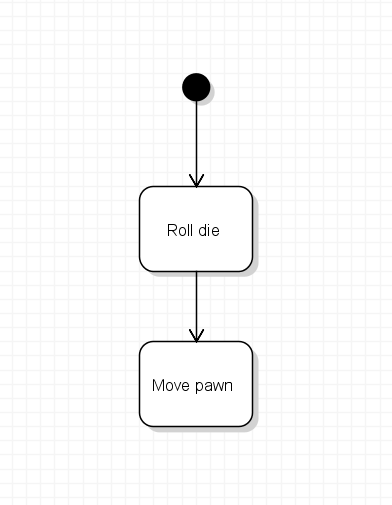
    Step 1 — Review a simple activity diagram

    This first example shows only sequence. It does not contain the landing decision.

    Activity diagram showing roll the die, move the selected pawn, observe the new board state.
    A simple activity diagram shows actions in the order they happen.

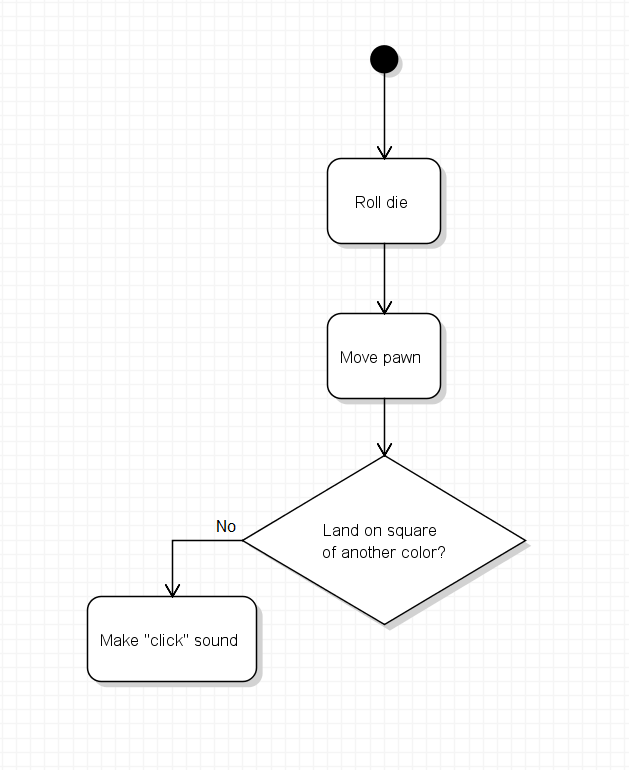
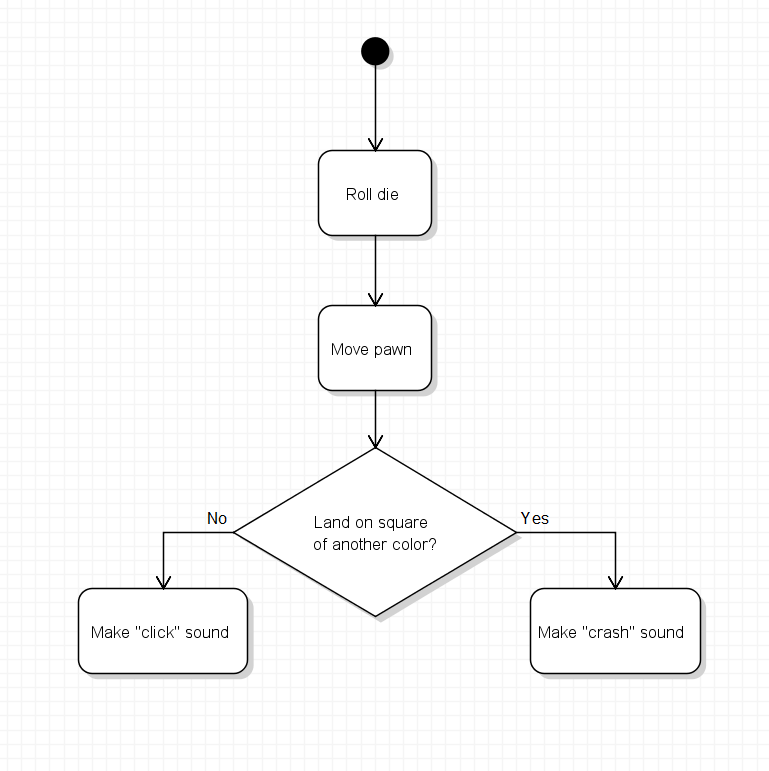
    Step 2 — Review the shape of a decision

    A decision asks a question and sends the flow down one of two paths.

    Generic activity diagram with one decision and yes/no paths.
    A decision node creates different paths based on a condition.

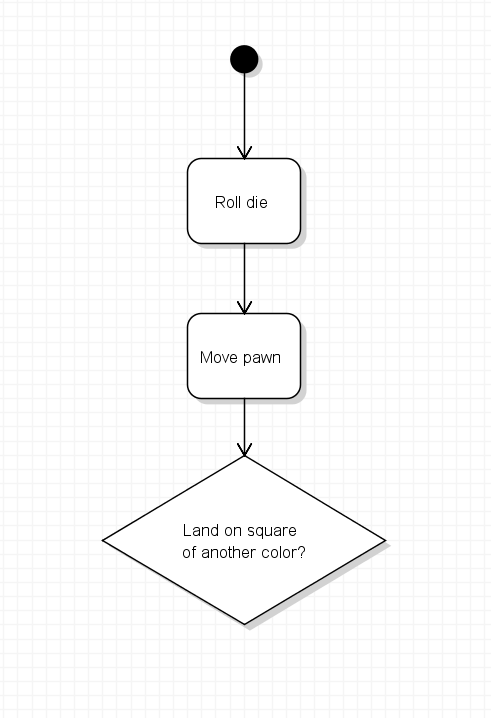
    Step 3 — Start your Parcheesi activity diagram in Violet

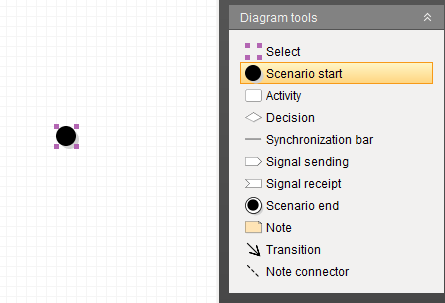
    Create a new UML activity diagram in Violet. Begin with the following idea:

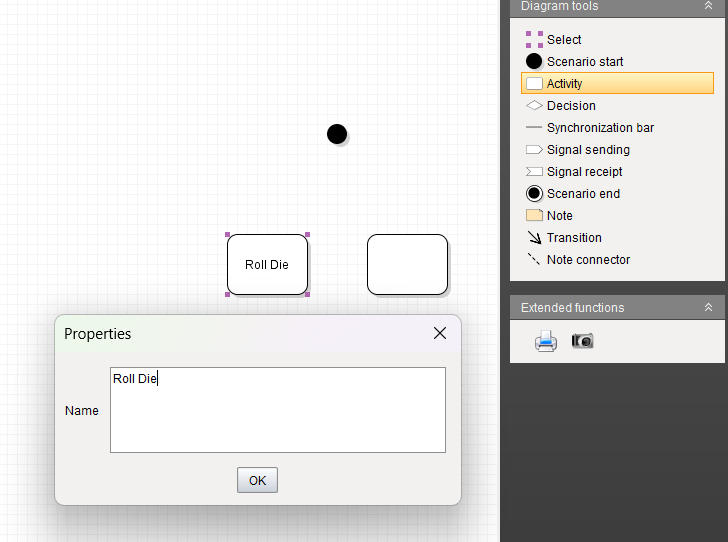
    Partial Parcheesi activity diagram ending just before the learner adds the landing decision.
    Use this partial flow only as a starting scaffold. You must add the landing decision yourself.

    Step 4 — Add the landing decision

    Your diagram must ask: Is a pawn of another color already on the destination cell?

    1. Add one decision after the pawn lands
    2. Label the two paths so the reader can tell which path means yes and which means no
    3. On the no path, the turn can finish without moving another pawn
    4. On the yes path, add an action that moves the existing pawn to its Start cell
    5. End the flow after the appropriate action is complete

    Step 5 — Keep the diagram small

    You do not need to model the entire game. A strong solution can fit comfortably on one Violet screen and should contain only the actions necessary to express this landing rule.

    Do Not Copy an Object Diagram Into the Activity Diagram

    Cells and pawns are useful in the object diagrams because those diagrams describe state. In the activity diagram, focus on actions and the decision that controls what happens next.

    Go to top
  7. 7. Check Both Paths

    Before you consider the diagram finished, trace it twice using the two examples from this assignment.

    Step 1 — Trace the roll-of-3 example

    1. Red lands on Cell 4
    2. Ask the decision question in your diagram
    3. Determine which path should be followed
    4. Verify your diagram reaches the end without moving Blue

    Step 2 — Trace the roll-of-4 example

    1. Red lands on Cell 5
    2. Ask the same decision question
    3. Determine which path should be followed
    4. Verify your diagram includes the action that moves Blue to Start before the flow ends

    Step 3 — Final diagram check

    • The diagram has a clear starting point
    • The pawn lands on its destination cell before the decision is evaluated
    • The decision asks whether a pawn of another color is already on the destination cell
    • The decision has two clearly labeled paths
    • The occupied-cell path moves the existing pawn to Start
    • The other path does not move another pawn
    • Both paths reach a clear ending point
    • The diagram remains small and easy to read
    Checkpoint Summary

    You used object diagrams to read and compare game states, then created an activity diagram to model the decision that explains why two similar die rolls can lead to different outcomes.

    When both example paths work correctly, continue to the submission task below.

    Go to top
  8. 8. Save, Submit, and Revise the Diagram

    You practiced the full Violet submission process in Parcheesi 0.2. Use the same workflow here in a shorter form.

    Submission Pattern for Later Parcheesi Assignments

    Parcheesi 0.4 through 0.7 will use this same concise four-step submission pattern.

    © 2026 Northcentral Technical College

    Go to top