Acceptance criteria
- The Violet application and required Java runtime are installed.
- The downloaded file is unblocked where Windows requires it.
- Violet launches successfully.
Violet UML Editor
Violet UML Editor is a free, open-source, UML diagramming tool.
Work through the stories in order. Use the acceptance criteria to check each feature, and complete the nested tasks using the specified names, values, and scenarios.
Violet UML Editor version 2.1.0 (the version installed on NTC's lab computers) can be downloaded using the link below.
Violet UML EditorNo installation of Violet is required. Simply extract the file Violet.jar from the zip file downloaded above and double-click to run it.
The Java Runtime Environment (JRE) is required in order to run Violet. If Java is not installed on your computer, you can download it using the JRE download option on the page below.
Java downloads
Java downloadsViolet UML Editor is pre-installed on all NTC A-building computers.
Some versions of the Windows operating system block executable files which have been downloaded form the internet.
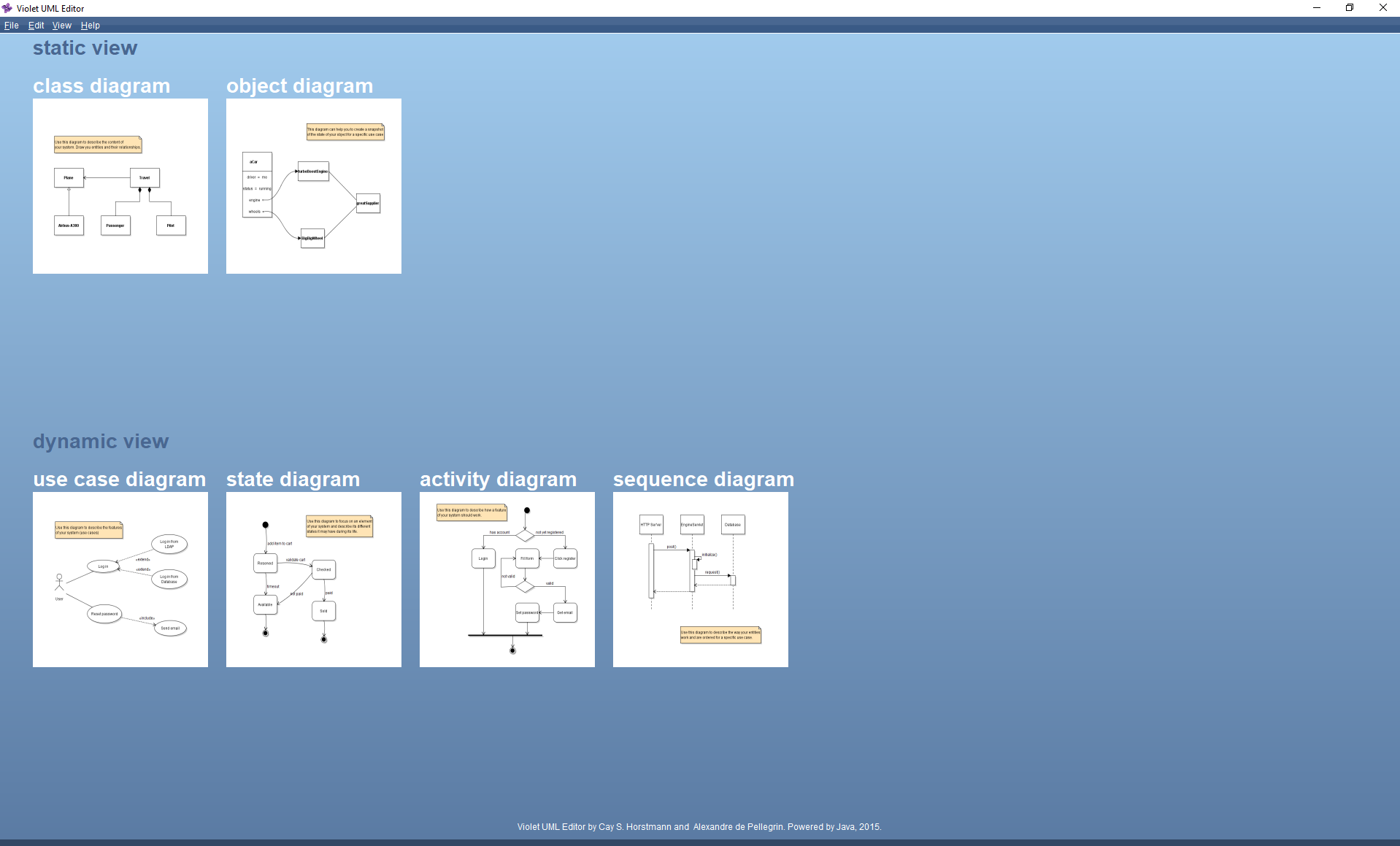
Ensure that Violet UML Editor runs correctly. After running, Violet UML Editor should look similar to the screenshot below.
Return to each story and verify its acceptance criteria. Preserve the submission format and destination stated in the activity; a reading, setup guide, lab, video demonstration, and oral final may require different evidence.
Prepare the UML editor