The purpose of this assignment is to expose you to the idea of Entity Relationship Diagrams and how to use Visio. You will be using this tool heavily in the coming semesters.
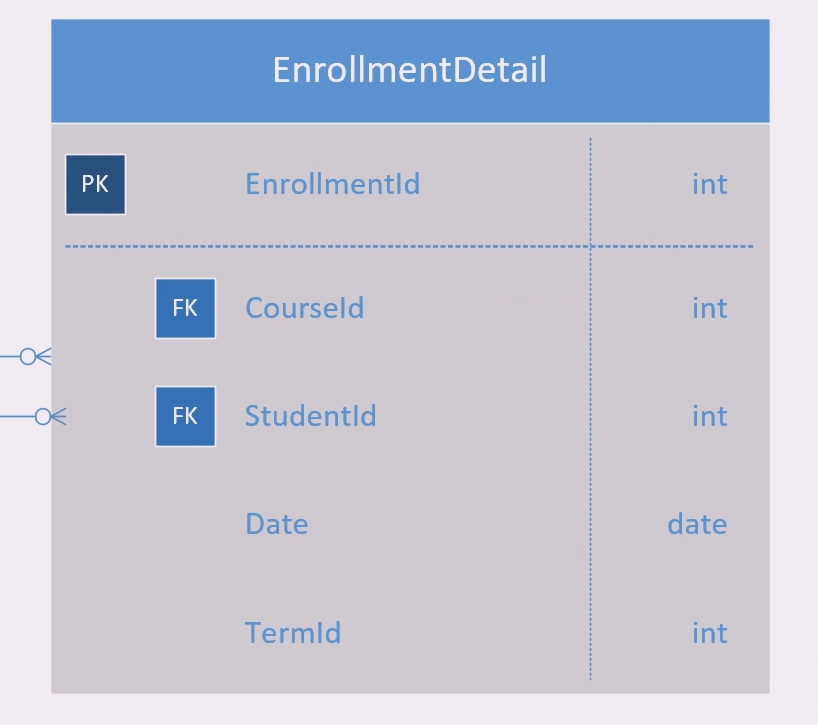
This diagram is called an Entity Relationship Diagram (ERD) and shows how different tables and data are related to one another. You will learn about how to create these diagrams yourself in Data Concepts but for now we want to be familiar with the different parts of the diagram and how to use Lucidchart.
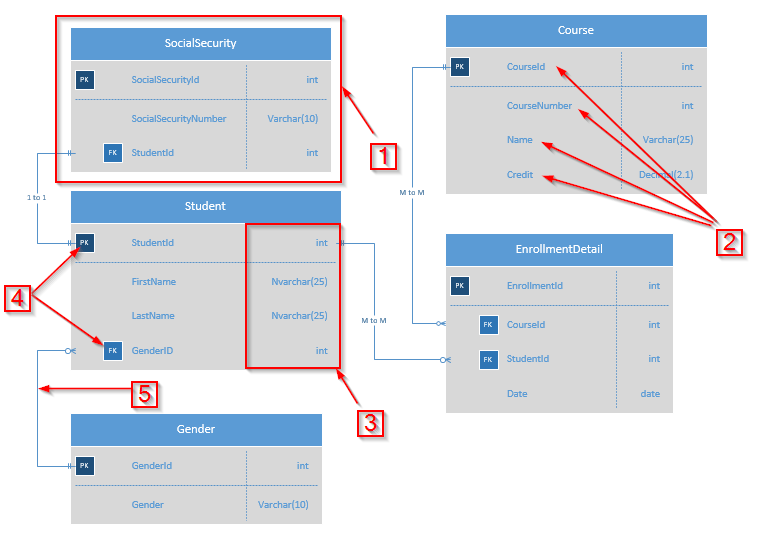
- This is an Entity node and what would be the equivalent of a table.
- These are the Attributes of an Entity and what would be the columns of a table.
- These are the data types of the the Attributes.
- These signify the Primary Keys and Foreign Keys in the tables.
- These connectors represent the relationships between the tables. We use Crow's Foot Notation to signify relationships such as 1 to 1, 1 to Many and Many to Many.
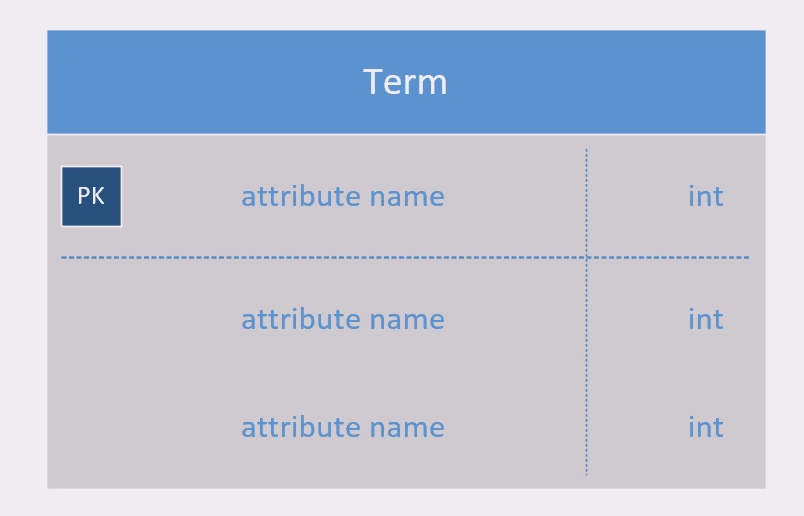
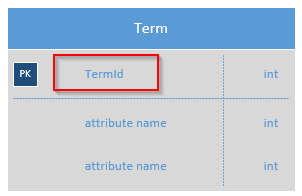
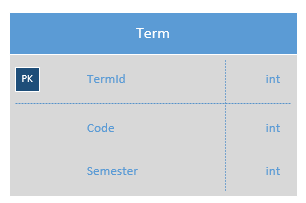
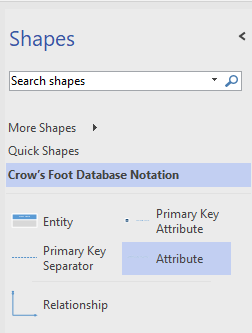
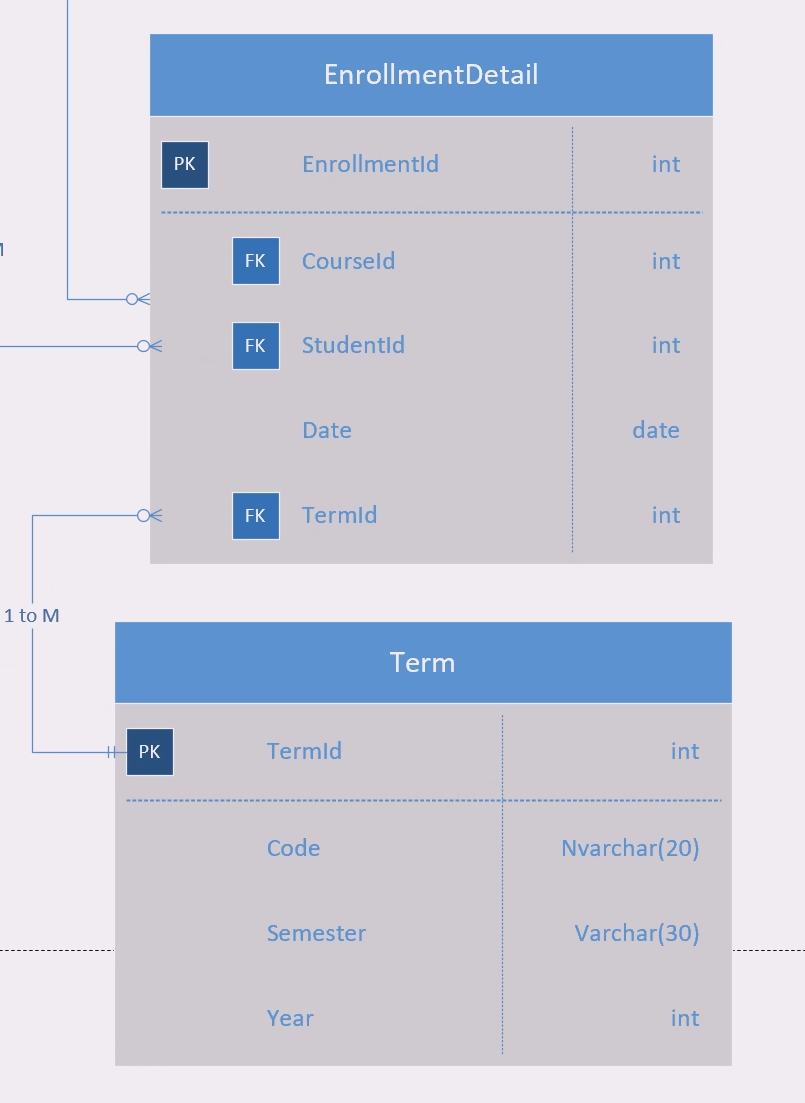
We would like a way to represent different Terms in this diagram so let's add an entity (table) for that.
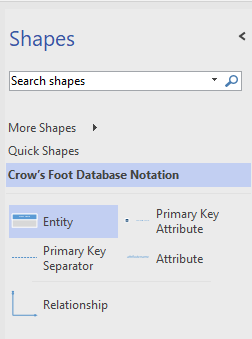
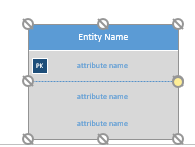
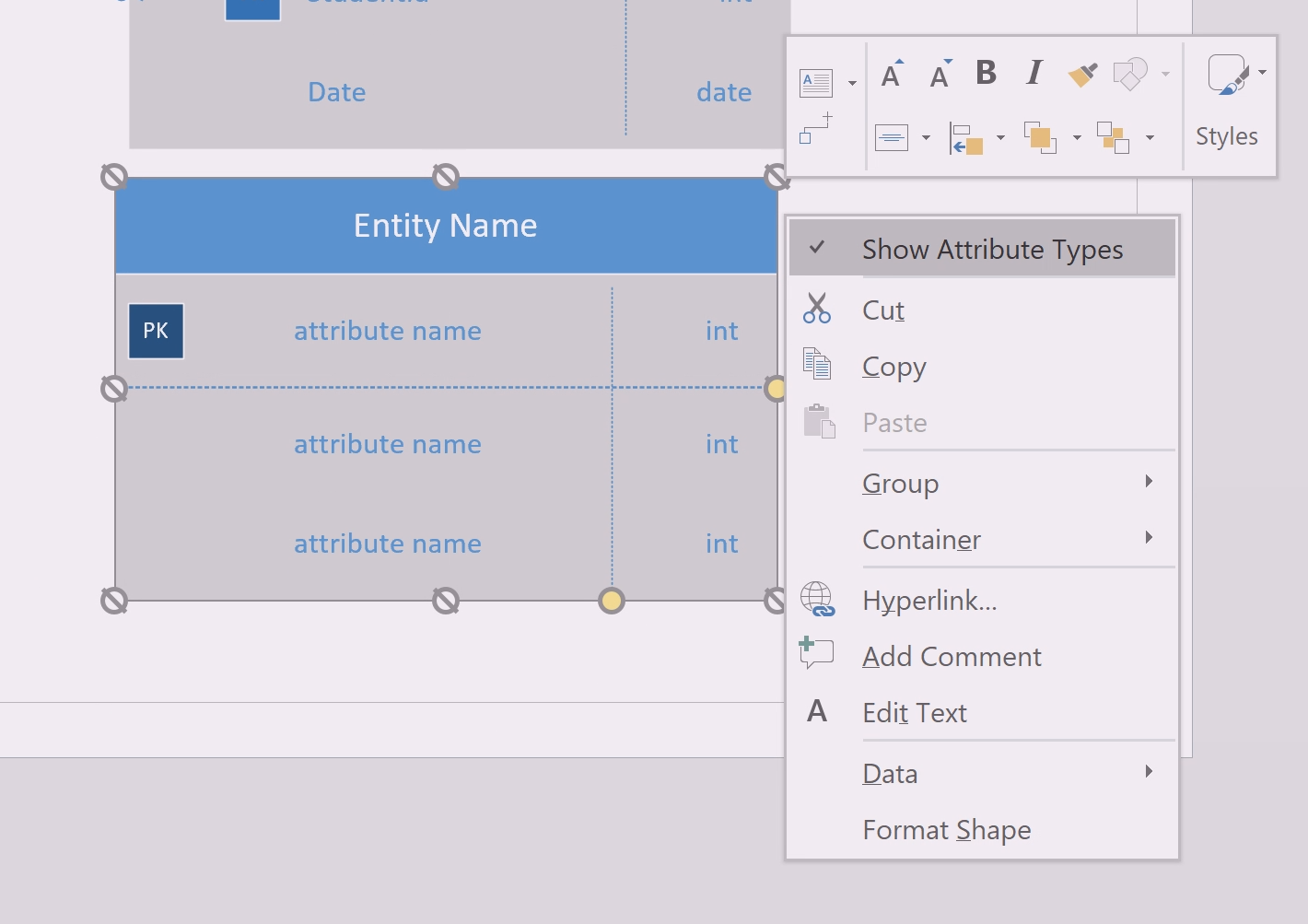
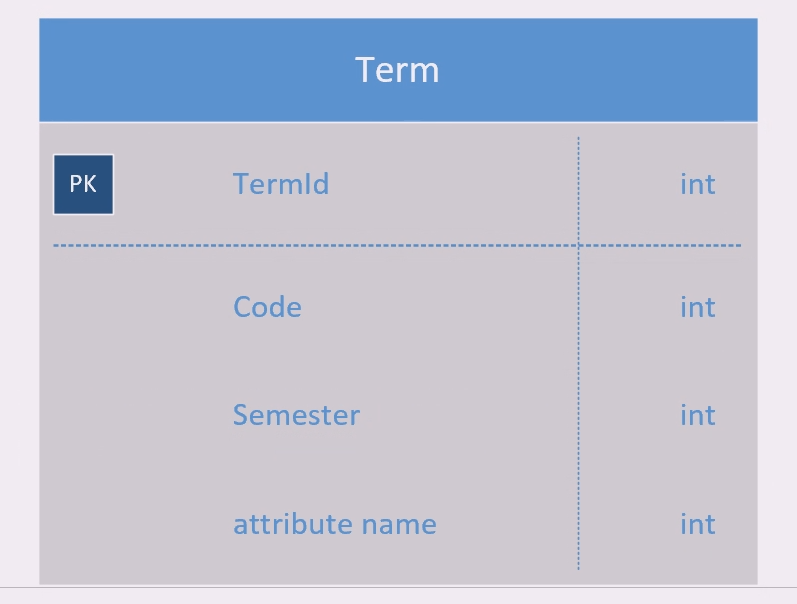
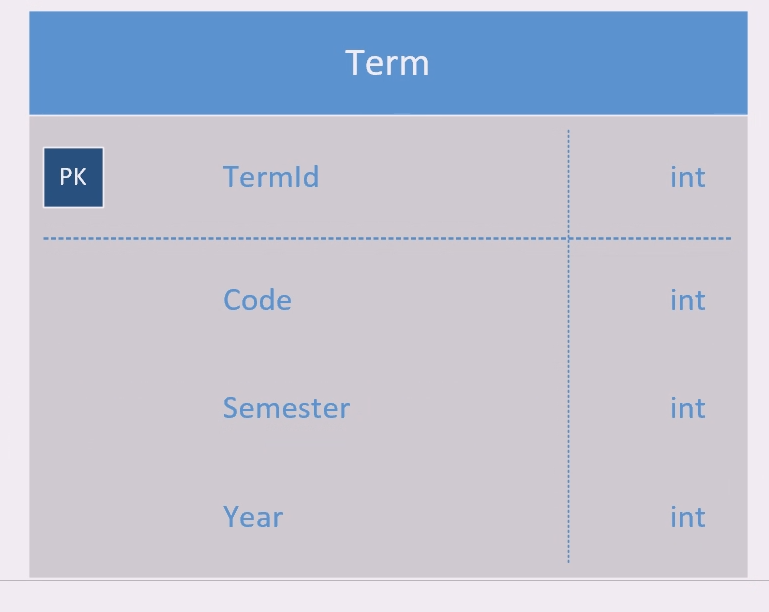
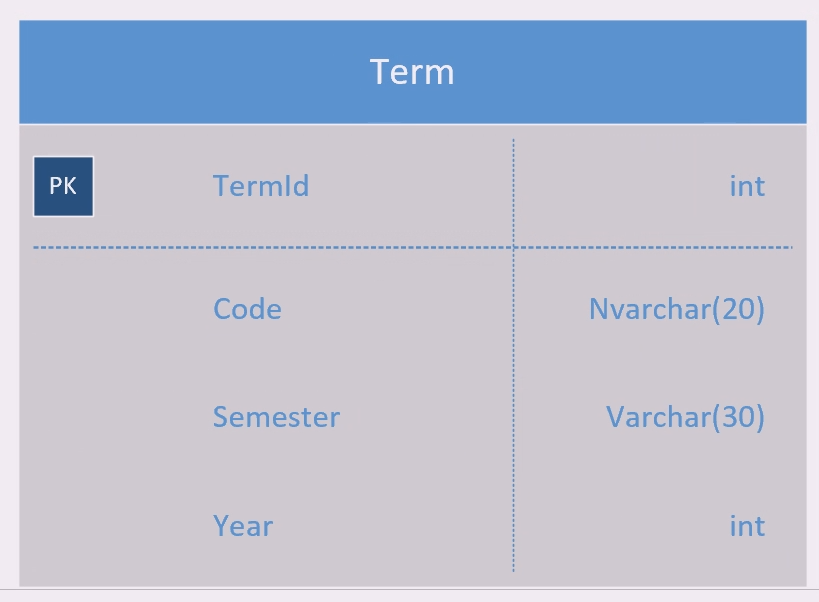
Nvarchar is the type and the (20) shows the limit of the length. Not all data types will have a limit.
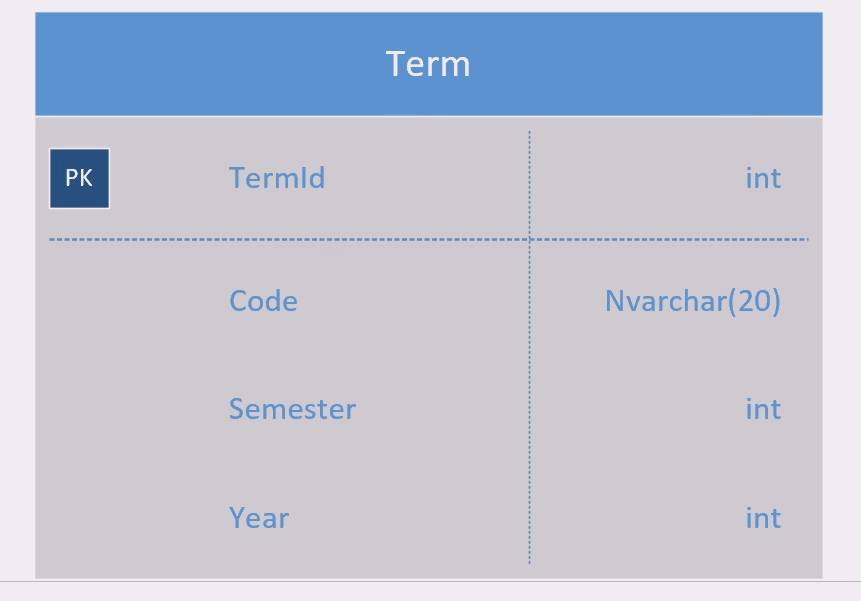
When you click on the Entity, you can drag the yellow circle that lines up with the vertical blue line to change the size of the columns to make text fit in one line.
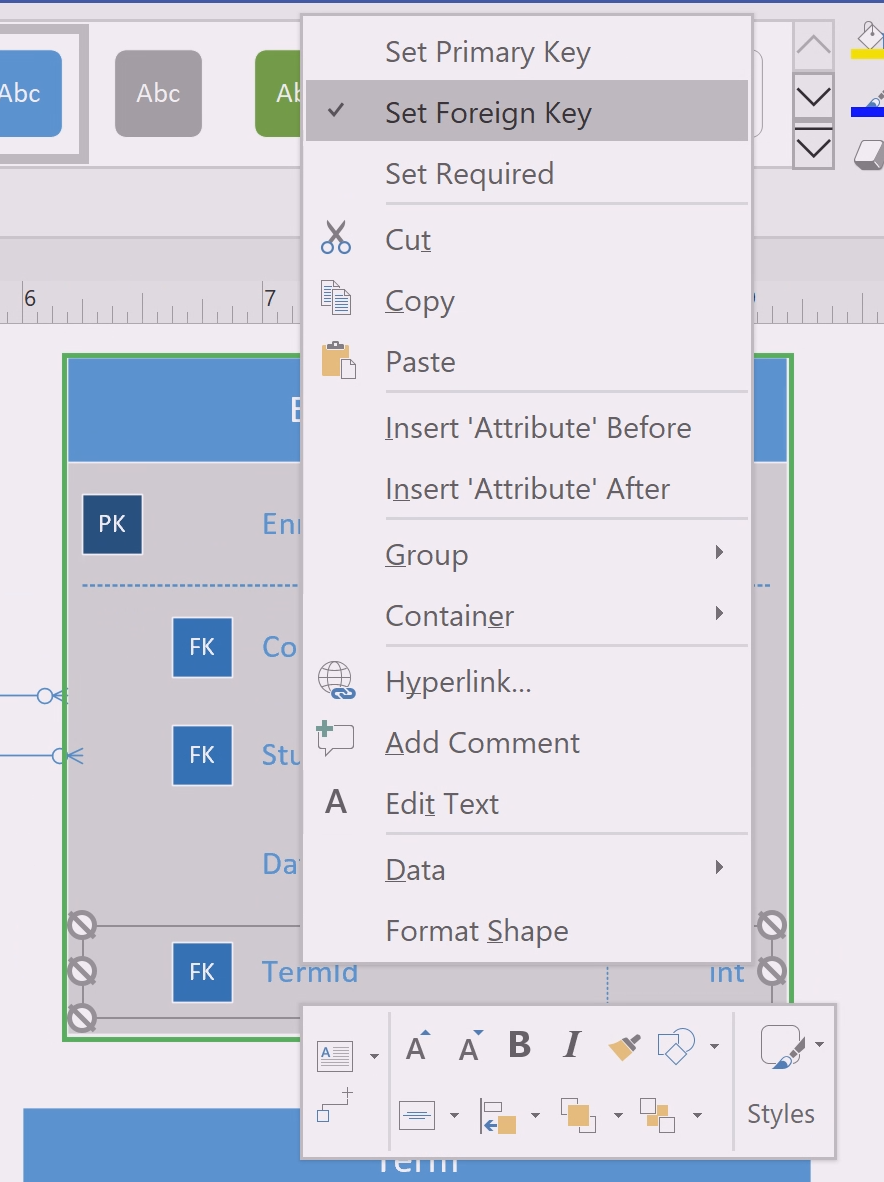
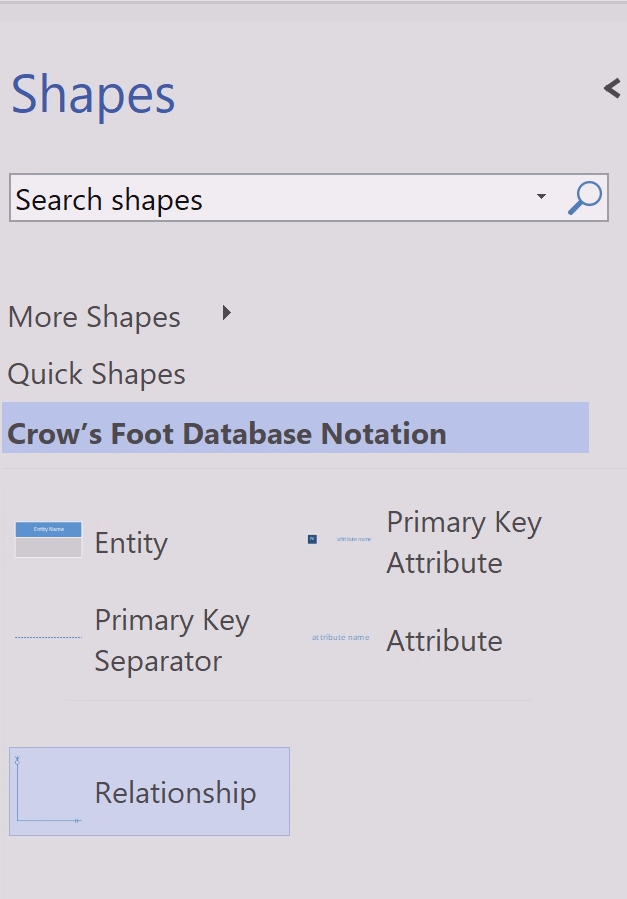
You can also use 'Ctrl + 3' and click and drag the relationship line from TermId in the Term entity to TermId in the EnrollmentDetail entity.
The two vertical lines stand for "one and only one" so we can read the relationship as "An enrollment detail can have one and only one term ID". The crow's stand for "many" so we can read the relationship as "term identities can be used by many enrollment details".
© 2026 Northcentral Technical College