Overview
For this assignment we will focus on instantiating an object and assigning that object's fields. You will
also notice that instructions have been reduced for this assignment. As you go on in this degree
assignment instructions will dwindle and it will be up to you to solve problems yourself.
-
Copy over your First Day 0.4 Assignment.
Go to top -
Instantiate a Laptop.
The student has a Book in their Backpack but we also want them to put a laptop in their bag.
this.Student.Backpack.Laptop = new Laptop();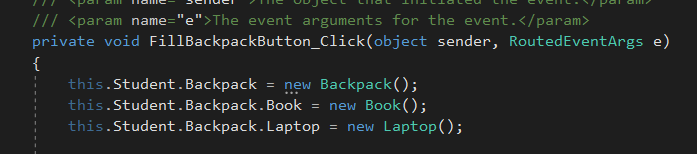
Instantiate Laptop
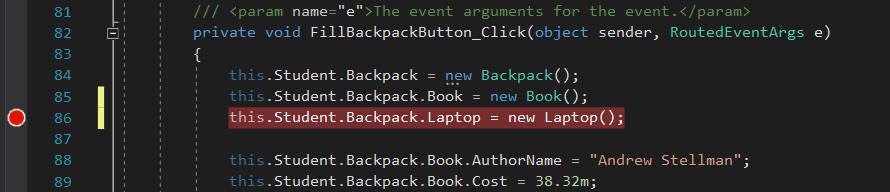
Set Breakpoint
because a Student does not exist when you try to instantiate something that belongs to the
Student (the Backpack).
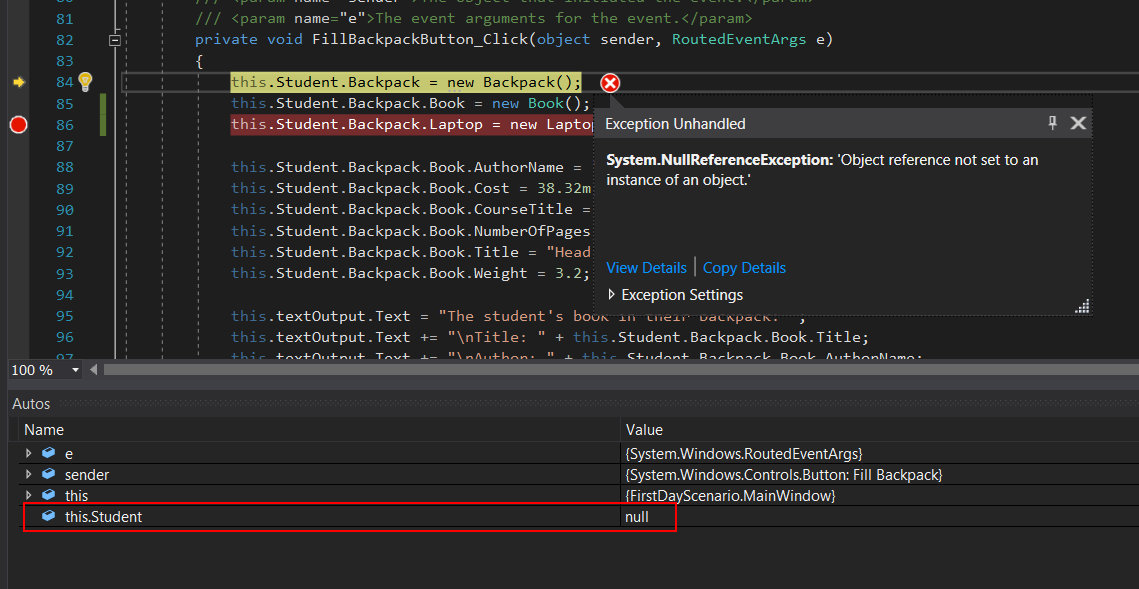
Null Student
Backback'.
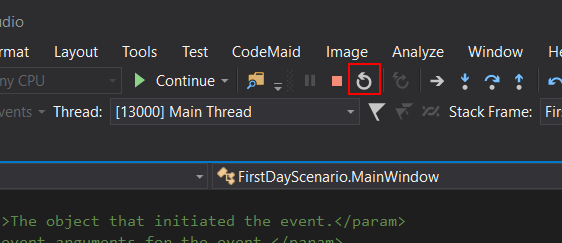
Restart Button
has not yet executed.
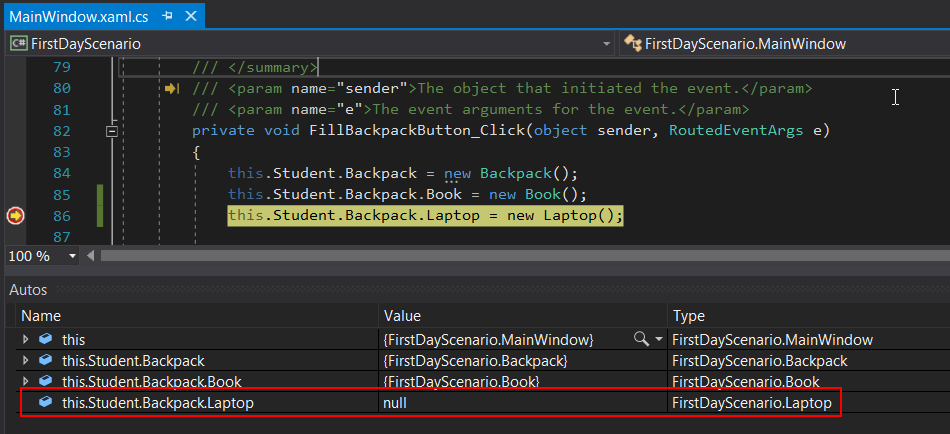
Laptop in Autos
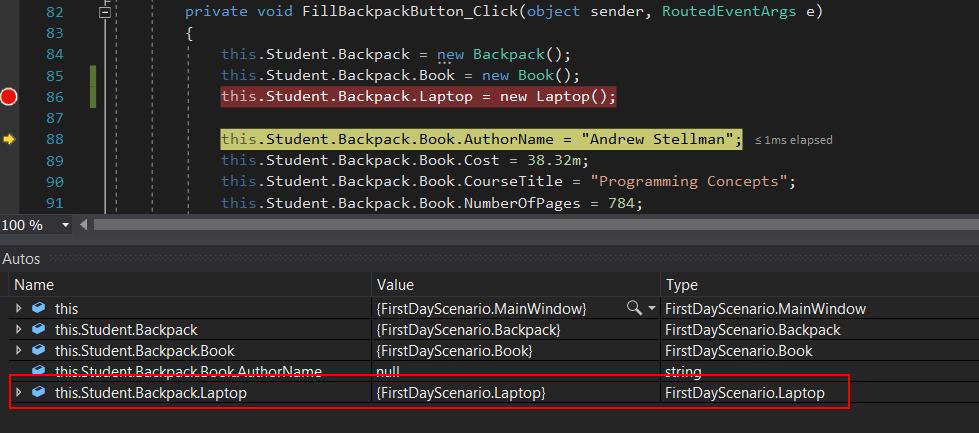
Laptop Object
Go to top -
Give the laptop fields values and calculate the total weight of the backpack.
dot notation.
Book's Weight and the Laptop's Weight.
this.Student.Backpack.Weight = this.Student.Backpack.Book.Weight + this.Studen
C.
Under the lines of code that assign the Text, paste the code below.
this.textOutput.Text += "\n\nThe student's laptop in their backpack: ";this.textOutput.Text += "\nManufacturer: " + this.Student.Backpack.Laptop.Manu this.textOutput.Text += "\nWeight: " + this.Student.Backpack.Laptop.Weight;this.textOutput.Text += "\nTotal Backpack Weight: " + this.Student.Backpack.We
Text Output
application should look like the image below.
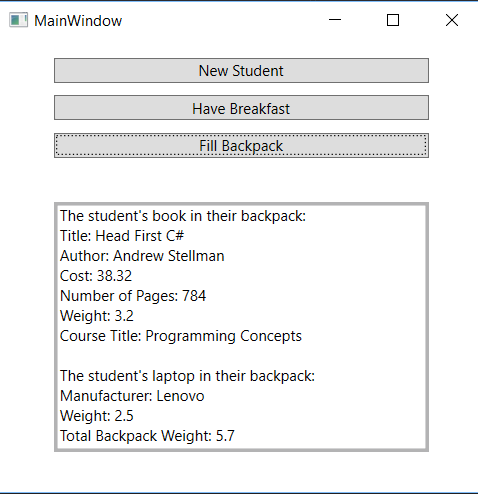
Application End
Go to top -
Submit to the Feedback System and submit the URL to Canvas.
Go to top