0.3 Parcheesi Assignment

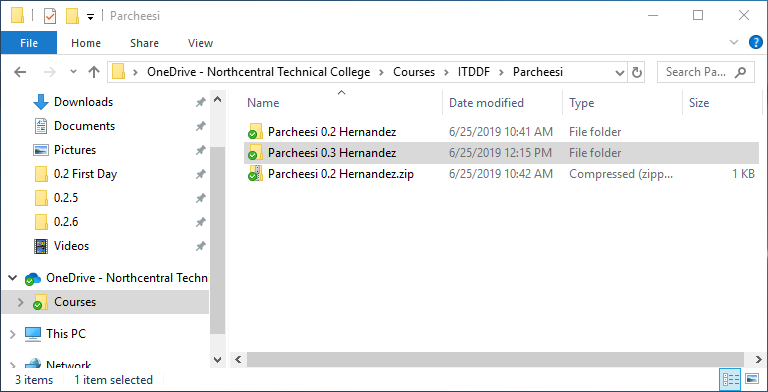
  1. Copy your old Parcheesi diagram to work off of.

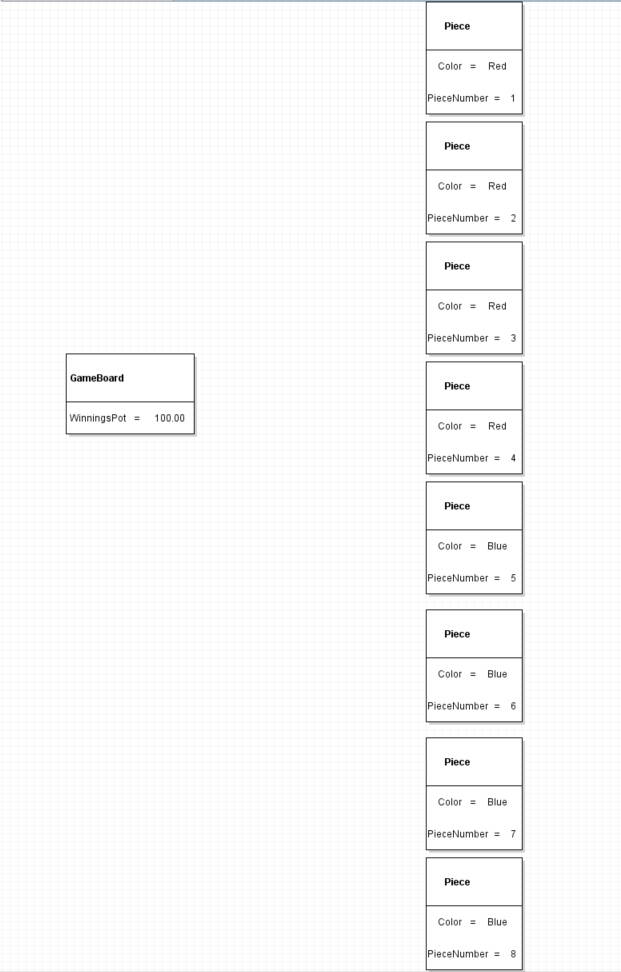
    We are going to continue working off last module's Parcheesi diagram by modifying it. This will
    be common in Programming Concepts.

    0.3 Parcheesi 1 Snip Copy
    0.3 Parcheesi 1 Snip Copy.png
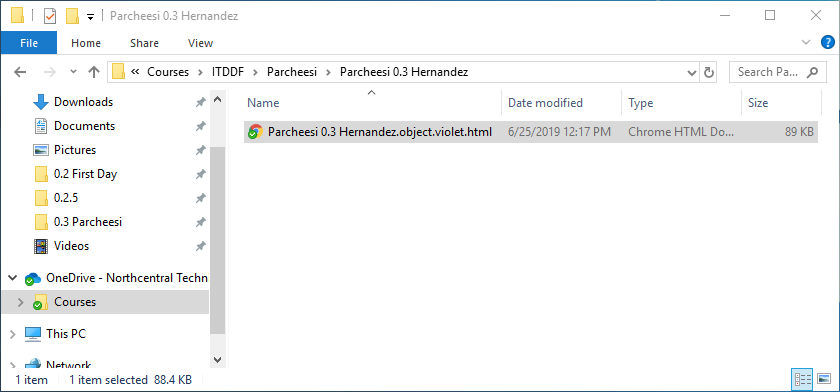
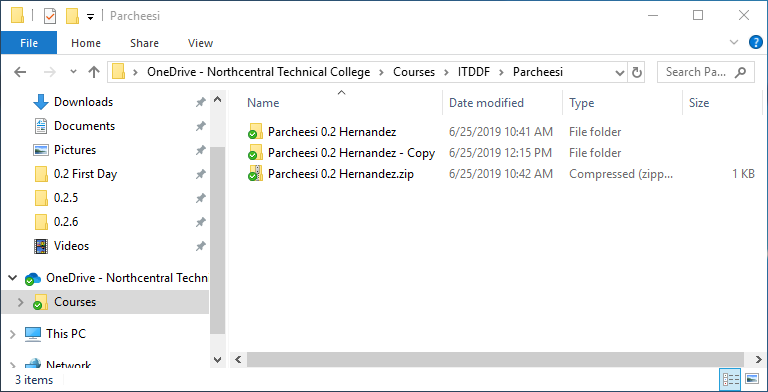
    0.3 Parcheesi 1 Snip RenameFolder
    0.3 Parcheesi 1 Snip RenameFolder.png
    0.3 Parcheesi 1 Snip RenameDiagram
    0.3 Parcheesi 1 Snip RenameDiagram.png
    Instructional image from 0.3 Parcheesi Assignment, page 2

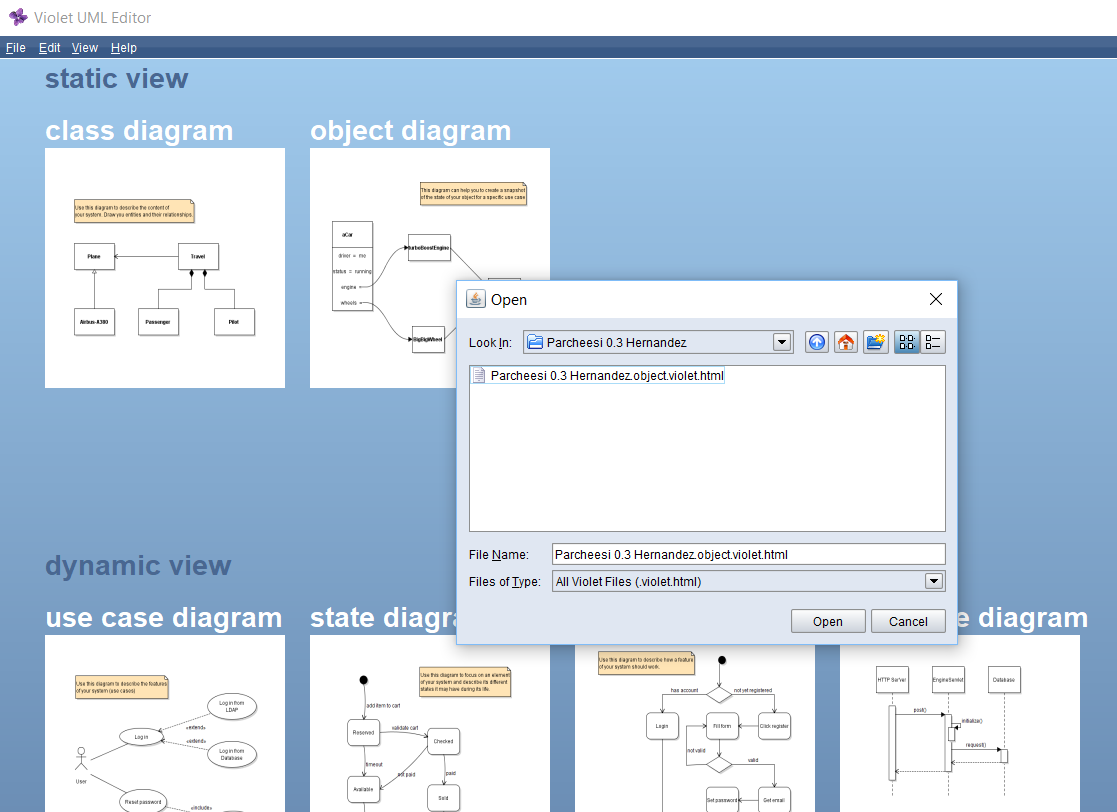
    Open File

    Go to top
  2. Add Players to the diagram

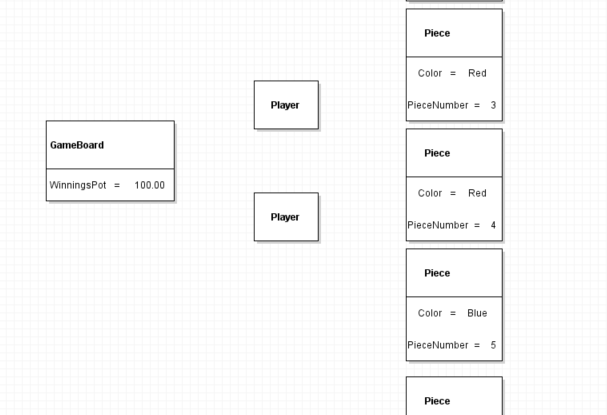
    We have a game board and pieces, but no players to play the game! We have made changed
    to the structure of the application that we will need to reflect in the diagram.

    Instructional image from 0.3 Parcheesi Assignment, page 4

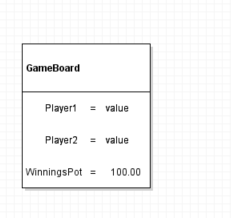
    Delete GameBoard Fields

    Instructional image from 0.3 Parcheesi Assignment, page 5

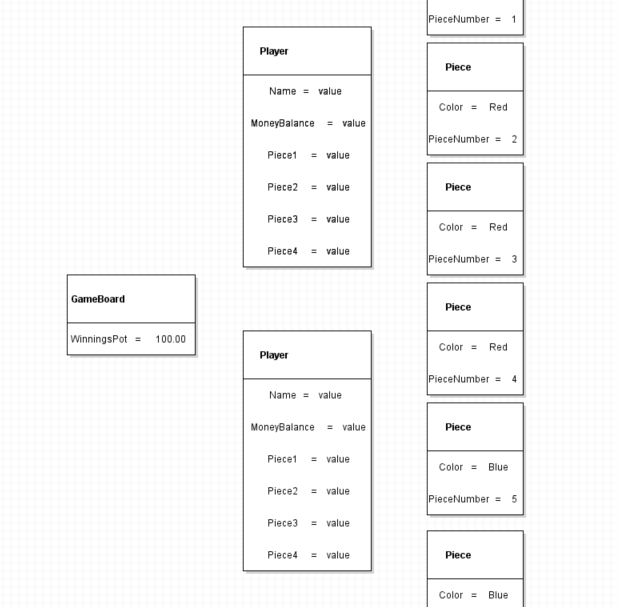
    Add Players

    Instructional image from 0.3 Parcheesi Assignment, page 6

    Add Player Fields

    Instructional image from 0.3 Parcheesi Assignment, page 7

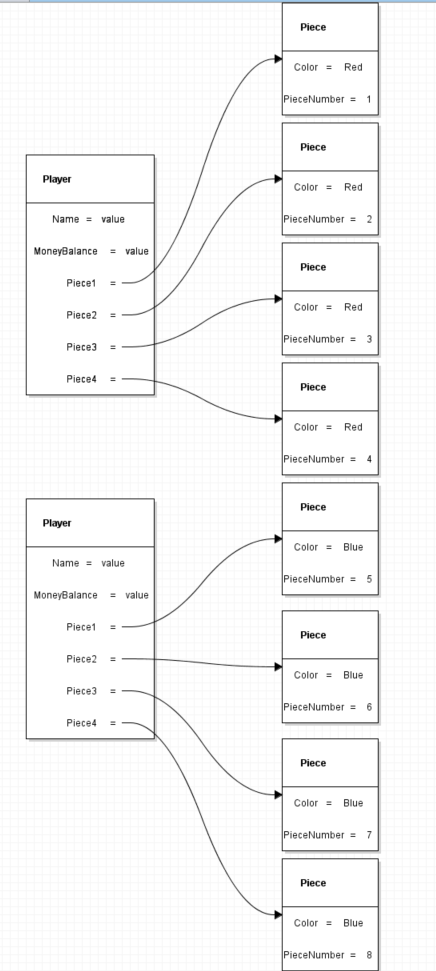
    Connect Fields to Objects

    Instructional image from 0.3 Parcheesi Assignment, page 8

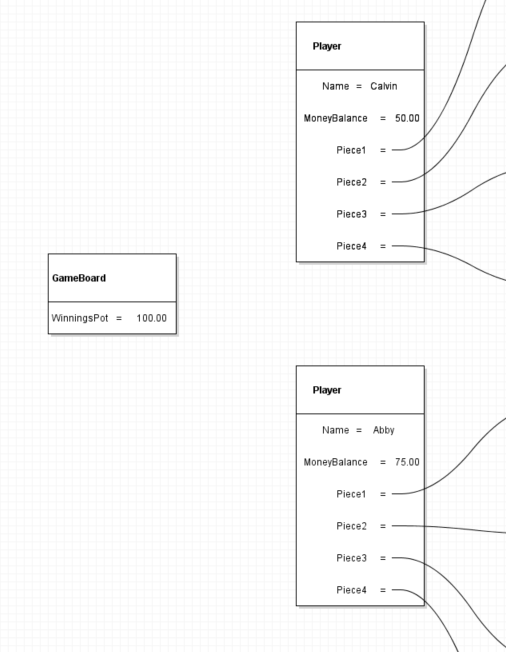
    Player Values

    Instructional image from 0.3 Parcheesi Assignment, page 9

    GameBoard Players

    Instructional image from 0.3 Parcheesi Assignment, page 10

    Connect Players

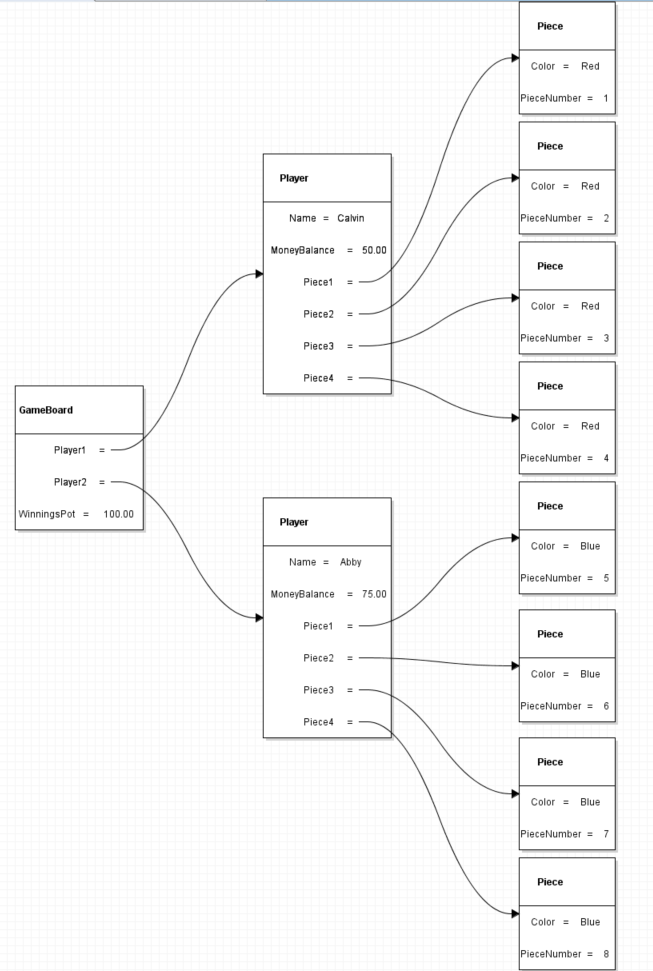
    We now have a diagram of a GameBoard that has a WinningsPot and 2 Players and those
    Players each have a Name, MoneyBalance, and 4 Pieces that are Piece objects.
    Go to top
  3. Submit to the Feedback System.

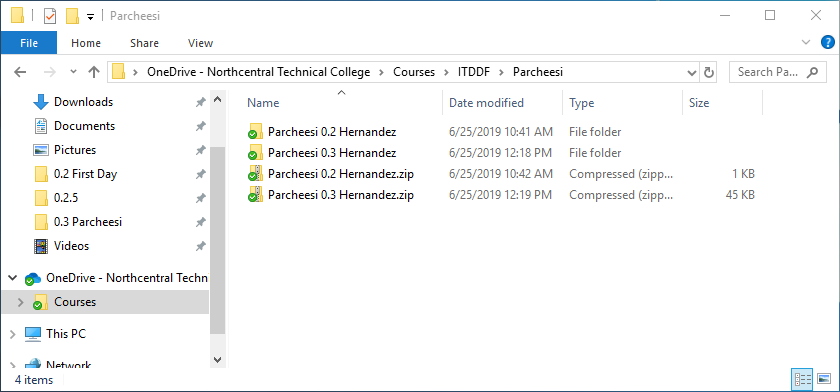
    0.3 Parcheesi 3 Snip Zip
    0.3 Parcheesi 3 Snip Zip.png
    Go to top