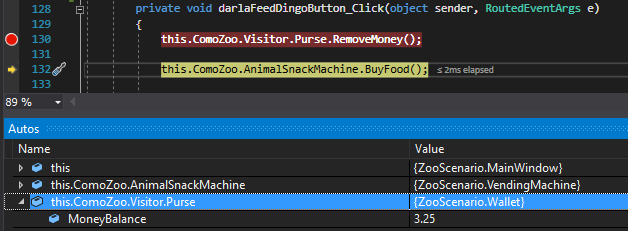
The phrases 'Press F10' and 'Step over' are used interchangeably. They are both used to express executing a line of code without going into any of the details that that line of code might have.
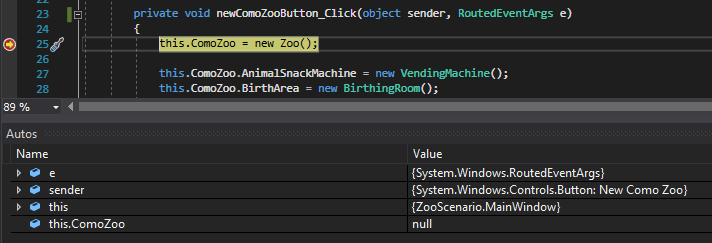
For instance, if I were to set a breakpoint on the line of code that instantiates a new zoo, that line has not run yet. Notice how the ComoZoo Value is null.
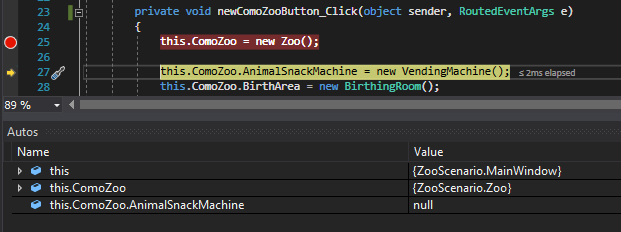
When I press F10 the debugger executes that line of code and the 'pointer' moves to the next line of code. Notice how the ComoZoo object is now has a Value.
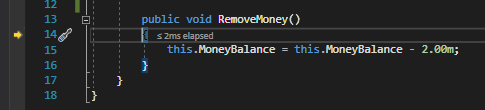
The real power of F10 comes when executing lines of code with other code inside it. For instance, if I want to Step Into (F11) the RemoveMoney method to see what the method does I can set a breakpoint on the call...
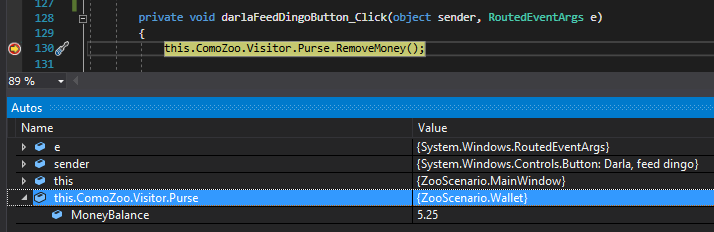
and press F11 and the debugger will step into the method.
However, if I set a breakpoint on the call to RemoveMoney and press F10, the debugger will execute all of the code within the RemoveMoney method and stop on the next line of code. Notice how the MoneyBalance Value is affected.